Instagram integration
Instagram, connected beside your WhatsApp
DMs your team and the AI answer, comments, automations, posts, insights and ads, beside WhatsApp. An add-on on Basic and up.
Add-on · Basic and upCancel any timeWhatsApp number first
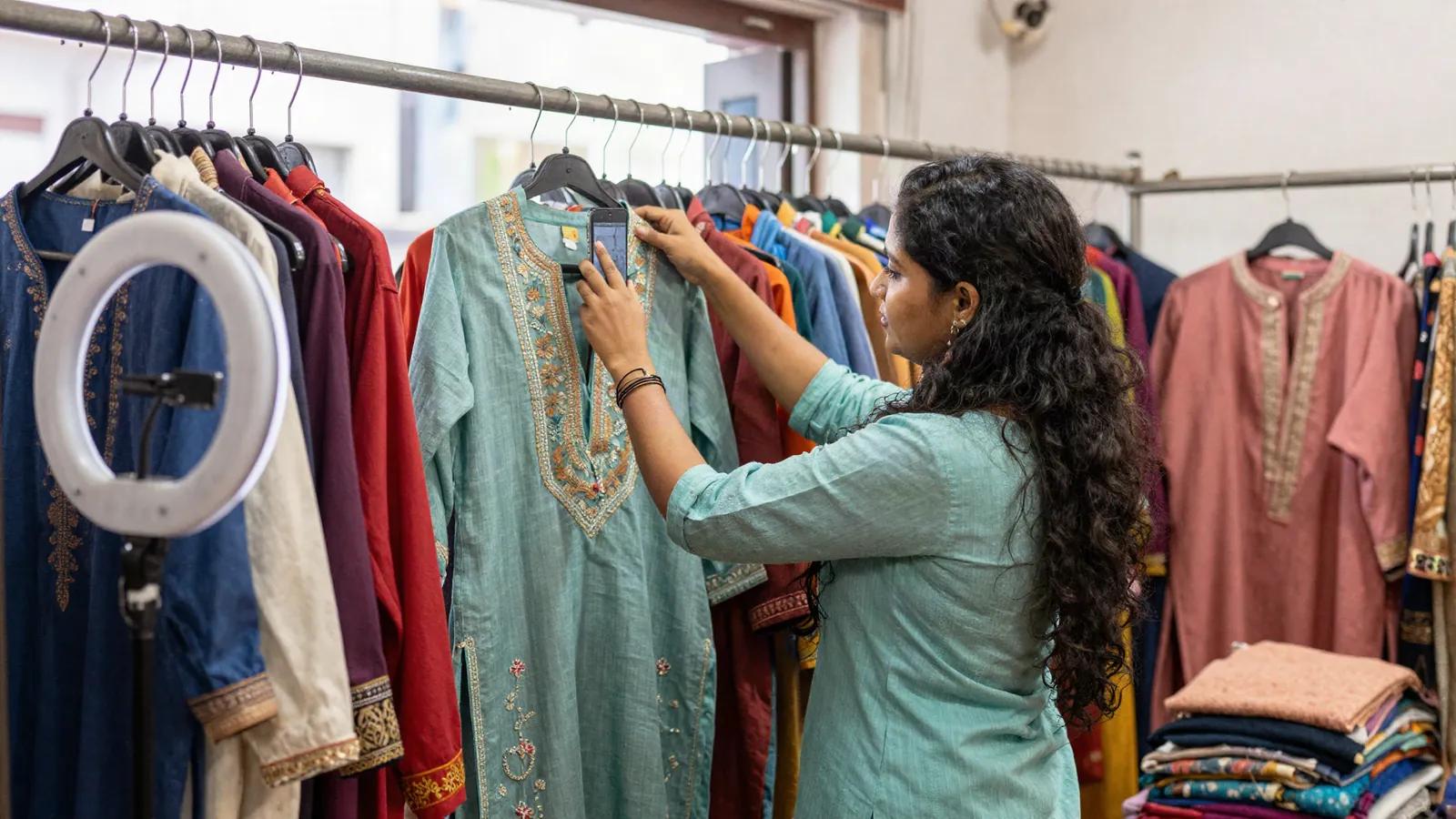
Replied to your story: Is the linen kurta from the reel available in M?
Hi! Yes, the linen kurta comes in S, M and L, and M is in stock in all three colours. Which colour did you like?
The sage green one. Do you deliver to Pune?
We do 😊 Could you share your pin code? Our team will confirm the delivery date with you here.
What it does
What you get with Instagram
Drawn with the dashboard’s own pieces, with sample data.
A DM inbox of its own
Beside WhatsApp, never mixed. The same AI assistant answers in plain text, paid per reply.
Instagram DirectMineAll- IIshita Rao @ishita.rao9:16 pmAI: Could you share your pin code?
- FFarhan Ali @farhan.clicks8:52 pmIs the blue one back in stock?2
- MMeera Kapoor @meera.k8:10 pmSending the size chart nowR Riya
- RRohan Gupta @rohan.g7:41 pmThanks, got it!A Arjun
Posts, reels and stories
Publish now or schedule up to 75 days ahead, with collaborators, trial reels and alt text.
New postDraftPhotoCarouselReelStoryThree ways to style the linen kurta ✨ Which one is your favourite? #linen #festivewearCover imageShow in profile gridTrial reel @yourstylistPaid partnershipFirst comment · Shop all three looks from the link in our bioPublish nowSchedule Fri, 10 Oct 7:00 pmSave draftSchedule postComments and mentions
Reply in public or once by DM, hide or delete; automations DM whoever comments a keyword.
Instagram commentsOn your posts, reels and stories, and where people @mention youNeeds replyAllMentionsHiddenP@priya.stylesReel · linen kurta· 2mPrice please? 😍
Fliok AI · public replyThank you! We have sent you the details in a DM 💌
Also sent a DM with the details
R@rahul_mCarousel · festive edit· 18mDo you ship to Bangalore?
Reply Reply by DMT@thestylediaryMention· 1hLoved styling this piece from @yourbrand!
ReplyInsights and ads
Who answered DMs and how fast, beside reach, top posts and up to 10 competitors; then boost.
Insights7 days28 days90 daysFollowers4,812Views61.2KReach18.4KInteractions2,307Best time to postFollowers online by hour of the day9a11a1p3p5p7p9p11p
Setup
Connect Instagram in 3 steps
- 1In Your accounts
Get your accounts ready
Connect your WhatsApp number to Fliok first. Use a professional account linked to a Facebook Page, with “Allow access to messages” on.
- 2In Fliok
Connect with Facebook
An admin opens Settings → Integrations → Instagram Direct and signs in with Facebook Login for Business.
- 3In Fliok
Pick the account
If several were shared, pick the one this workspace answers from.
Instagram DM inbox with AI replies, comment replies and automations, posts and scheduling, insights and Instagram ads. Cancel any time. Prices exclude 18% GST.
- How it connects
- Facebook Login for Business
Good to know
- One Instagram account per workspace, and one workspace per account.
- Businesses cannot message first; replies only within 24 hours of the customer’s last message.
- Your team sends text or one photo; videos and files are received only.
- Chatbot flows and auto replies run on WhatsApp only; Instagram has its own automations. The AI follows up on both, on Instagram only inside the 24 hours.
It is an add-on on Basic and up: ₹499/month in India, excluding 18% GST, or $9/month outside India, cancel any time. You add it yourself: tick “Add Instagram” while choosing your plan, or add it later in Plan & billing. Then connect your Instagram account in Settings, Integrations. Workspaces that already had Instagram keep it at no extra charge.
A WhatsApp number connected to Fliok first, an Instagram professional account (business or creator) linked to a Facebook Page with “Allow access to messages” on, and an admin or the owner to connect it.
No. You sign in on Facebook’s own screen and choose what to share. Fliok stores the access you grant, encrypted.
Basic or above, with the Instagram add-on. AI replies also need the AI assistant, on the same plans, paid from the AI wallet.
Your Instagram, beside your WhatsApp
An add-on on Basic and up: ₹499/month, cancel any time. Prices exclude 18% GST.
Free forever plan · Keep your WhatsApp app