How to send bulk WhatsApp messages without getting banned
Bulk sender apps and extensions get numbers banned. The safe way is Meta’s official API: opt-in, approved templates and your messaging limit, step by step.
Fliok blog
Plain explanations of Meta's rules and of what Fliok does with them: broadcasts without bans, chatbots and AI, coexistence, templates, pricing, ads, Instagram and integrations. Written by the team that builds the product.

Bulk sender apps and extensions get numbers banned. The safe way is Meta’s official API: opt-in, approved templates and your messaging limit, step by step.
Keep reading

Bulk sender apps and extensions get numbers banned. The safe way is Meta’s official API: opt-in, approved templates and your messaging limit, step by step.

How a WhatsApp chatbot works, what Meta allows in buttons and lists, and how to build one without code, from a welcome menu to a handover to your team.

An AI agent answers WhatsApp enquiries from your business facts at any hour and passes the chat to a person when it should. How it works, and its limits.

Someone comments a word like LINK and gets a DM. How comment-to-DM works, Instagram’s one-reply-in-7-days rule, and how to set it up in Fliok.

Send order confirmations, shipping updates, COD checks and abandoned-cart reminders on WhatsApp from Shopify or WooCommerce, with approved templates.

Get IndiaMART and JustDial enquiries into one CRM the moment they arrive, give each an owner, and reply on WhatsApp in minutes. How the setup works.

The WhatsApp Business App links up to four devices. When a team needs its own logins, assignment and notes on one number, use a shared inbox.

What Click-to-WhatsApp ads are, how to set one up, what they cost, how to see which ad each WhatsApp lead came from, and how to report sales back to Meta.

Send sheet rows into a WhatsApp CRM, log new leads to a sheet, and send WhatsApp templates from Zapier, Make or Pabbly: what works, and on which plan.

Add a WhatsApp chat button to any website or WordPress site: a wa.me link, a floating button or a chat card, and how to turn form leads into chats.

WhatsApp Flows are forms inside the chat: lead forms, booking requests, feedback and sign-ups without a website. How they work, with ten examples.

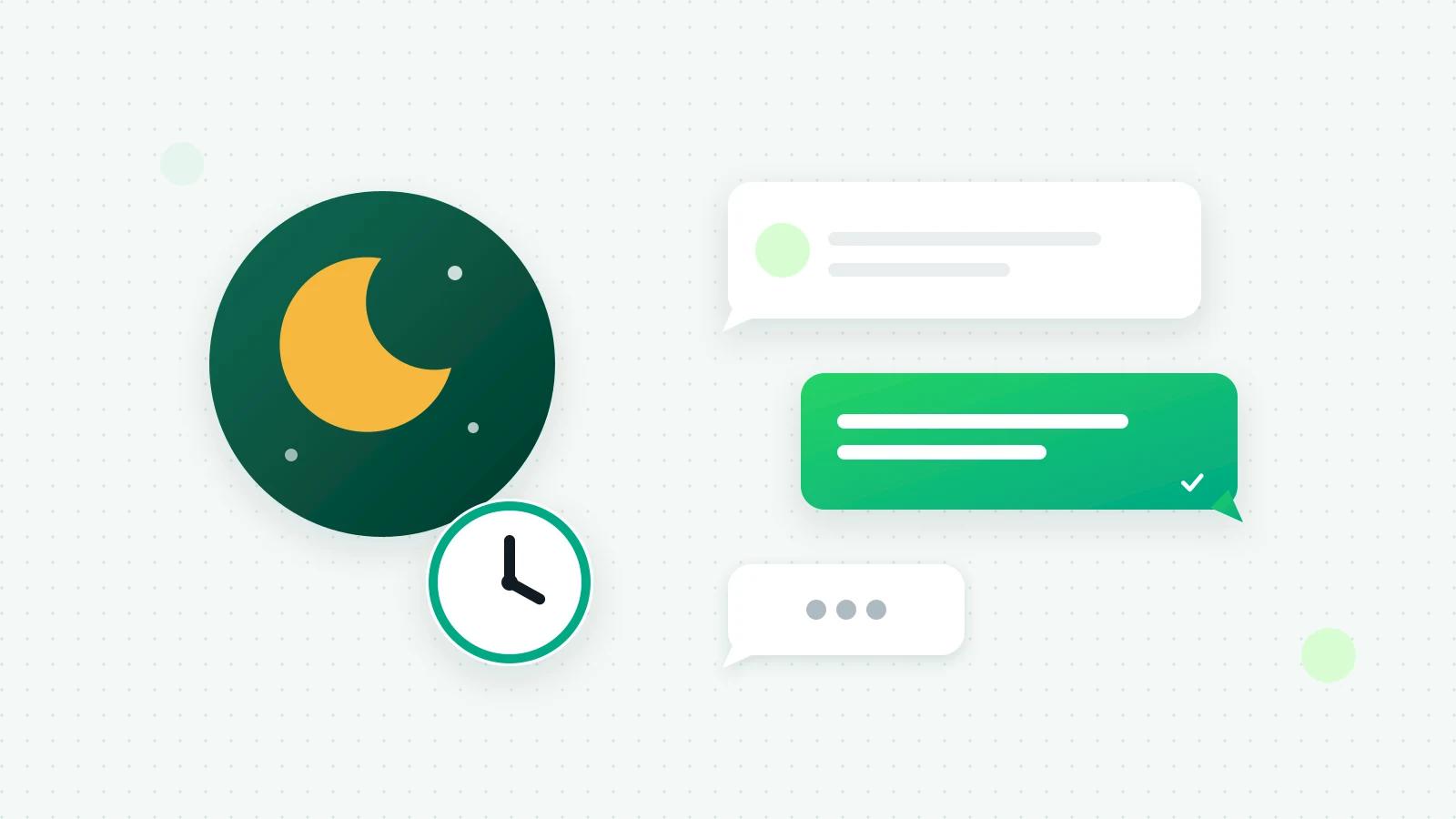
Copy-ready WhatsApp Business auto reply samples for welcome, away, after-hours, busy and holiday messages, and how to set them up in the app or on the API.

Fliok’s Instagram section: a shared inbox for Instagram Direct with AI replies, comment moderation, post scheduling, insights and ads, beside WhatsApp.

How a WhatsApp Pay request works in India: customers pay by UPI, card or netbanking without leaving the chat, into your own Razorpay or PayU account. Setup and limits.

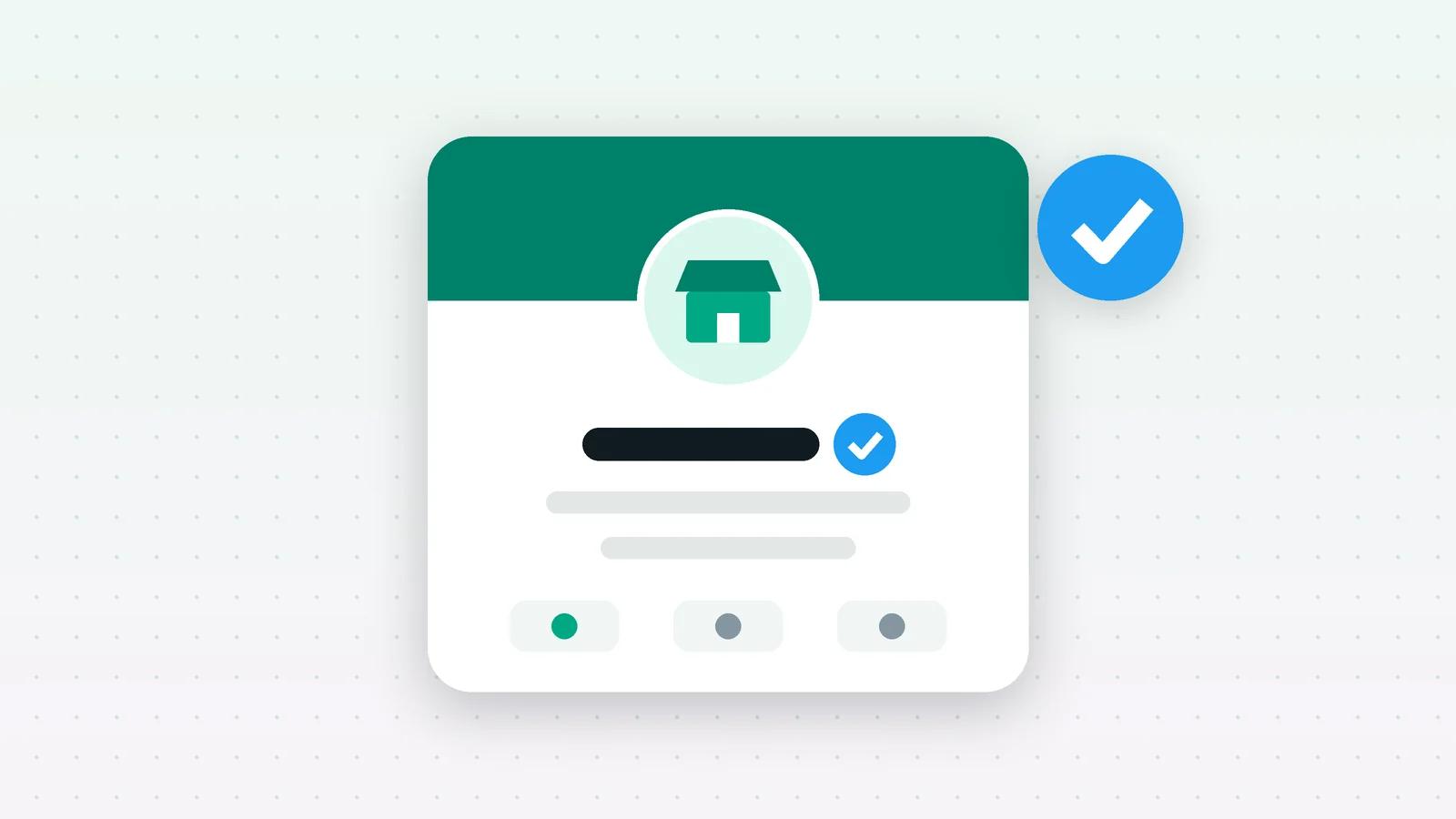
Only Meta grants the WhatsApp verified badge, an Official Business Account. What it is, Meta’s eligibility rules, how to apply and what to do if turned down.

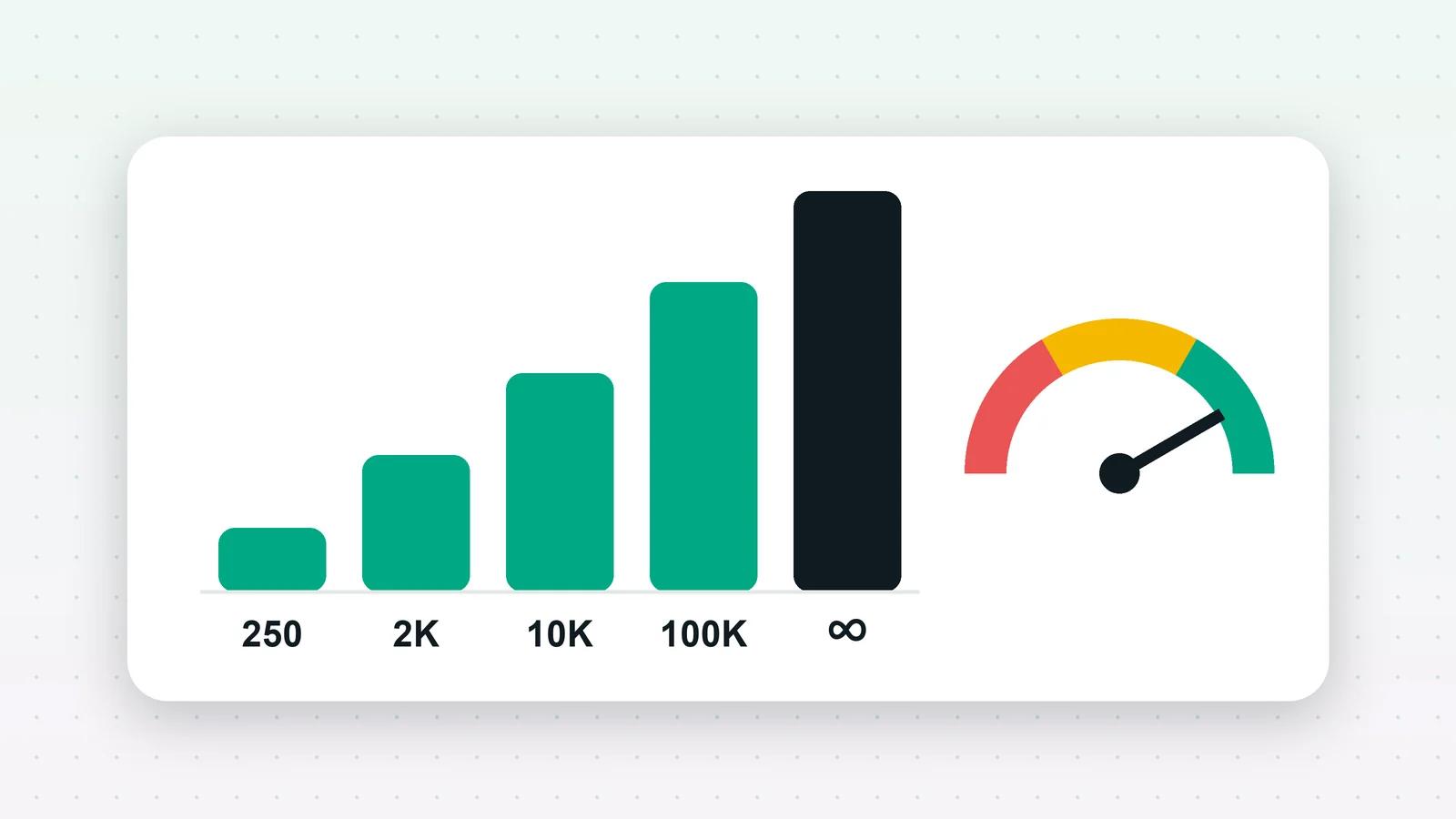
How many people you can message first in 24 hours, how Meta raises that limit, what your quality rating means, and how Fliok shows both for each number.
Meta’s coexistence mode runs one number on the WhatsApp Cloud API and in the WhatsApp Business App at once. What you keep, what changes, and how to connect.

The Business App is a free phone app you answer from yourself. The API adds a team inbox, broadcasts and automation. How they differ, and how to keep both.

What you need, how Meta’s embedded signup works, and what comes after it: business verification, display name approval, messaging limits and templates.

A practical way to run sales on WhatsApp: make every chat a lead, give it an owner and a next step, automate the reminders and review the pipeline every week.

A lead who messages you from a Click-to-WhatsApp ad opens a 72-hour window in which your messages are free. The catch: free-form replies still stop at 24 hours.

Meta charges per delivered message, and since October 2026 for replies too. What that costs in rupees, and why marketing messages fail with error 131049.

Business-initiated WhatsApp messages need a Meta-approved template. How categories and review work, and the errors (131008, 132012, 132001) that break sends.

From the Basic plan, each AI reply costs ₹0.10 from a prepaid wallet, plus Meta’s per-message fee. Other AI charges, how GST works, and what happens when it runs out.
Follow the RSS feed in any feed reader. There is no newsletter, so nothing lands in your inbox.
RSS feedTell us what you are trying to work out on WhatsApp. A person replies within one business day.
Talk to usThe Free plan connects one WhatsApp number, with no time limit.
Free forever plan · Keep your WhatsApp app