On this page
- What is a WhatsApp API webhook?
- WhatsApp API webhook setup with Meta: the verify token
- Checking that a webhook really came from Meta
- WhatsApp API webhook payload example
- WhatsApp API webhook not working: a checklist
- With Fliok: no Meta webhook to build
- Fliok’s signed webhooks for your own systems
- Plans and limits
- Frequently asked questions
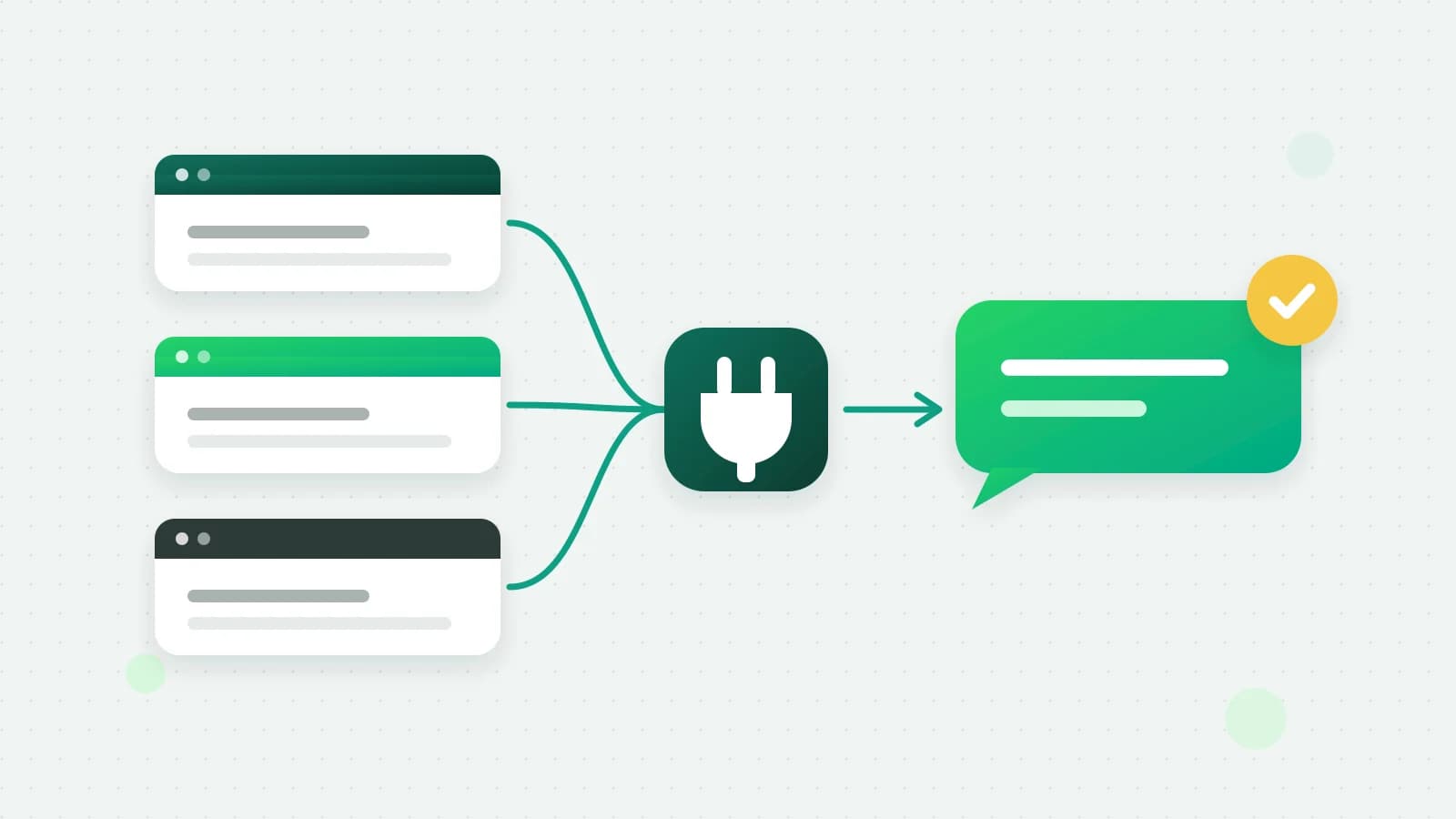
A WhatsApp API webhook is the address where Meta tells your system that something happened: a customer sent a message, a message you sent was delivered or read, or a template was approved. Without one, you cannot receive WhatsApp messages through the API at all. This guide explains how Meta’s webhook setup works (the verify token, the signature and the payload), why webhooks stop working, and how Fliok handles Meta’s side and sends its own signed webhooks to your systems.
What is a WhatsApp API webhook?
A webhook is an HTTPS address on your server that receives a POST request from Meta each time an event happens. For WhatsApp, the main events are incoming messages and status updates for the messages you sent (sent, delivered, read, failed). Your server answers quickly with HTTP 200 and does the real work afterwards.
There are two webhooks to keep apart:
- 1Meta’s webhook, from Meta to whoever runs your WhatsApp connection. If you use a platform such as Fliok, the platform receives it.
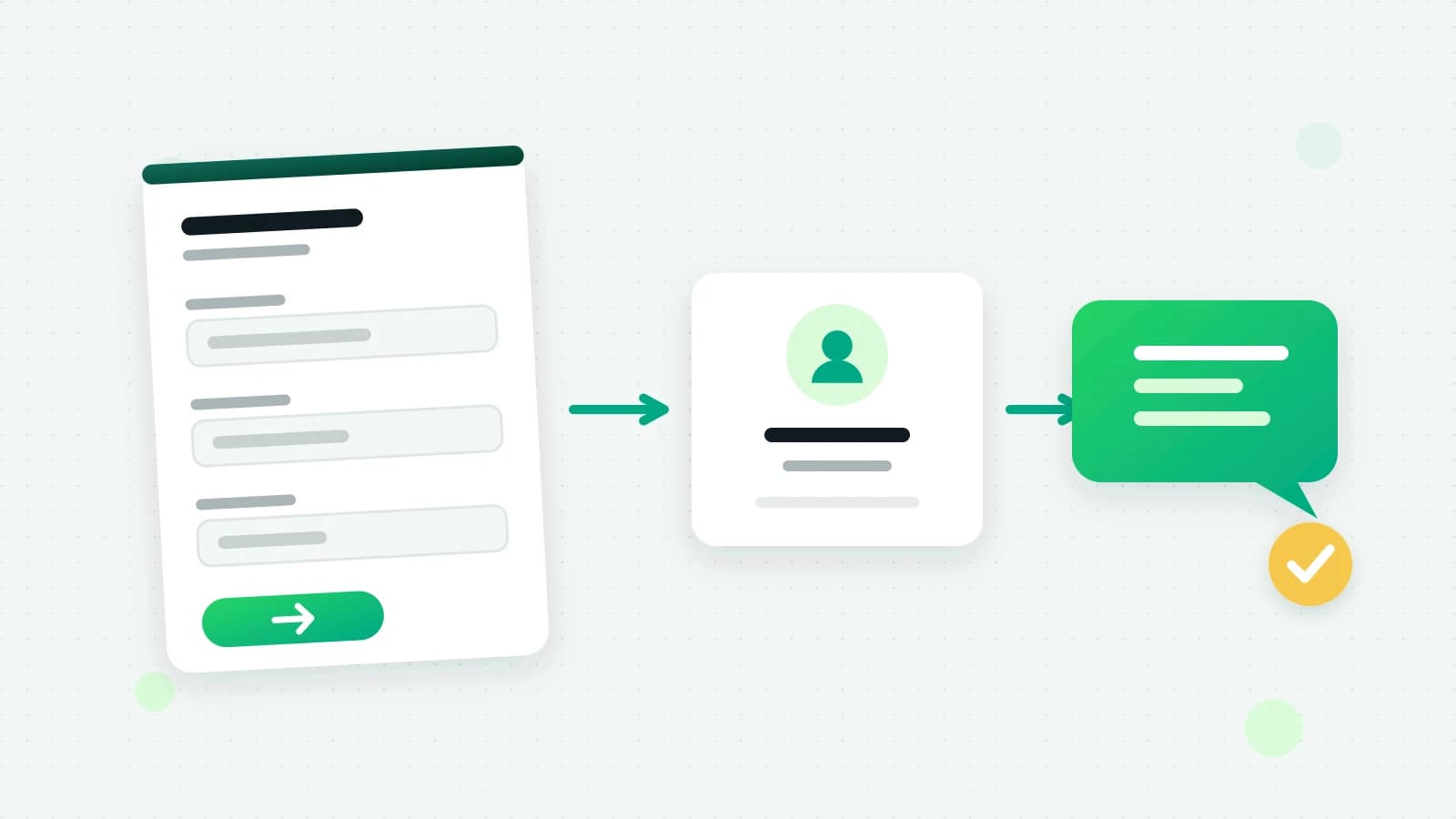
- 2Your platform’s webhook, from the platform to your own systems: your CRM, your order system or a no-code tool. This is the one most businesses actually build against.
WhatsApp API webhook setup with Meta: the verify token
When you add a callback URL in your Meta app, Meta first checks that the address is yours. It sends a GET request with three parameters, hub.mode=subscribe, hub.verify_token and hub.challenge, and Meta’s documentation asks your server to compare the verify token with the string you stored and, if it matches, respond with HTTP 200 and the hub.challenge value (Meta: create a webhook endpoint).
The verify token is a string you make up and type in two places: your Meta app’s webhook settings and your server. It is not a Meta access token.
Checking that a webhook really came from Meta
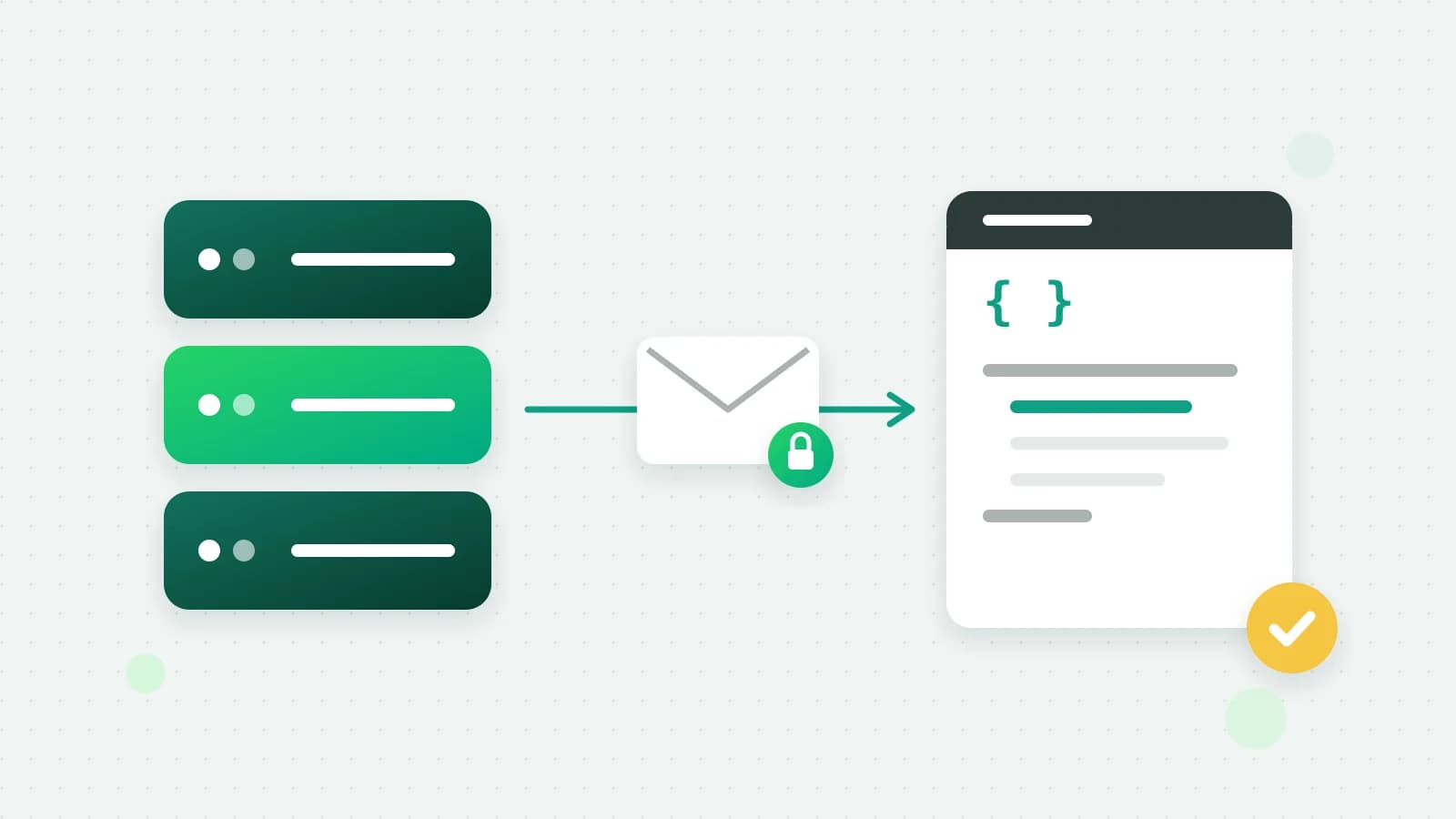
Every POST from Meta carries an X-Hub-Signature-256 header. Meta describes it as an HMAC-SHA256 of the request body, using your app secret as the key; you compute the same hash and compare it with everything after sha256= (Meta: create a webhook endpoint). Two details catch most people out: hash the raw body exactly as received, not JSON you parsed and serialised again, and compare in constant time.
WhatsApp API webhook payload example
An incoming text message looks like this, trimmed:
{
  "object": "whatsapp_business_account",
  "entry": [{
    "id": "<WHATSAPP_BUSINESS_ACCOUNT_ID>",
    "changes": [{
      "field": "messages",
      "value": {
        "messaging_product": "whatsapp",
        "metadata": { "display_phone_number": "919800000000", "phone_number_id": "<PHONE_NUMBER_ID>" },
        "contacts": [{ "profile": { "name": "Asha" }, "wa_id": "919811111111" }],
        "messages": [{ "from": "919811111111", "id": "wamid.HBgM...", "timestamp": "1760860800", "type": "text", "text": { "body": "Is this available in blue?" } }]
      }
    }]
  }]
}
A status update arrives in the same envelope, with a statuses array instead of messages, each entry naming the message id and its new status.
WhatsApp API webhook not working: a checklist
- Verification fails. The verify token on your server differs from the one in the Meta app, or your server returns JSON instead of the bare
hub.challengevalue. - Verified, but nothing arrives. The app is not subscribed to the
messagesfield, or your WhatsApp Business Account is not subscribed to the app. - Signature mismatch. You hashed parsed JSON instead of the raw body, used the wrong app secret, or forgot to strip
sha256=. - Duplicates. Meta’s documentation says a failed delivery is retried, with decreasing frequency, over the next 7 days (Meta: create a webhook endpoint). A slow or failing endpoint therefore sees the same event again; de-duplicate on the message id.
- Slow responses. Answer 200 at once and process in a queue, so a busy database never makes Meta retry.
- The address. It must be public HTTPS; a localhost address or a self-signed certificate will not do.
With Fliok: no Meta webhook to build
When your number is connected to Fliok, Fliok is the one that receives Meta’s webhook. It checks the signature against the app secret before reading anything, refuses forged requests, de-duplicates Meta’s retries, and puts every message in the shared inbox. You do not need a verify token, an app secret or a server for Meta’s side.
What you build against instead is Fliok’s own webhooks.
Fliok’s signed webhooks for your own systems
Register an HTTPS address with Fliok and it POSTs to it whenever an event occurs. 43 events are emitted today, among them message.received, message.status, message.failed, template.approved, contact.created, lead.created, lead.stage_changed, payment.paid and instagram.message.received; the full list, with each event’s fields, is in the API documentation.
- One shape: every body is
{ id, event, createdAt, data }. - Four headers:
x-webhook-id,x-webhook-event,x-webhook-timestampandx-webhook-signature. - The signature is an HMAC-SHA256, in hex and prefixed
sha256=, of the timestamp, a dot and the raw body, with the secret you were shown once when you created the endpoint. - Retries: a non-2xx answer is retried with backoff, 12 attempts over about 17 hours, and an endpoint that keeps failing is switched off.
- At least once: a retry, or a redelivery you trigger, carries the same id, so skip ids you have already handled.
- See and resend: the API keys page keeps every attempt for 7 days, with the status, timing, error and payload, and can send any of them again.
- Test it: Send test event sends a signed
webhook.testevent to the endpoint, andGET /webhooks/samples/{event}shows what an event looks like before one has happened. - Rotate without downtime: after you rotate the secret, the signature header carries the new and the old signature for 24 hours.
Verify a Fliok webhook in Node.js
const crypto = require('crypto');

function verifyFliokWebhook(rawBody, headers, secret) {
  const ts = headers['x-webhook-timestamp'];
  if (!ts || Math.abs(Date.now() / 1000 - Number(ts)) > 300) return false; // older than 5 minutes
  const expected = 'sha256=' + crypto.createHmac('sha256', secret).update(ts + '.' + rawBody).digest('hex');
  return (headers['x-webhook-signature'] || '').split(',').some((got) =>
    got.trim().length === expected.length && crypto.timingSafeEqual(Buffer.from(got.trim()), Buffer.from(expected)));
}
Verify a Fliok webhook in PHP
<?php
$raw = file_get_contents('php://input');
$ts = $_SERVER['HTTP_X_WEBHOOK_TIMESTAMP'] ?? '';
$sigs = explode(',', $_SERVER['HTTP_X_WEBHOOK_SIGNATURE'] ?? '');
$expected = 'sha256=' . hash_hmac('sha256', $ts . '.' . $raw, getenv('FLIOK_WEBHOOK_SECRET'));
$ok = $ts !== '' && abs(time() - (int) $ts) <= 300 && count(array_filter($sigs, fn ($s) => hash_equals($expected, trim($s)))) > 0;
if (!$ok) { http_response_code(401); exit; }
$event = json_decode($raw, true); // { id, event, createdAt, data }
http_response_code(200);
Both read the raw body, refuse a request signed more than five minutes away from your clock, and accept either signature during a rotation.
Plans and limits
The REST API and webhooks are on Pro and Enterprise. Registering an endpoint for invoice and quotation events needs an admin key, so money events never reach an agent-role key. If you would rather not write code, Fliok’s webhooks also drive Zapier and the other automation tools, and AI apps can use the same API through Fliok’s WhatsApp MCP server.
More: the API and webhooks page, verifying a webhook signature, which plans include the API and Google Sheets without code.
Frequently asked questions
What is the verify token in a WhatsApp webhook?
A string you make up and enter both in your Meta app’s webhook settings and on your server. When you add the callback URL, Meta sends it back with a challenge; your server checks it matches and replies with HTTP 200 and the challenge value. It is not an access token.
Why is my WhatsApp API webhook not receiving messages?
The most common causes are an app not subscribed to the messages field, a WhatsApp Business Account not subscribed to the app, a failed verification, or an endpoint that is not public HTTPS. Check each in order, then look at your server’s logs for refused signatures.
How do I verify a WhatsApp webhook signature?
For Meta’s webhook, compute an HMAC-SHA256 of the raw body with your app secret and compare it with the X-Hub-Signature-256 header after sha256=. For Fliok’s webhooks, hash the timestamp, a dot and the raw body with your endpoint secret and compare it with x-webhook-signature.
Do I need my own Meta webhook if I use Fliok?
No. Fliok receives Meta’s webhook for your number, checks it and puts the messages in your inbox. To get events into your own systems, register a Fliok webhook instead.
Which Fliok plans include webhooks?
Pro and Enterprise, the plans with the REST API. Endpoints are managed from the API keys page or the API, where you can also send a test event and resend past deliveries.
Written by the Fliok team
The team that builds the product. Plain explanations of Meta's rules and of what Fliok does with them.
Try it on your own number
The Free plan connects one WhatsApp number, with no time limit. Questions first? A person replies within one business day.