On this page
- What is a WhatsApp MCP server?
- Official API or WhatsApp Web: the question to ask first
- How Fliok’s WhatsApp MCP server works
- WhatsApp MCP for Claude: the Claude WhatsApp connector
- ChatGPT WhatsApp: connecting ChatGPT to your business number
- Cursor MCP setup
- Gemini CLI MCP configuration
- What you can ask
- Plans and honest limits
- Frequently asked questions
A WhatsApp MCP server lets an AI app such as Claude, ChatGPT, Cursor or Gemini CLI work with your business WhatsApp: read chats, look up a customer, add a lead or send an approved template, from inside the app you already use. This guide explains what MCP is, the difference between a server that uses the official WhatsApp Business Platform and the projects that log in to WhatsApp Web, and how to connect each app to Fliok’s server, step by step.
What is a WhatsApp MCP server?
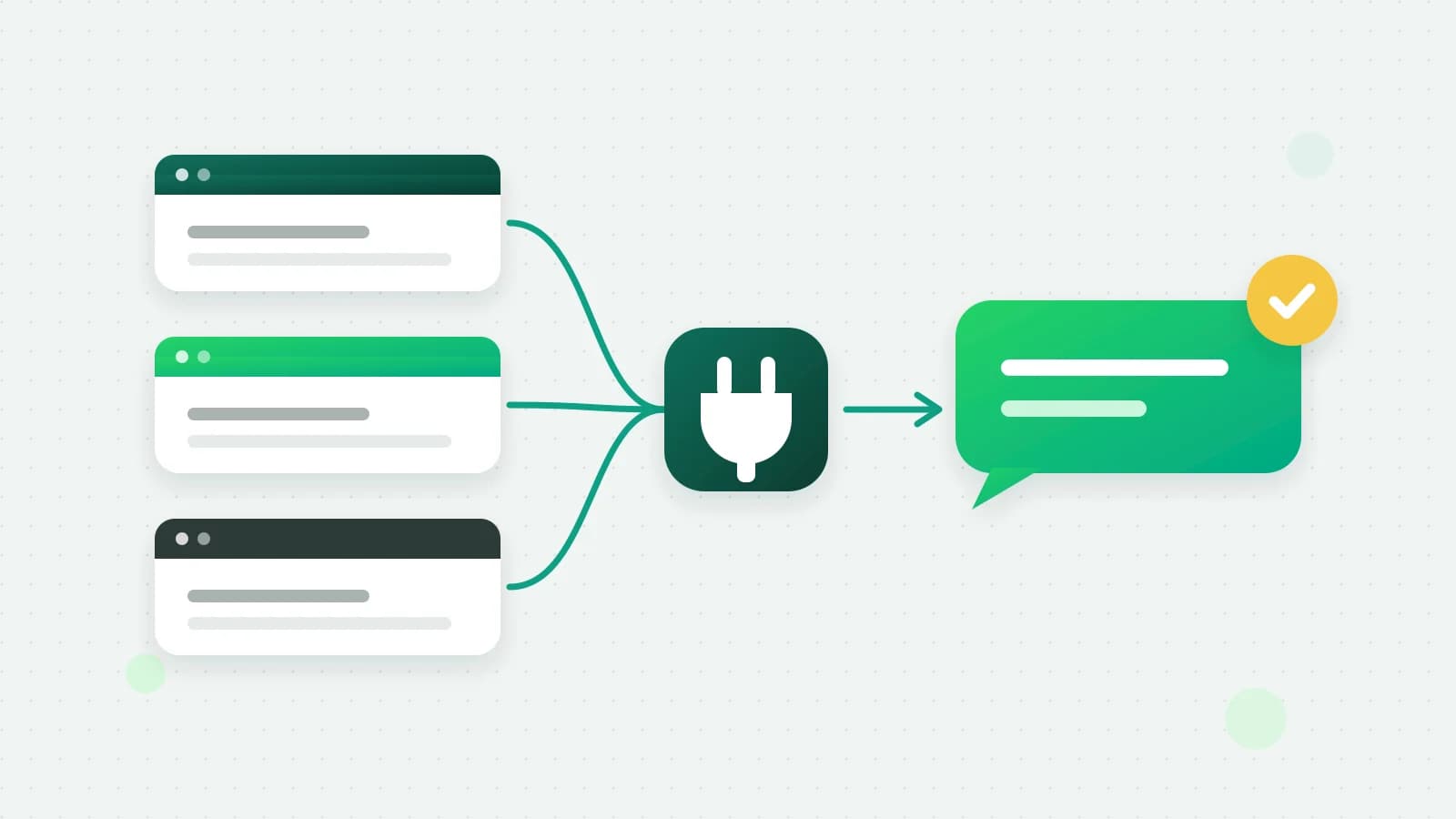
The Model Context Protocol (MCP) is an open standard that lets an AI app use tools from other services. An MCP server publishes a list of tools, each with a name, a description and the inputs it takes. The AI app reads that list and calls a tool when your request needs it. A WhatsApp MCP server is one whose tools act on WhatsApp: list today’s unanswered chats, send the order-update template to this customer, add a note to this lead.
The AI app does the talking; the server decides what is allowed. That split matters, because the server is where permissions, plan limits and WhatsApp’s own rules have to be enforced. An app can only do what the server’s tools let it do.
Official API or WhatsApp Web: the question to ask first
Search for a WhatsApp MCP server on GitHub and you will find open-source projects that connect by logging in to WhatsApp Web as if they were your phone, then read and send through that session. They are clever, and they are not the WhatsApp Business Platform.
- They drive a personal-app session with a script. WhatsApp’s terms forbid automated or bulk messaging from its apps (WhatsApp Help Center), so a number used this way can be restricted or banned.
- They see everything on the phone, personal chats included, and hand it to the AI app.
- There is no team inbox, no template approval and no opt-out handling, and you run and secure the server yourself, usually in Docker or as a Python script on your own machine.
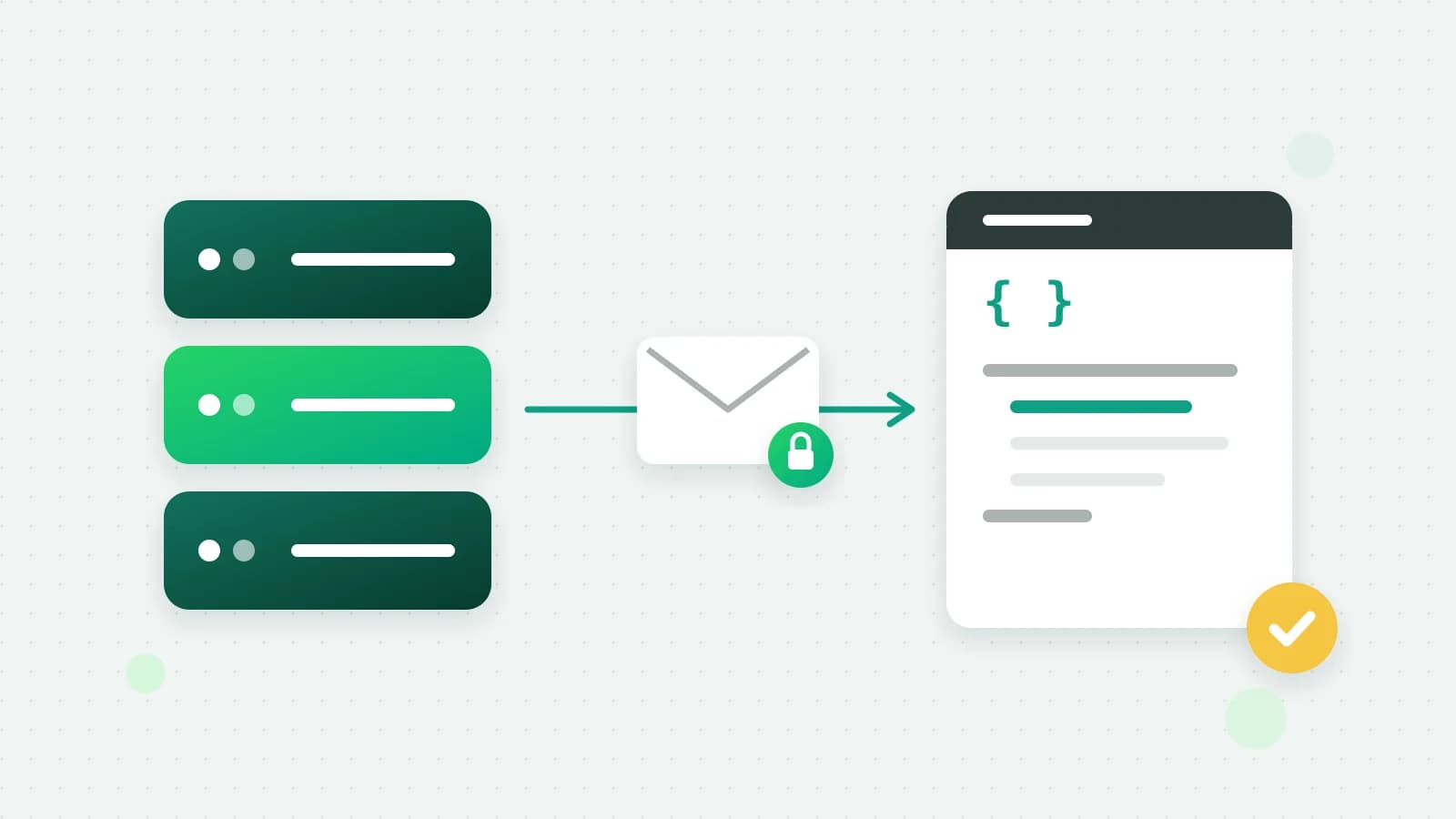
A server that uses the official WhatsApp Business Platform works differently. Messages go through the Cloud API from your business number, outside the customer’s 24-hour window only as approved templates, and every call is checked against what you allowed. Fliok’s server is this kind, and there is nothing to install or host: no Docker container, no script and no QR code to scan.
How Fliok’s WhatsApp MCP server works
- One address:
https://fliok.com/api/mcp, over Streamable HTTP. - 60 tools, each running one endpoint of Fliok’s public REST API with your own credential, so a tool does exactly what the API does and nothing more. They cover chats and messages, contacts and tags, templates, broadcasts, the sales CRM (leads, notes, tasks and the pipeline), Instagram when your workspace has it, payments, invoices and bookings, and read-only reports such as analytics, billing and your wallet.
- Two ways in. Claude and ChatGPT add Fliok as a custom connector: you paste the address, sign in to Fliok, pick the workspace and approve what the app may do. Cursor, Claude Code, Codex CLI, Gemini CLI, Grok (through xAI’s API), OpenClaw and Hermes use a Fliok API key that a workspace admin creates, with only the scopes it needs, such as read only, or read and reply.
- The same rules as everywhere else. Everything the AI app does goes through the same permissions, plan limits, staff restrictions and audit trail as Fliok’s API. Free-form text goes only inside the customer’s 24-hour window, a customer who opted out is not messaged, and sends count toward your plan’s monthly messages.
- No money moves. No money moves through it: it cannot buy a plan, top up the wallet or change how you pay.
- You stay in charge. You approve what it may do, and you can revoke it at any time in Settings.
WhatsApp MCP for Claude: the Claude WhatsApp connector
Claude on claude.ai and in the Claude desktop app connects by signing in with Fliok. No key to copy:
- 1In Claude, open Settings → Connectors and choose Add custom connector. On Claude’s Team and Enterprise plans, an owner adds it under organisation connectors first.
- 2Name it Fliok and paste
https://fliok.com/api/mcpas the remote MCP server URL. Leave the OAuth client fields empty. - 3Click Connect, sign in to Fliok, pick the workspace and what Claude may do, and approve. You confirm with a code.
- 4In a chat, open the tools menu and switch the Fliok tools on. Claude asks before it sends anything.
Claude Code, the command-line tool, uses an API key instead. Set the key as FLIOK_API_KEY in your shell and run:
claude mcp add --transport http fliok https://fliok.com/api/mcp --header "Authorization: Bearer $FLIOK_API_KEY"ChatGPT WhatsApp: connecting ChatGPT to your business number
Many people searching for “ChatGPT WhatsApp” want a number for chatting with ChatGPT itself inside WhatsApp. That is OpenAI’s own chat for consumers, and it has nothing to do with your business number. This section is about the other direction: using ChatGPT to work with your own business WhatsApp.
- 1In ChatGPT, open Settings → Apps & Connectors → Advanced settings and switch Developer mode on.
- 2Back in Apps & Connectors, choose Create, name it Fliok, paste
https://fliok.com/api/mcpas the MCP server URL and choose OAuth. - 3Sign in to Fliok, pick the workspace and what ChatGPT may do, and approve. You confirm with a code.
- 4In a chat, choose Developer mode from the + menu and add Fliok. Search and fetch also work in deep research.
Developer mode is offered on some ChatGPT plans only, and whether ChatGPT may carry out actions that change things, such as sending a message, can depend on your ChatGPT plan. That is ChatGPT’s setting; Fliok cannot change it.
Cursor MCP setup
- 1Make an API key for Cursor in Fliok (Settings → Integrations → AI apps → Create a key) and set it as
FLIOK_API_KEYin your shell. - 2Add this to
.cursor/mcp.jsonin your project, or to~/.cursor/mcp.jsonfor every project:
{
  "mcpServers": {
    "fliok": {
      "url": "https://fliok.com/api/mcp",
      "headers": {
        "Authorization": "Bearer ${env:FLIOK_API_KEY}"
      }
    }
  }
}- 1Open Cursor Settings → MCP and check that Fliok lists its tools.
Gemini CLI MCP configuration
With the key in FLIOK_API_KEY, either run the add command:
gemini mcp add --transport http fliok https://fliok.com/api/mcp --header "Authorization: Bearer $FLIOK_API_KEY"or put this in ~/.gemini/settings.json (or .gemini/settings.json in a project):
{
  "mcpServers": {
    "fliok": {
      "httpUrl": "https://fliok.com/api/mcp",
      "headers": {
        "Authorization": "Bearer $FLIOK_API_KEY"
      }
    }
  }
}
Then run gemini and type /mcp to see Fliok’s tools.
Codex CLI, Grok through xAI’s API, OpenClaw and Hermes have their own snippets in the MCP guide. OpenClaw and Hermes run inside Telegram and other chat apps, which is how Fliok can be used from Telegram; there is no Fliok Telegram bot.
What you can ask
Once connected, ask in plain words. For example:
- “Show today’s unanswered WhatsApp chats and who they are assigned to.”
- “Send the order-update template to this customer.”
- “Add a lead for this number, move it to the right stage and create a follow-up task for Friday.”
- “List my overdue tasks.”
The app picks the tools; the server checks each call. If the key or your approval does not cover a tool, the app does not see it at all.
Plans and honest limits
- Plans. The MCP server comes with the REST API, on Pro and Enterprise; it is not on Free and Basic.
- It is separate from your customer-facing assistant. Fliok AI answers your customers inside Fliok, on its own switches. Connecting an app here changes nothing about who answers customers.
- The app’s own terms apply. What the AI app reads through Fliok is handled under that app’s own terms.
- Read what it proposes. An AI app can misread a request. Start with a read-only key, and check a send before you approve it.
- WhatsApp’s rules still hold. No app can send free-form text after the 24-hour window, message someone who opted out, or go past your plan’s monthly messages.
Every app’s steps, the full tool list with the scope each needs, and troubleshooting are in the MCP guide. See also all AI apps, the pages for Claude, ChatGPT and Cursor, and connecting with an API key. If you are building your own integration rather than using an AI app, start with WhatsApp API webhooks; for the assistant that replies to customers, see the WhatsApp AI agent guide.
Frequently asked questions
What is a WhatsApp MCP server?
A server that gives AI apps a list of tools for WhatsApp, such as reading chats, adding a lead or sending an approved template, using the Model Context Protocol. The AI app calls a tool when your request needs it, and the server decides what is allowed.
Is it safe to use a WhatsApp MCP server from GitHub with my business number?
The projects that log in to WhatsApp Web drive a personal-app session with a script. WhatsApp’s terms forbid automated or bulk messaging from its apps, so the number can be restricted or banned, and the session exposes every chat on the phone. A server that uses the official WhatsApp Business Platform avoids both.
How do I connect Claude to WhatsApp?
In Claude, add a custom connector with the address https://fliok.com/api/mcp, sign in to Fliok, choose the workspace and what Claude may do, and approve. Then switch the Fliok tools on in a chat. Claude Code uses a Fliok API key with the claude mcp add command instead.
Can ChatGPT send WhatsApp messages for my business?
Yes, through Fliok, once ChatGPT’s developer mode is on and Fliok is added as a connector. Developer mode is offered on some ChatGPT plans only, and whether ChatGPT may carry out actions such as sending can depend on your ChatGPT plan. Sends follow WhatsApp’s rules: templates outside the 24-hour window, and nobody who opted out.
Which Fliok plan includes the MCP server?
Pro and Enterprise, the plans with the REST API. You approve what each app may do, and you can revoke it at any time in Settings, Integrations, AI apps.
Do I need Docker or Python to run it?
No. Fliok hosts the server. You paste its address into the AI app and sign in, or add an API key for command-line tools such as Cursor, Claude Code and Gemini CLI.
Written by the Fliok team
The team that builds the product. Plain explanations of Meta's rules and of what Fliok does with them.
Try it on your own number
The Free plan connects one WhatsApp number, with no time limit. Questions first? A person replies within one business day.