On this page
LinkedIn conversation ads are ads that arrive as messages in a LinkedIn member’s inbox, with buttons the reader taps to choose what happens next: open a page, fill a form, or read the next message. LinkedIn calls it “a choose-your-own-path experience” (LinkedIn Marketing Solutions (opens in a new tab)), and it charges for each message sent, not for each click (LinkedIn Help (opens in a new tab)). Here is how they work, LinkedIn’s specs, what they cost, examples you can adapt, and how to point the main button at a WhatsApp chat.
What are LinkedIn conversation ads?
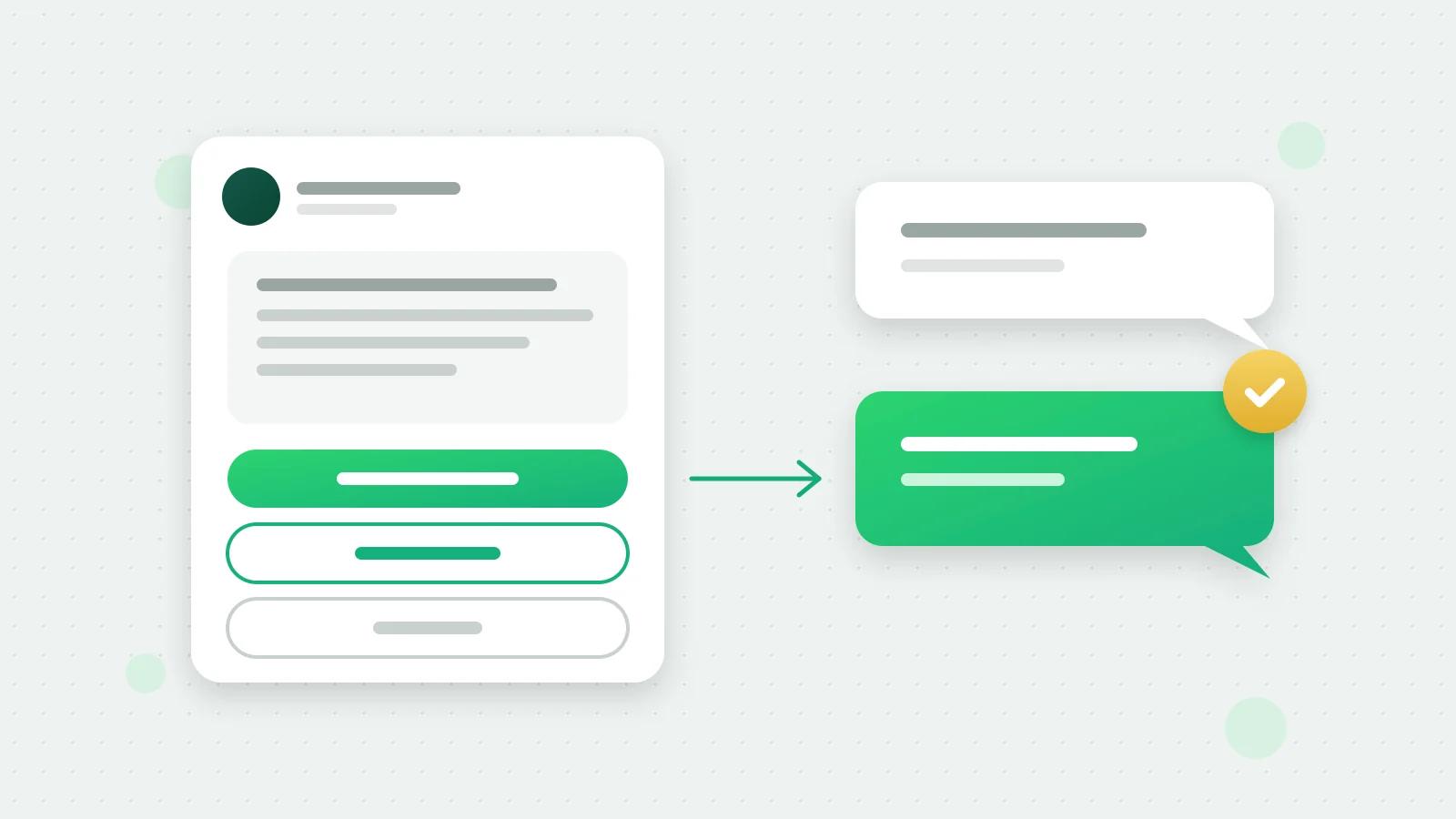
LinkedIn’s help page (opens in a new tab) describes conversation ads as “a form of native advertising displayed to members through LinkedIn Messaging”, on desktop and mobile. You write an opening message and add buttons. Each button opens a landing page, opens a LinkedIn Lead Gen Form, or shows a next message you have written, so the conversation branches like a decision tree. LinkedIn adds a Not Interested button to every opening message.
The message is sent in the name of a sender you choose: a LinkedIn member, such as you or a colleague. LinkedIn’s page says it strictly controls how often a member receives sponsored messages, and that conversation ads move to the member’s archived messages between 20 and 40 days after they arrive (LinkedIn Help (opens in a new tab)).
They suit offers that need a little back-and-forth before someone acts: a consultation, a demo, a sample, a price list. For a single offer with a single button, LinkedIn’s older message ads are simpler: one message of up to 1,500 characters and one button besides Not Interested (message ad specs (opens in a new tab)).
LinkedIn conversation ads specs
From LinkedIn’s conversation ads specifications (opens in a new tab), read on 28 October 2026:
| Part of the ad | LinkedIn’s limit |
|---|---|
| Ad name (only you see it) | Up to 255 characters |
| Subject line (optional) | Up to 60 characters |
| Opening message | Up to 8,000 characters, with up to 10 emojis |
| Each reply message | Up to 8,000 characters |
| Button text | Up to 25 characters |
| Buttons | Five per message, Not Interested included; 50 in the whole conversation |
| Image in the message (optional) | JPG or PNG, 250 × 250 pixels, up to 5 MB |
| Banner beside the message (optional, desktop only) | JPG or PNG, up to 300 × 250 pixels and 2 MB |
| Custom footer (optional) | Up to 20,000 characters |
The 8,000-character limit is not a target. LinkedIn’s own editor nudges you once a message passes 500 characters, because shorter messages tend to get more engagement (specifications (opens in a new tab)). Three or four short paragraphs and two or three buttons is plenty.
Objectives. LinkedIn’s help page (opens in a new tab) lists five campaign objectives for conversation ads: brand awareness, website visits, engagement, lead generation and website conversions. Whatever the objective, LinkedIn’s steps for creating one (opens in a new tab) say at least one of your buttons must send people to your website, and the ad is reviewed before it runs.
How much do LinkedIn conversation ads cost?
LinkedIn charges conversation ads “by cost per send (CPS)” (LinkedIn Help (opens in a new tab)): you pay for each message delivered, whether or not it is opened. What each send costs depends on the bid and budget you set in Campaign Manager, so set a daily budget you are comfortable losing while you test.
Because every send costs money, the audience matters more than the wording. LinkedIn’s audience size page (opens in a new tab) says the minimum for an ad set is 300 member accounts, and suggests at least 300,000 for Sponsored Content and Sponsored Messaging. A smaller, well-chosen audience costs less in total; it may simply take longer to deliver.
LinkedIn conversation ad examples
Three flows you can adapt. Each button’s words fit LinkedIn’s 25-character limit.
A chartered accountancy firm, for small manufacturers. Opening message: “Hello, a GST notice or a late filing can cost a factory more than the fee to get it right. We file GST and TDS returns for small manufacturers across Maharashtra. Would a quick chat help?”
| Button | What it does |
|---|---|
| Chat on WhatsApp | Opens a chat with the firm, first message filled in |
| See our fees | Opens the fees page |
| Not Interested | Added by LinkedIn |
An industrial supplier, for purchase managers. Opening message: “Hello, we make corrugated boxes for exporters in Gujarat. Want to see a sample before you order?”
| Button | What it does |
|---|---|
| Get a free sample | Shows a next message asking for the delivery city, with a WhatsApp button |
| Download the catalogue | Opens the catalogue page |
| Talk on WhatsApp | Opens a chat with the sales team |
A training institute, for HR heads. Opening message: “Hello, our Excel and reporting course for teams runs at your office, in English or Hindi.”
| Button | What it does |
|---|---|
| Ask about dates | Opens a WhatsApp chat |
| See the syllabus | Opens the course page |
| Not Interested | Added by LinkedIn |
Note: Write only what is true for your business. A promise in an ad, such as a delivery time or a result, is one your team will be asked to keep on WhatsApp.
Add a WhatsApp button to a conversation ad with Fliok
Outreach with Fliok AI builds a LinkedIn conversation ad whose main button opens a WhatsApp chat with your business:
- 1Describe who you want to reach and what you offer, in your own words.
- 2Fliok AI turns it into LinkedIn targeting (job titles, seniorities, job functions, industries, company sizes, skills, employers and locations), matched against LinkedIn’s own targeting options, and shows the live audience size. Words it cannot match are shown to you, never guessed.
- 3It writes the conversation ad: the subject, the opening message and the buttons. The main button, “Chat on WhatsApp” for example, is a tracked web link that opens your WhatsApp number with the first message filled in.
- 4It saves the ad as a paused draft in your own Campaign Manager, with no bid set. You review it, set the budget and bid, and launch it in LinkedIn. Fliok never spends ad money by itself.
- 5Replies go to WhatsApp, where Fliok’s WhatsApp AI follows a playbook for this outreach: it answers questions, qualifies the person and offers a meeting. Each person becomes a lead in Fliok’s CRM with LinkedIn as the source, and a funnel card counts ad opens, chats and meetings.
The point of the WhatsApp button is that the conversation moves to the app where you already answer customers, with your team, your AI agent and your CRM, instead of staying in one person’s LinkedIn inbox. Fliok never sends messages from your LinkedIn account; see what is safe in LinkedIn automation.
Reading results works for any LinkedIn ad account you can open. To create ads in an account, our team adds your ad account first, while LinkedIn reviews Fliok’s access to its ads tools: write to hello@fliok.com and we will add it. Writing the plan is charged to your AI wallet, only when Fliok shows you a plan that passed its checks; the sends are billed by LinkedIn.
What it costs in Fliok
LinkedIn in Fliok is a paid add-on on the Basic plan and above: ₹499 a month in India, excluding 18% GST, or $9 a month outside India, about 10% less when paid yearly. Tick it while choosing your plan, or later in Plan & billing, under Add-ons; see the LinkedIn add-on on the pricing page. Then connect in Settings → Integrations → LinkedIn with LinkedIn’s own sign-in (how to connect LinkedIn). See LinkedIn for business for everything in it, and the LinkedIn Ad Library guide for researching what others run first.
Frequently asked questions
What is a conversation ad on LinkedIn?
A sponsored message delivered to a member’s LinkedIn inbox, with up to five buttons per message. Each button opens a landing page, opens a Lead Gen Form, or shows a next message, so the reader chooses their own path through the conversation.
How much do LinkedIn conversation ads cost?
LinkedIn charges conversation ads by cost per send: you pay for each message delivered, opened or not. The amount depends on your bid and budget in Campaign Manager, and LinkedIn bills it to you directly.
What is the difference between message ads and conversation ads on LinkedIn?
A message ad is one message, up to 1,500 characters, with one button besides Not Interested. A conversation ad can have five buttons per message, each leading to a page, a form or another message, up to 50 buttons in the whole conversation.
How long can a LinkedIn conversation ad message be?
Up to 8,000 characters for the opening message and for each reply message, with a subject line of up to 60 characters and button text of up to 25. LinkedIn nudges you once a message passes 500 characters, because shorter messages tend to do better.
Can a LinkedIn conversation ad open WhatsApp?
A button can open any landing page address. Fliok’s outreach drafts point the main button at a tracked link that opens a WhatsApp chat with your business, with the first message filled in, so each reply is counted and lands in your inbox.
Written by the Fliok team
The team that builds the product. Plain explanations of Meta's rules and of what Fliok does with them.
Try it on your own number
The Free plan connects one WhatsApp number, with no time limit. Questions first? A person replies within one business day.