On this page
Most LinkedIn automation tools work by driving your own LinkedIn account: they log in as you, or run inside your browser, and act in your name. LinkedIn’s User Agreement (opens in a new tab) forbids that, and LinkedIn restricts accounts it catches using them. Some automation is safe, though: anything done through LinkedIn’s official APIs, with your permission given on LinkedIn’s own sign-in page, such as scheduling posts or creating ads. Here is where the line sits, and how to start conversations with new people on LinkedIn without putting your profile at risk.
What LinkedIn automation tools do
Tools sold for “LinkedIn automation” come in four kinds, and all four act as you, inside your account:
- Browser extensions that click through LinkedIn in your browser: visiting profiles, sending invitations and follow-up messages in sequence.
- Cloud tools that keep your LinkedIn login on their servers and act as you around the clock, often from another country’s internet address.
- Scrapers that copy profiles, job titles and contact details into a spreadsheet.
- Auto-likers and engagement groups that like, comment and share on a schedule to push posts up.
They promise more replies with less work. The trouble is not the idea of saving time; it is who does the clicking. To LinkedIn, these actions come from you.
What LinkedIn’s User Agreement says about automation
Section 8.2 of LinkedIn’s User Agreement (opens in a new tab) lists what members agree not to do. Two items cover these tools directly. Members agree not to:
Note: “Use bots or other unauthorized automated methods to access the Services, add or download contacts, send or redirect messages, create, comment on, like, share, or re-share posts, or otherwise drive inauthentic engagement;”
Note: “Develop, support or use software, devices, scripts, robots or any other means or processes (such as crawlers, browser plugins and add-ons or any other technology) to scrape or copy the Services, including profiles and other data from the Services;”
LinkedIn’s help page on prohibited software and extensions (opens in a new tab) adds that it does not permit crawlers, bots, browser plug-ins or extensions “that scrape, modify the appearance of, or automate activity on LinkedIn's website”, and that members who use them “risk having their accounts restricted or shut down.”
Is LinkedIn automation safe?
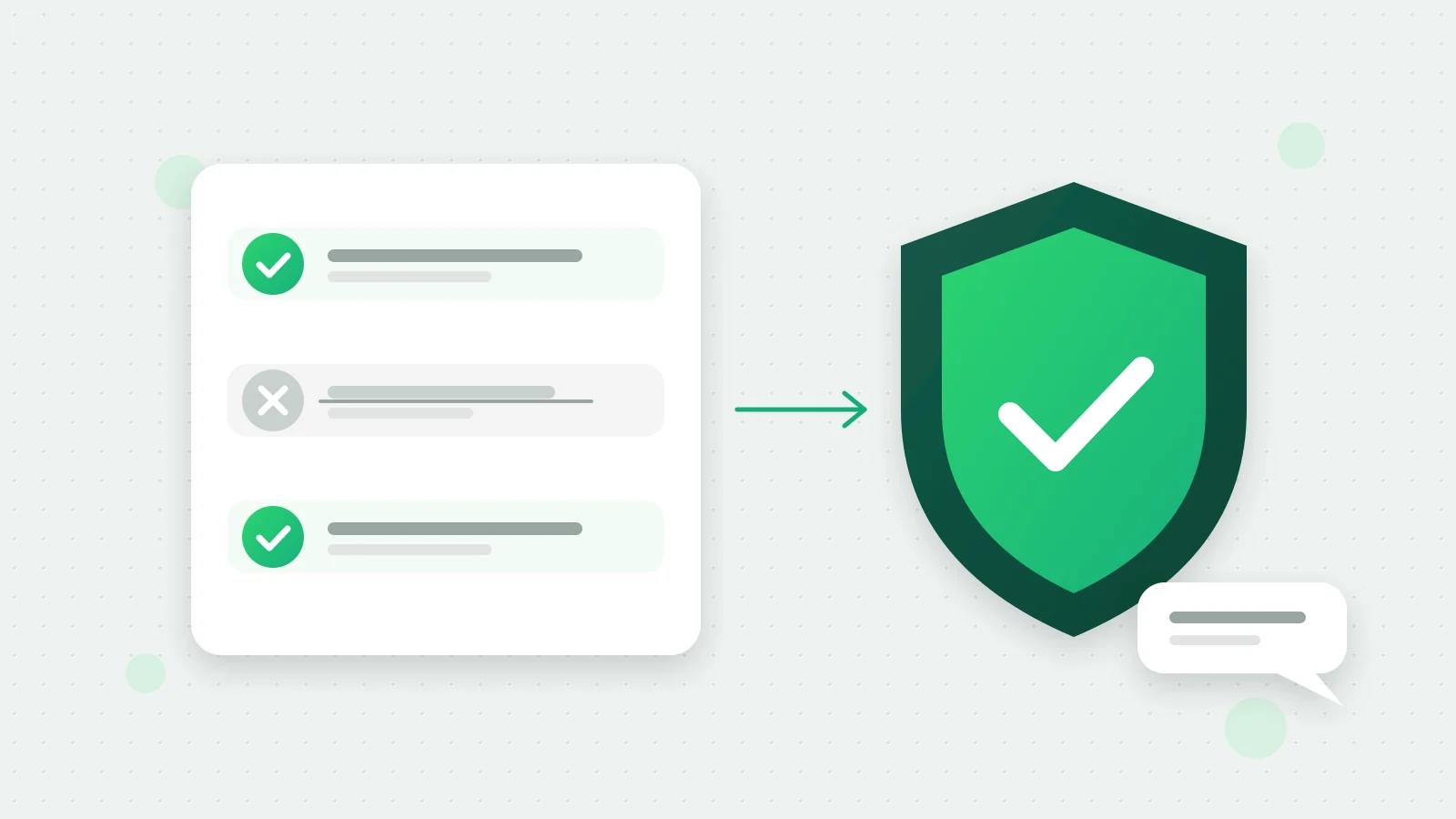
It depends entirely on the route. The safe route is LinkedIn’s official APIs: LinkedIn approves each app for each kind of access, you sign in on LinkedIn’s own page and choose what to allow, and you can remove the app from your LinkedIn settings at any time. The unsafe route is any tool that acts as you without that approval.
Swipe the table sideways to see every column.
| What you want to automate | The safe way | In Fliok |
|---|---|---|
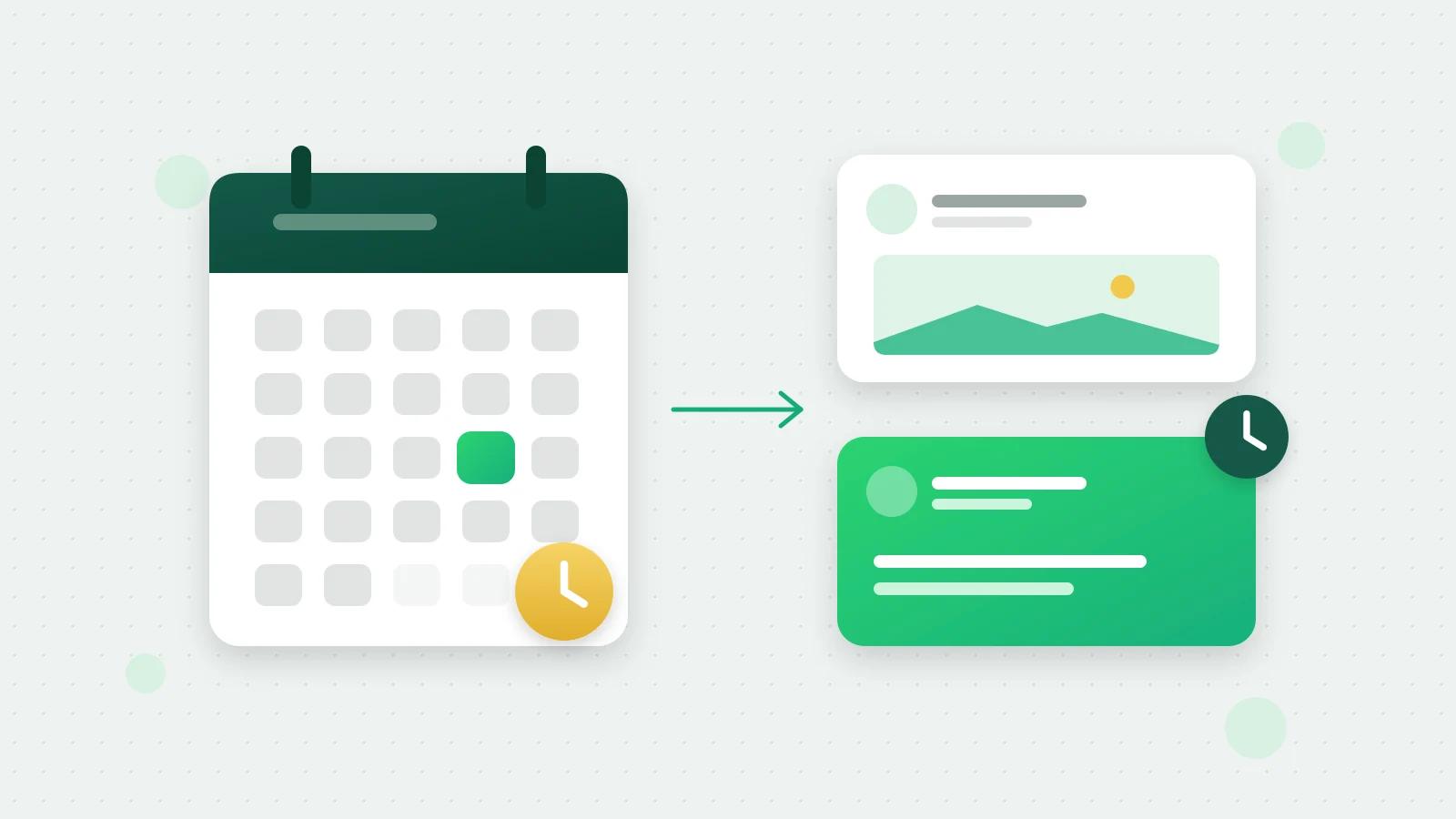
| Posting on a schedule | LinkedIn’s own scheduler, or an app using LinkedIn’s posting API | Posts and schedules for your profile and company pages |
| Ads aimed at the right people | Campaign Manager, or an app using LinkedIn’s advertising API | Writes ad drafts you launch yourself, and reads results |
| Reaching people who don’t know you | A conversation ad aimed at them | Writes a conversation ad that opens a WhatsApp chat |
| Connection requests and messages | Write them yourself | Not done: Fliok never sends them from your account |
| Copying profiles into a list | No safe way: the agreement forbids scraping | Not done: Fliok does not scrape |
If you already use a tool that acts as you and LinkedIn restricts your account, its automated activity page (opens in a new tab) asks you to review and disable the software or extension; LinkedIn says the account is then re-enabled at the time given in the suspension notice.
LinkedIn automation for lead generation, the official way
What most people want from LinkedIn automation is new conversations with the right people. Fliok does that through LinkedIn’s advertising tools instead of your inbox, with outreach with Fliok AI:
- 1Describe who you want to reach in plain words, for example “owners of packaging companies in Gujarat with 50 to 200 staff”, and what you offer them.
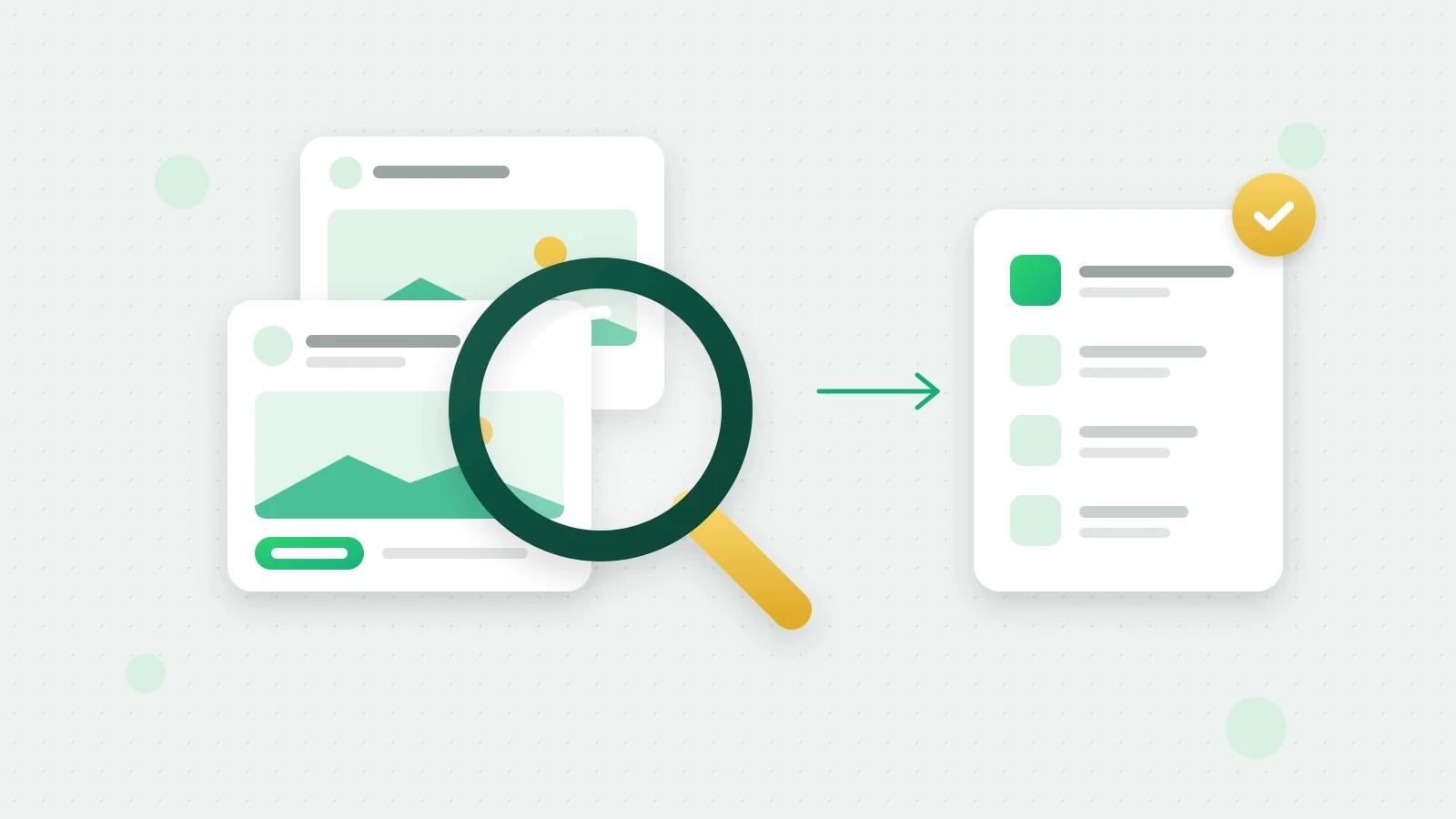
- 2Fliok AI turns it into LinkedIn targeting: job titles, seniorities, job functions, industries, company sizes, skills, employers and locations, each matched against LinkedIn’s own targeting options. Words it cannot match are shown to you, never guessed.
- 3Check the audience size. Fliok shows LinkedIn’s live count. LinkedIn’s audience size page (opens in a new tab) says the minimum for an ad set is 300 member accounts.
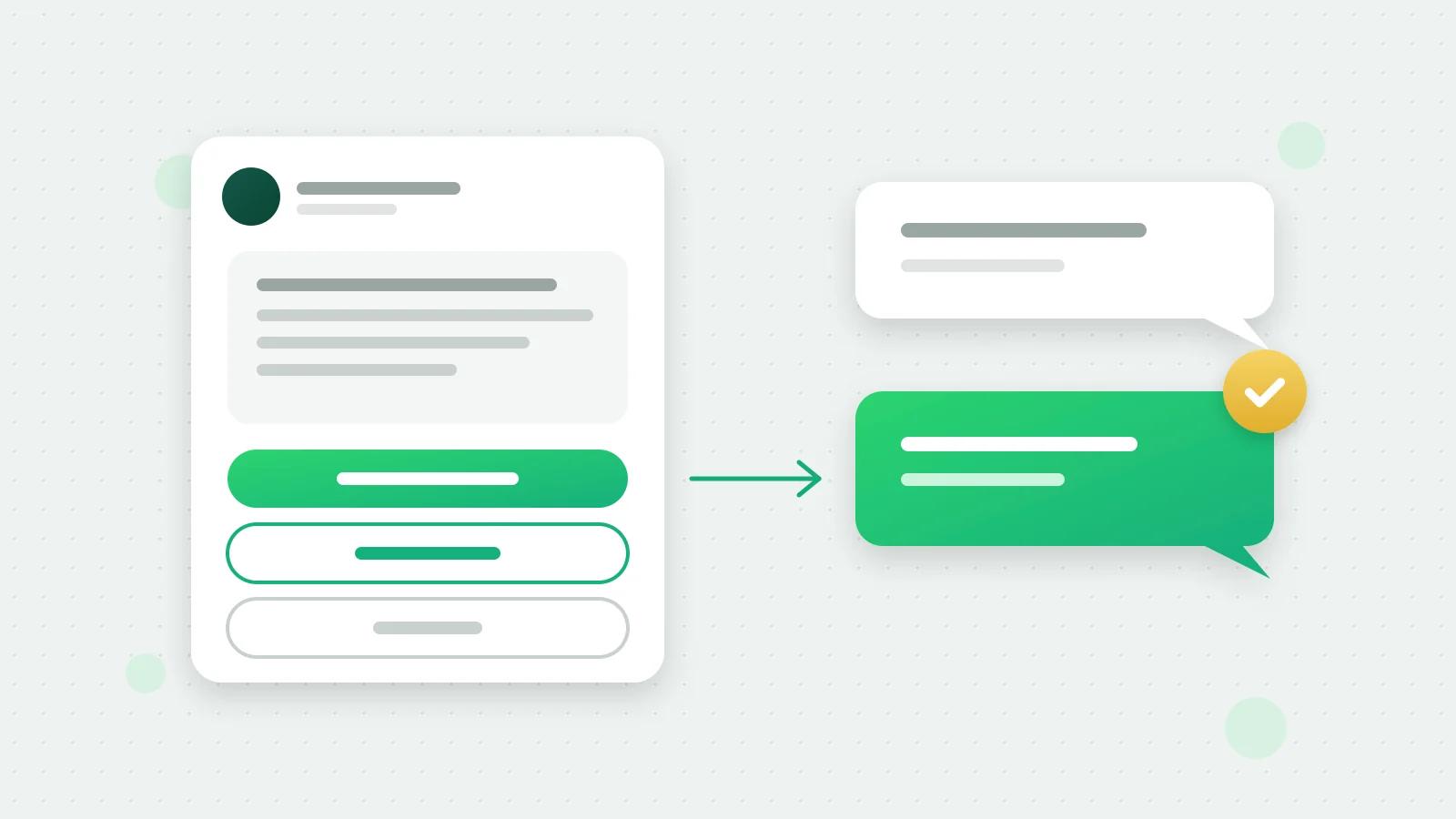
- 4Fliok AI writes a conversation ad whose main button opens a chat with your business on WhatsApp, with the first message filled in. It is saved in your own Campaign Manager as a paused draft with no bid, so nothing is sent and nothing is spent until you launch it in LinkedIn.
- 5Replies arrive on WhatsApp. Fliok’s WhatsApp AI follows a playbook for this outreach: it answers questions, checks whether the person is a fit, and offers a meeting. People who write in become leads in Fliok’s CRM with LinkedIn as their source.
- 6Follow the funnel: ad opens, then chats, then meetings, on one card.
Reading results works for any LinkedIn ad account you can open. To create ads in an account, our team adds your ad account first, while LinkedIn reviews Fliok’s access to its ads tools: write to hello@fliok.com and we will add it. Writing the plan is charged to your AI wallet, and only when Fliok shows you a plan that passed its checks. LinkedIn bills the ad itself to you directly; see LinkedIn conversation ads for how that works.
What Fliok never does on LinkedIn
- It never logs in as you, keeps your LinkedIn password, or runs in your browser.
- It never sends connection requests, InMail or direct messages from your account, and it does not read your LinkedIn inbox.
- It never scrapes profiles.
- It never spends ad money by itself: ads are drafts until you launch them in LinkedIn.
Everything it does on LinkedIn goes through LinkedIn’s official APIs with the access you approved when you connected (how to connect LinkedIn).
Safe things worth automating
- Posting: write a week of posts in one sitting and schedule them.
- Events: create a LinkedIn event and share it as a post from the same place.
- Reporting: company page followers, views and engagement by day, and your ad results next to the leads they brought.
- Research: search the LinkedIn Ad Library for what competitors advertise.
What it costs
LinkedIn in Fliok is a paid add-on on the Basic plan and above: ₹499 a month in India, excluding 18% GST, or $9 a month outside India, about 10% less when paid yearly. Tick it while choosing your plan, or later in Plan & billing, under Add-ons; see the LinkedIn add-on on the pricing page. Then connect in Settings → Integrations → LinkedIn with LinkedIn’s own sign-in (how to connect LinkedIn). See LinkedIn for business for everything in it.
Frequently asked questions
Is LinkedIn automation allowed?
Not when a tool acts inside your account. LinkedIn’s User Agreement, section 8.2, forbids bots or unauthorised automated methods that add contacts, send messages or like and share posts, and software that scrapes profiles. Apps that use LinkedIn’s official APIs, which you approve on LinkedIn’s own sign-in page, are a different thing.
Can LinkedIn ban your account for using automation tools?
Yes. LinkedIn’s help page on prohibited software says members who use such tools risk having their accounts restricted or shut down. If yours is restricted, LinkedIn asks you to disable the tool; the account is re-enabled at the time given in the notice.
What is the safest way to automate LinkedIn?
Automate only what LinkedIn’s official tools allow: scheduling posts with LinkedIn’s scheduler or an app on its posting API, and reaching new people with ads made in Campaign Manager or through its advertising API. Write connection requests and messages yourself.
Does Fliok send connection requests or LinkedIn messages?
No. Fliok never sends connection requests, InMail or direct messages from your account, never logs in as you and does not scrape. Its outreach is a conversation ad that you launch in your own Campaign Manager, and its button opens a WhatsApp chat with your business.
How much does LinkedIn outreach with Fliok cost?
The LinkedIn add-on is ₹499 a month in India, excluding 18% GST, or $9 a month outside India, on the Basic plan and above. Writing an outreach plan is charged to your AI wallet. The ad’s own cost is set by your budget in Campaign Manager and billed by LinkedIn, and nothing is spent until you launch it.
Written by the Fliok team
The team that builds the product. Plain explanations of Meta's rules and of what Fliok does with them.
Try it on your own number
The Free plan connects one WhatsApp number, with no time limit. Questions first? A person replies within one business day.