On this page
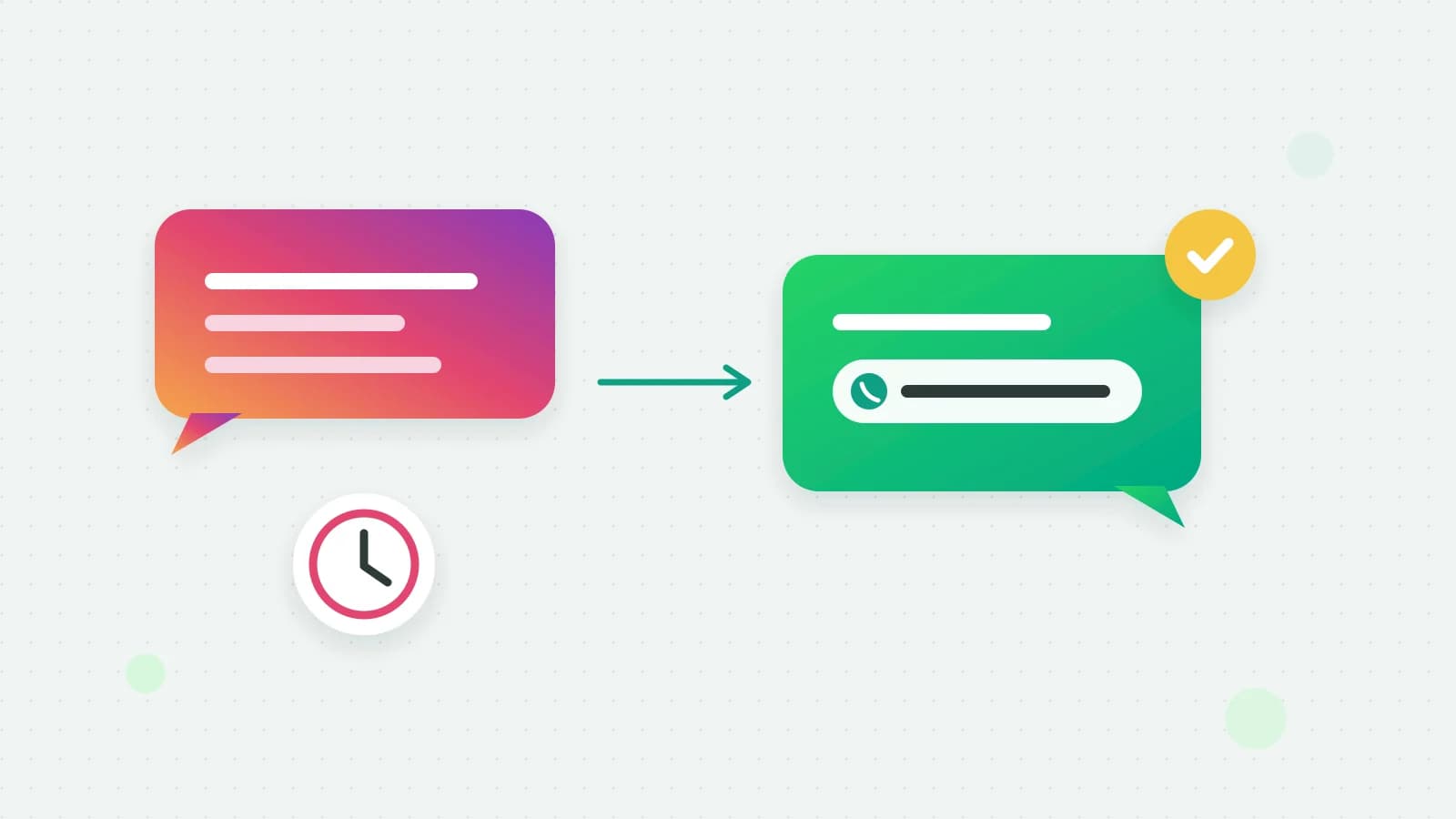
Moving a conversation from Instagram DM to WhatsApp is how a business keeps in touch with an Instagram lead after Instagram stops letting it reply. Instagram gives a business a limited time to answer each message, and it has no templates for writing to someone later; WhatsApp does. This guide explains the Instagram window, compares Instagram DMs and WhatsApp for business, shows how to ask for a WhatsApp number without putting people off, and how Fliok can ask, save the number and send the first WhatsApp message for you.
Why Instagram leads go cold: the 24-hour window
Meta’s Instagram messaging documentation says an app has 24 hours to respond to a message an Instagram user sends (Meta: Instagram messaging). After that, an automated reply cannot be sent until the person writes again. A customer who asked about a price on Saturday and did not come back is out of reach by Sunday.
Meta does have a way to answer later. Its Human Agent feature lets a person (not an automation) reply within 7 days of a user’s message, for issues that cannot be resolved in the standard window, and it needs Meta’s App Review before an app can use it (Meta: Human Agent). It is not enabled for Fliok, and even where it is, it is meant for support by a person, not for following up leads.
Instagram DM vs WhatsApp for business
Swipe the table sideways to see every column.
| Instagram DM | ||
|---|---|---|
| Replying to a message | Within 24 hours of their last message | Free-form within 24 hours of their last message |
| Writing to someone later | Not possible without a new message from them | Any time, with an approved template, if they opted in |
| Broadcasts to many customers | Not in Fliok | Templates to opted-in contacts |
| Where people find you | Reels, posts, Stories, ads | Your number, links, QR codes, ads |
WhatsApp messages sent through the API are charged by Meta per message (Meta: pricing). Instagram is where people discover you. WhatsApp is where you can still reach them next week with a reminder, an offer or an order update. The two work best together: answer on Instagram while the window is open, and ask for a WhatsApp number before it closes.
How to ask for a WhatsApp number without being pushy
- Ask once, at a natural moment: after you have shared a price or the details they asked for, or as the conversation winds down.
- Give a reason that helps them: “Shall I send the brochure and the dates on WhatsApp so you have them handy?”
- Never make it a condition for answering their question.
- Take no for an answer, and do not ask again for a good while.
- Say what they will get. If you plan to send offers, say so; that is what makes their yes an opt-in for WhatsApp.
Instagram DM automation that respects the window
Instagram DM automation tools differ most in how they connect. Use one that connects through Meta’s official Instagram messaging API with your Facebook login, rather than one that asks for your Instagram password. In Fliok, Instagram Direct has its own inbox, and the AI assistant you use on WhatsApp can answer there too: it replies in plain text while the 24-hour window is open, follows the same switches (the workspace AI switch, each chat’s own switch and your AI hours), hands the chat to your team when someone asks for a person, and is paid per reply from the same AI wallet. Chatbot flows and auto replies are WhatsApp only for now. For comments on your posts, see Instagram comment to DM automation.
How to move an Instagram DM to WhatsApp in Fliok
You need the Instagram add-on (₹499/month in India, excluding 18% GST, or $9/month outside India, on Basic and up) with your Instagram account connected, a WhatsApp number connected, and the AI assistant, which is on Basic and above.
- 1Open AI controls and find WhatsApp number from Instagram.
- 2Switch on “Ask Instagram customers for their WhatsApp number before the chat window closes”. The assistant then asks once, at a natural moment (after prices or details, or as the chat wraps up), and never makes it a condition for help.
- 3The last chance. If it has not asked and the customer showed interest, it sends one short message between 20 and 23 hours after the customer’s last message, while the window is still open.
- 4After a no, it waits. The assistant does not ask that customer again for 14 days.
- 5Optionally, send a WhatsApp message at once. Pick an approved template and switch on “Send a WhatsApp message as soon as they share their number”. It goes from your connected WhatsApp number, only to a number given when the assistant asked, at most once in 14 days per number, and Meta charges its usual per-message rate for it.
What happens to the number
- It is saved on the Instagram contact, and linked to the WhatsApp contact with that number, so your team can go from one to the other.
- The chat shows a Message on WhatsApp button, whether or not a template was sent.
- It counts as WhatsApp opt-in only when it answers the ask. A number typed in passing, without the assistant having asked, is saved but not treated as permission to message.
- No template chosen? Then the number is only saved, and your team decides what to send.
Honest limits
- Instagram’s window is Meta’s rule. Nothing in Fliok replies on Instagram after 24 hours, and Human Agent is not enabled for Fliok.
- The ask needs the AI assistant. Without it, your team can still ask by hand.
- One last ask, only with interest. The 20 to 23 hour message goes only when the chat showed buying interest and the assistant had not asked yet.
- WhatsApp rules apply from then on. Outside the 24-hour WhatsApp window, only approved templates can be sent, and Meta charges for each.
More: the Instagram inbox, AI on Instagram DMs, connecting Instagram, managing Instagram DMs and comments and the WhatsApp AI agent.
Frequently asked questions
Why can I not reply to an Instagram DM after 24 hours?
Meta gives a business 24 hours to respond to a message an Instagram user sends. After that, automated replies cannot be sent until the person writes again. Meta’s Human Agent feature allows a person to reply up to 7 days later, but it needs Meta’s approval and is not enabled for Fliok.
How do I move an Instagram DM to WhatsApp?
Ask for the customer’s WhatsApp number while the Instagram window is open, at a natural moment and with a reason that helps them. In Fliok the AI assistant can ask for you, save the number on the contact, and send an approved WhatsApp template at once if you choose one.
Instagram DM vs WhatsApp: which is better for business?
Both, for different jobs. Instagram is where people discover you and ask first questions. WhatsApp lets you reach opted-in customers later with approved templates, which Instagram cannot do once its 24-hour window closes.
Is a number shared in an Instagram DM a WhatsApp opt-in?
In Fliok, only when the customer gave it in answer to the request for their WhatsApp number. A number mentioned in passing is saved on the contact but not treated as permission to send WhatsApp messages.
What does it cost to send the first WhatsApp message?
Meta charges its usual per-message rate for the approved template. In Fliok, the Instagram add-on is ₹499/month in India, excluding 18% GST, or $9/month outside India, and AI replies are paid per reply from the AI wallet.
Written by the Fliok team
The team that builds the product. Plain explanations of Meta's rules and of what Fliok does with them.
Try it on your own number
The Free plan connects one WhatsApp number, with no time limit. Questions first? A person replies within one business day.