On this page
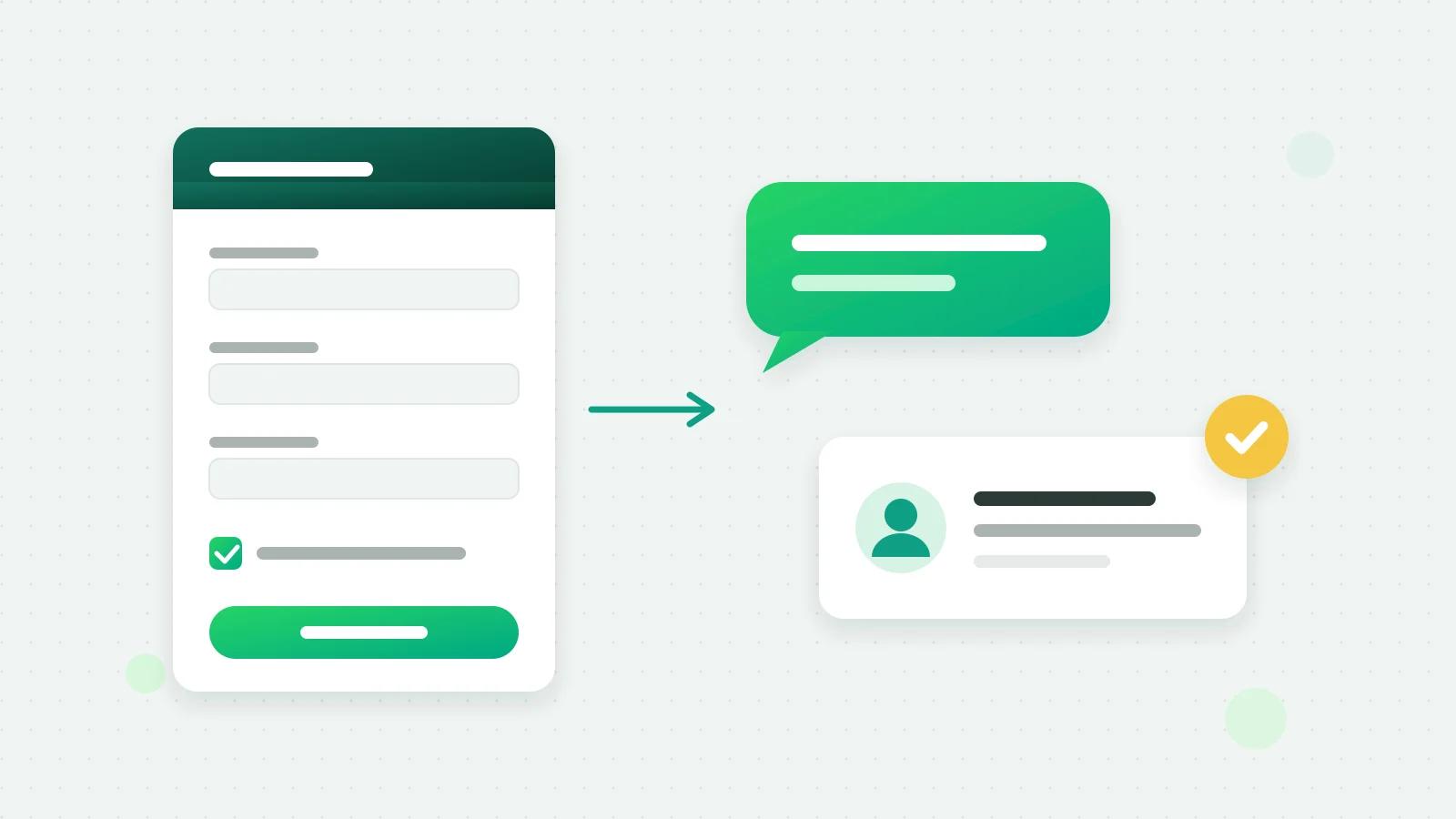
The quickest way to manage IndiaMART and JustDial leads is to have each enquiry pushed into one CRM the moment it arrives, assigned to a salesperson, and answered on WhatsApp with an approved template within minutes. IndiaMART’s Push API and JustDial’s lead push can both send enquiries to a capture link, so nobody has to copy leads out of a seller panel or an email.
Why do portal leads go cold?
- The buyer asked several sellers. The first useful reply usually gets the conversation.
- Leads sit in a different app. They arrive by email, in the portal’s app and on SMS, and someone has to notice.
- Copying takes time. A lead pasted into Excel at the end of the day is a lead answered tomorrow.
- Nobody owns it. Two people call the same buyer, or nobody does.
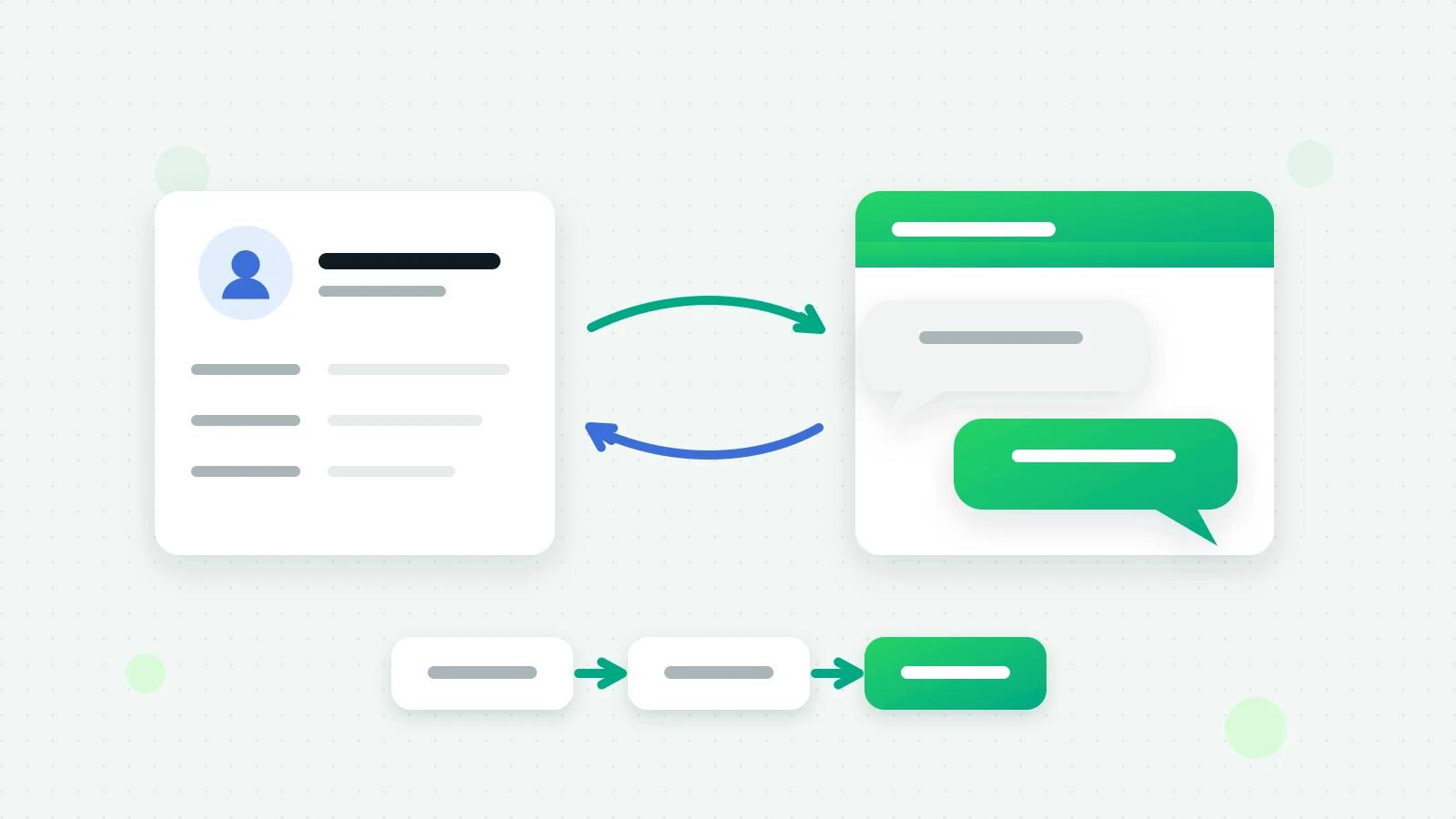
The fix is the same for every portal: get the lead in automatically, give it an owner, and answer on the channel the buyer already uses.
How does lead push work?
- IndiaMART sends each new enquiry to a web address you give it, through its Push API. It needs a paid IndiaMART seller account with the Leads API add-on, and only enquiries that arrive after you switch it on come through. IndiaMART also switches the push off if the address keeps refusing it for 48 hours, so use one that is always on.
- JustDial sets up its lead push through your JustDial account manager, who needs the same kind of web address.
The portals set their own terms and prices; check them in your seller account (IndiaMART help (opens in a new tab)).
What arrives on the lead?
Swipe the table sideways to see every column.
| IndiaMART | JustDial | |
|---|---|---|
| Contact | Name, mobile (preferred over landline), email, company | Name, mobile, email |
| Where | City, state, PIN code, address | Area, city, PIN code |
| What they want | The product or category, and the enquiry text as a note | The category |
| Tags | Such as indiamart-enquiry, buylead, call or catalog-view | The lead type |
| Source | IndiaMART | JustDial |
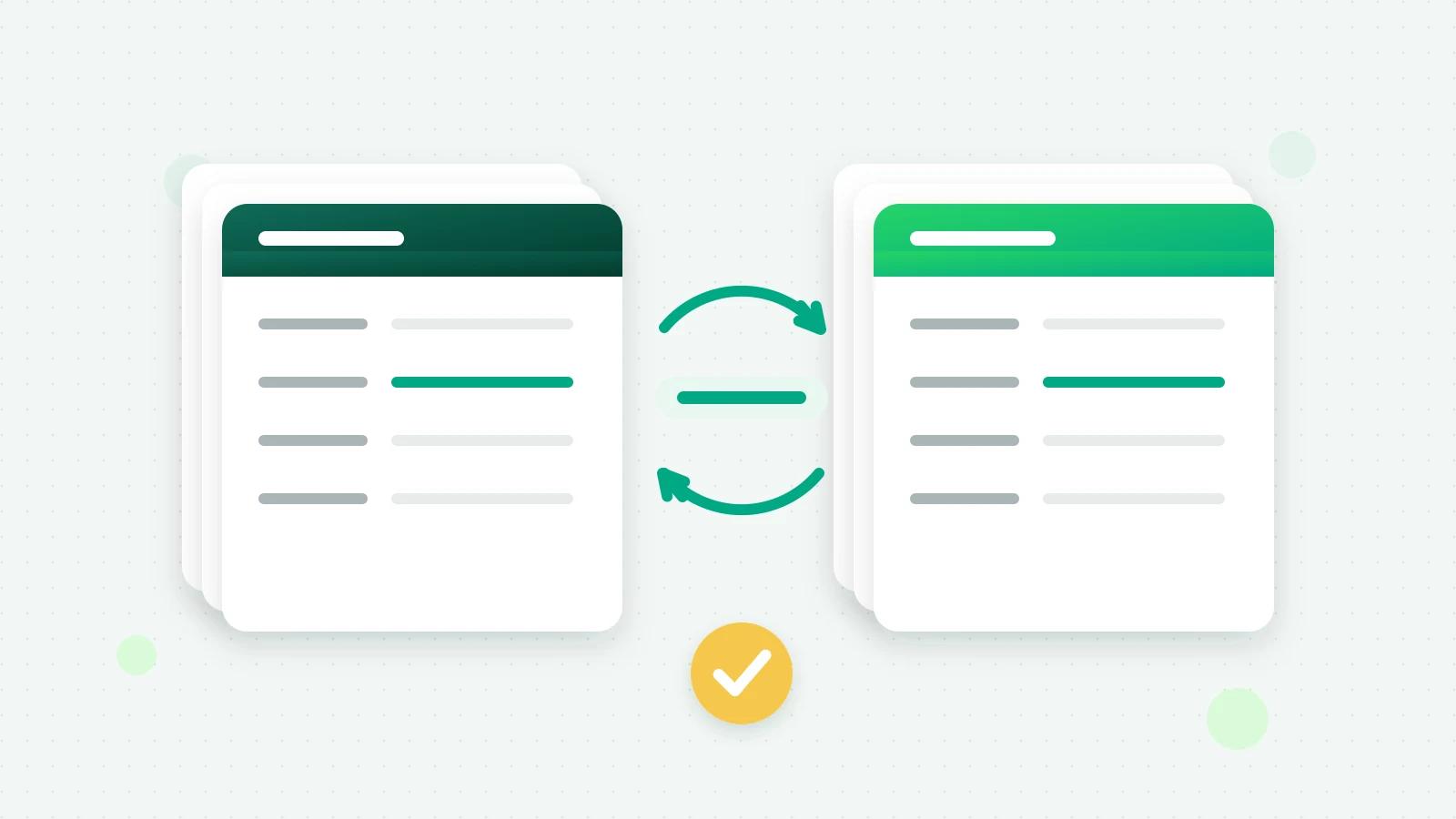
The phone number is the lead’s identity. A buyer who enquires again is updated, never duplicated, and shows “Came in again” with a count; a name or email you already have is never overwritten. A 10-digit number without a country code is read as an Indian number.
Reply on WhatsApp automatically
In Fliok, a when–then automation does it:
- 1Trigger: A new lead arrives, with Only from these sources set to IndiaMART (and JustDial, if you like).
- 2Action: Send a WhatsApp template, using variables such as {{first_name}} and the lead’s own fields.
- 3Second action: Create a follow-up task for the owner, due in 15 minutes, so a person calls too.
A first message might read: “Namaste {{first_name}}, thank you for your enquiry on IndiaMART about our stainless steel racks. Can you share the size and quantity you need? We can send a quote today.” Meta reviews the template and decides its category. Keep it about what the buyer asked for, and remember that Meta’s opt-in rules apply to these leads too.
Before switching an automation on, Test on a lead shows what it would do to a real lead without sending anything.
What makes a first message work
Portal buyers often send the same enquiry to several sellers, and the reply they can act on fastest tends to win.
- Name the product they asked about, so the message is obviously a reply, not an advert.
- Ask for the one detail you need to quote: size, quantity, delivery city.
- Say what happens next: “We will send the price within the hour” is only true if a task makes someone do it.
- Keep it to three lines, and sign off with your business name.
A second template, for buyers who have not answered by the next day, can share your catalogue link or ask whether they still need the item.
See which portal pays off
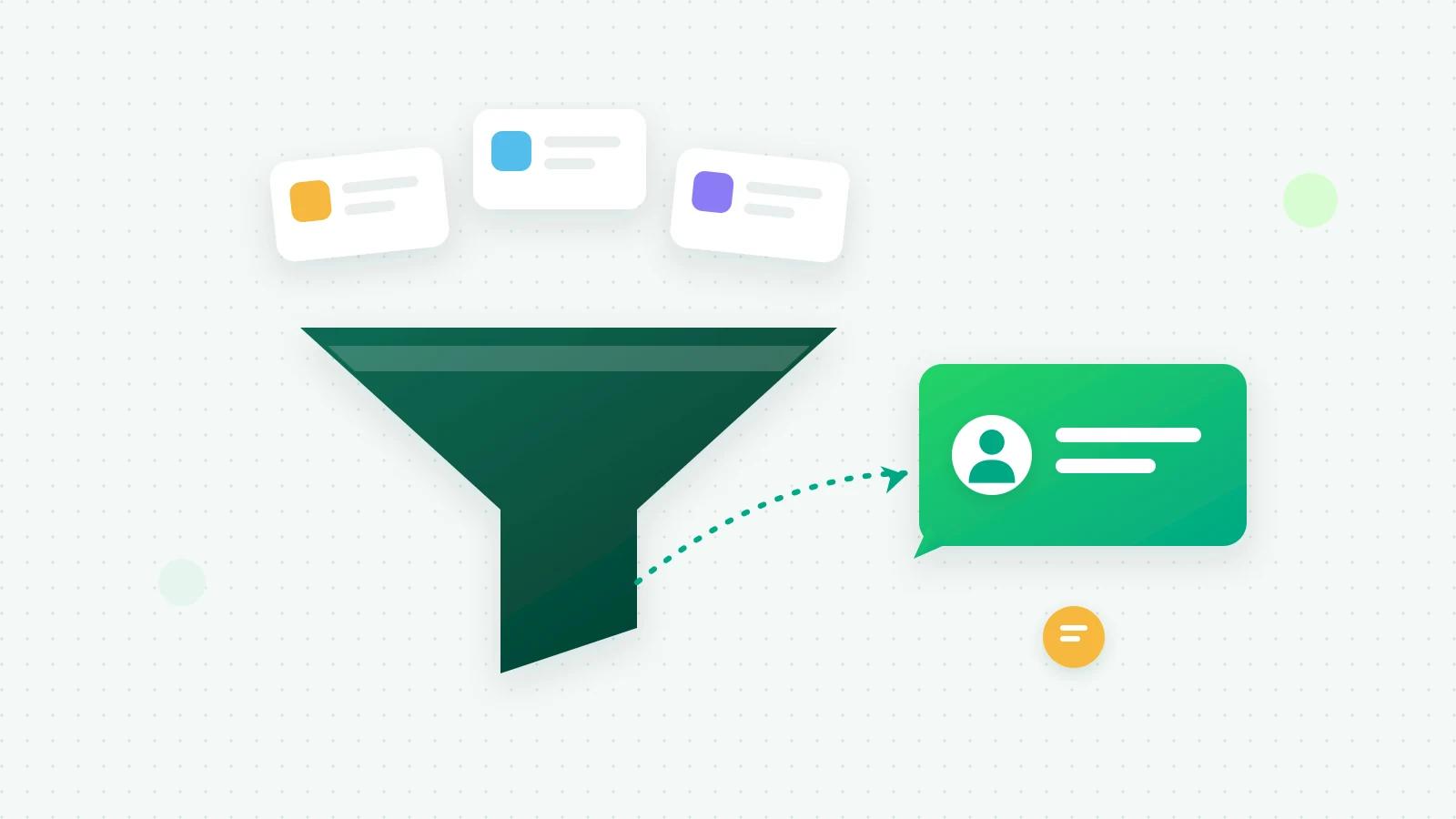
Fliok’s sales dashboard counts leads by source, with how many from each source were won, so you can compare IndiaMART, JustDial, your website and your Click-to-WhatsApp ads side by side. Why leads were lost shows whether portal buyers drop out on price, on delivery or because nobody answered. That is the evidence to decide where your next rupee of listing fees goes. More in the WhatsApp CRM.
Give every lead an owner
Lead routing, in Settings → Sales pipeline, shares new leads between the teammates you choose. A rule can apply to some sources only, for example IndiaMART leads to the two people who handle bulk orders, and a weighted share decides how many each gets. Teammates who set themselves to Away are skipped until they are back. The lead’s WhatsApp chat is assigned to the same person.
Follow up until it closes
- Stages show where each buyer stands, from New lead to Won or Lost, with a reason for every loss.
- Tasks remind the owner on their phone when a call is due.
- A lead goes quiet is a trigger too: after the number of days you choose, send a re-engagement template or create a task.
- An existing lead comes in again catches buyers who enquire a second time, often the warmest of all.
The whole method is in WhatsApp CRM: how to turn chats into a sales pipeline.
How to set it up in Fliok
- 1Be on Basic or above. The CRM, lead capture and automations start there.
- 2Open Settings → Integrations → IndiaMART (or JustDial). It shows your private capture link for that portal; treat it like a password.
- 3IndiaMART: switch on the Push API in your IndiaMART seller account and give it the link. JustDial: send the link to your JustDial account manager.
- 4Create the automation above, and a routing rule.
- 5Wait for a real enquiry. Test pushes with dummy numbers such as 9999999999 are ignored, so your CRM stays clean.
Enquiries from these portals are always saved, even if your workspace is over its contact limit. The same link works for Housing.com, 99acres, MagicBricks and Sulekha. Step-by-step guides are on the IndiaMART and JustDial pages. Running Meta instant forms as well? See Facebook Lead Ads to WhatsApp.
Frequently asked questions
IndiaMART se lead kaise nikale aur WhatsApp par reply kaise kare?
Switch on IndiaMART’s Push API and point it at your Fliok capture link. Every new enquiry then arrives as a lead with the buyer’s name, number and product, and an automation can send your approved WhatsApp template within a minute and create a call task for the owner.
Is the IndiaMART Push API free?
IndiaMART sets its own terms. It needs a paid IndiaMART seller account with the Leads API add-on; check the current price in your seller account.
Can I bring in my old IndiaMART leads?
The push only sends enquiries that arrive after you switch it on. For older ones, export them from IndiaMART and import the file (CSV or Excel) in Fliok.
What happens if the same buyer enquires twice?
The lead is updated, not duplicated, and shows Came in again with a count. The automation trigger An existing lead comes in again can alert the owner or create a task.
Do portal leads count toward my contact limit?
They count as contacts, but an enquiry from IndiaMART, JustDial or the property portals is always saved, even when the workspace is over its contact limit, so no buyer is lost.
Written by the Fliok team
The team that builds the product. Plain explanations of Meta's rules and of what Fliok does with them.
Try it on your own number
The Free plan connects one WhatsApp number, with no time limit. Questions first? A person replies within one business day.