On this page
- Where do WhatsApp leads get lost?
- How should you set up your pipeline stages?
- How do you get every lead into one place?
- Who should own each lead?
- How do you make sure every lead has a next step?
- What should you automate?
- How do you close the sale on WhatsApp?
- What should you review every week?
- Where does AI help?
- What should you avoid?
- How do you get started this week?
A WhatsApp CRM turns every chat into a lead with a stage, an owner and a next step, so enquiries stop disappearing down a scrolling chat list. The method is simple: get every lead into one place, give each one an owner, never leave a lead without a follow-up, automate the reminders, and review the pipeline every week. Here is how to set that up, and how each step works in Fliok’s built-in CRM.
Where do WhatsApp leads get lost?
- The chat scrolls away. Nobody noted that the customer asked for a quote.
- Nobody owns it. Three people read it, and each assumed someone else would reply.
- The follow-up lived in someone’s head, and they were on leave that week.
- Leads arrive in different places. Form enquiries, IndiaMART leads and ad leads sit in separate inboxes or a spreadsheet nobody opens.
A CRM fixes each of these by making it visible.
How should you set up your pipeline stages?
Keep stages few, and name each one after something the customer did, not something you hope. Fliok starts every workspace with these:
| Stage | A sensible meaning |
|---|---|
| New lead | They messaged or filled a form; nobody has replied yet |
| Contacted | You replied or called |
| Interested | They asked about price, stock or a visit |
| Follow-up | Waiting on them, with a date to chase |
| Negotiation | Discussing price or terms |
| Won / Lost | Closed, with a reason for every loss |
You can rename, recolour, reorder and archive stages in the CRM settings. Keep the lost reasons: Fliok asks for one every time a lead moves to Lost (the defaults include “Too expensive”, “Bought elsewhere” and “No response”), and the dashboard turns them into a chart of why leads were lost.
How do you get every lead into one place?
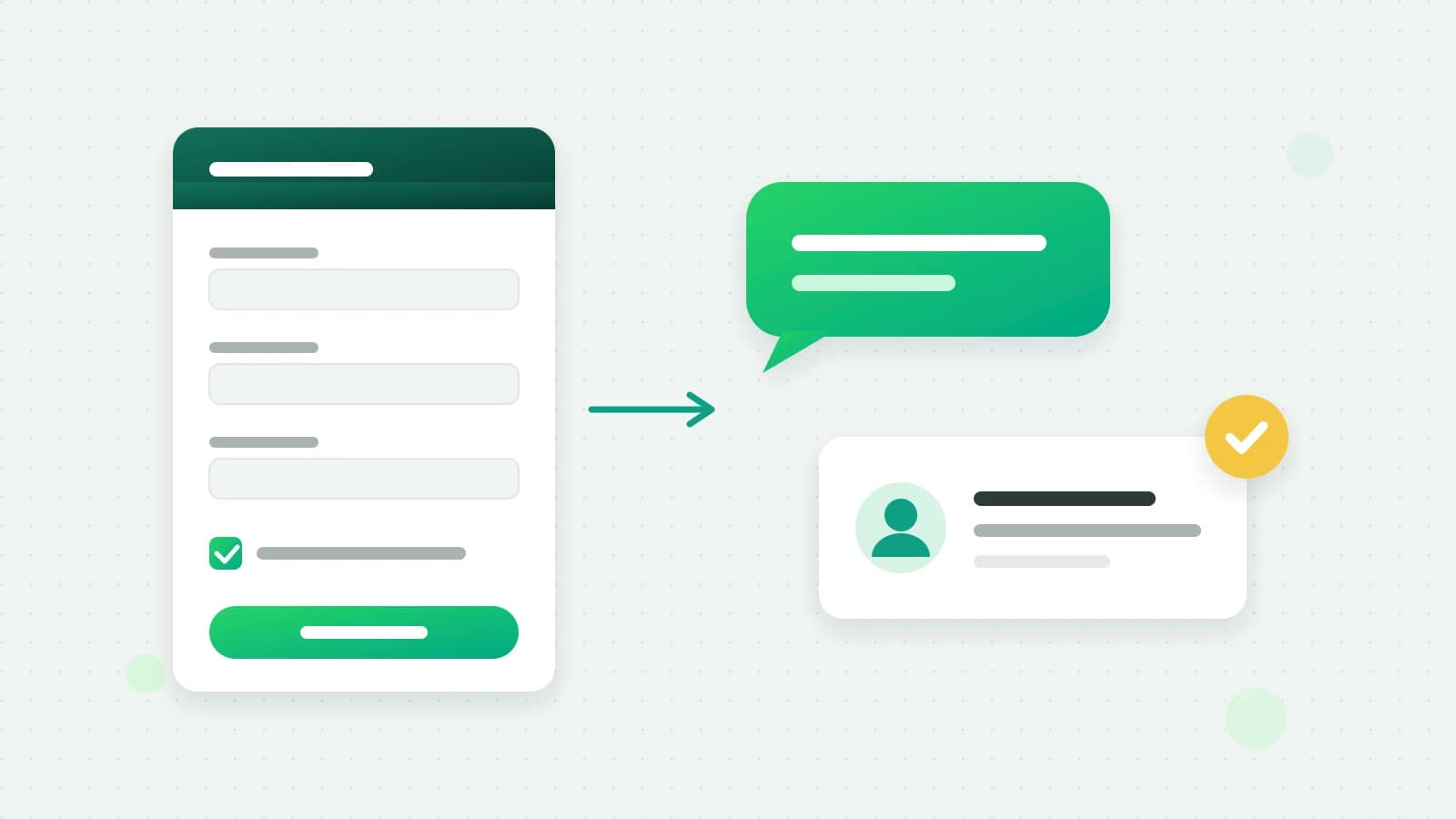
- WhatsApp chats. The first message from a new number creates the lead, with its source recorded: WhatsApp, or Click-to-WhatsApp ad when it came from an ad. Reply fast to ad leads to use the free window for ad leads.
- Website forms. Paste your private capture link into your form, WordPress, Zapier, Make, Pabbly or Google Sheets.
- Lead portals. IndiaMART, JustDial, Housing.com, 99acres, MagicBricks and Sulekha can push each enquiry to the same link. The portals set their own terms; IndiaMART’s Push API, for example, needs a paid seller account with its Leads API add-on. See how to manage IndiaMART and JustDial leads on WhatsApp.
- Your old spreadsheet. Import a CSV or Excel file, with stages, owners, deal values and your own fields.
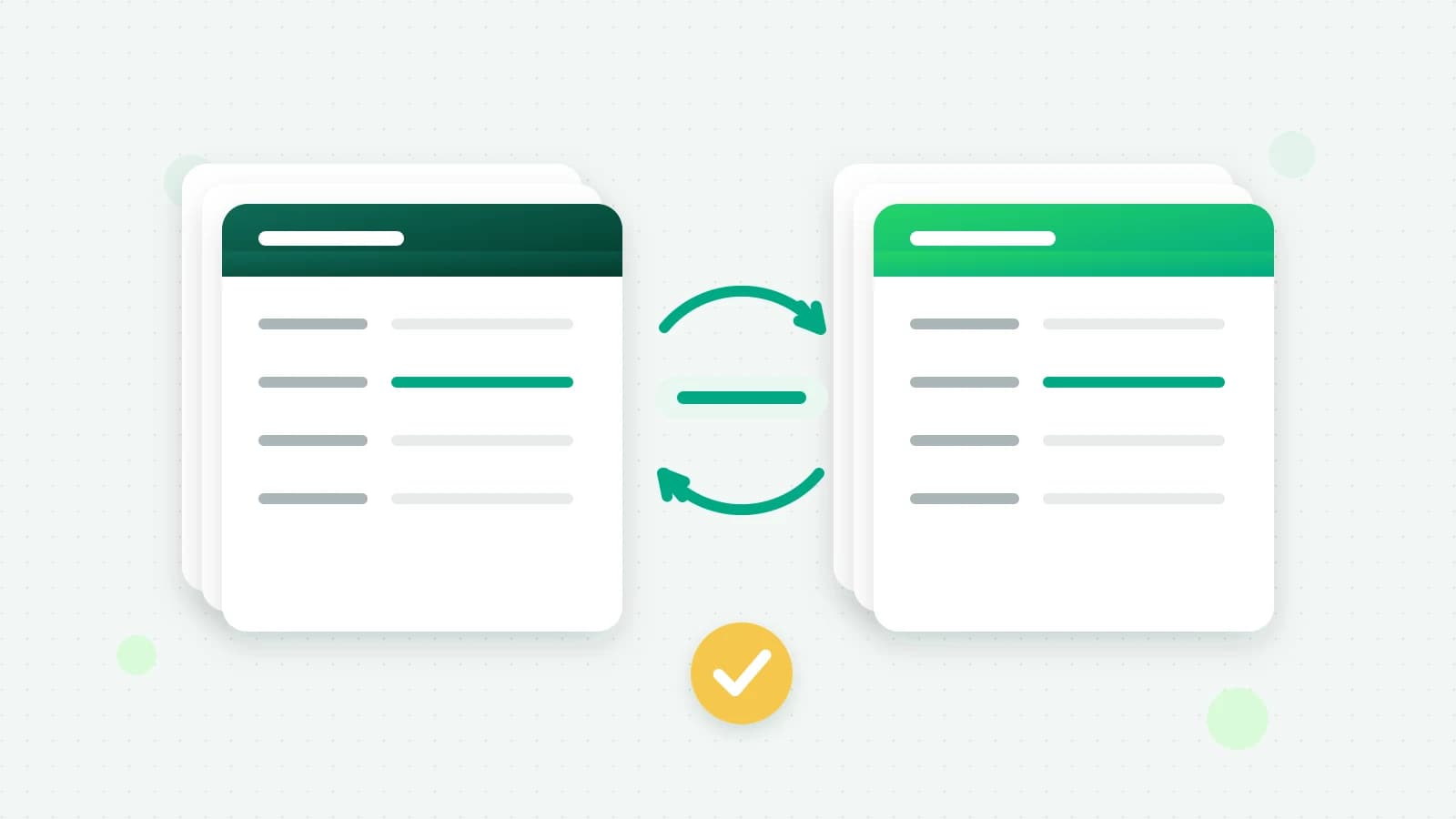
A number already in the CRM is updated, never duplicated, so a customer who fills two forms and then messages you is still one lead. See integrations for the setup guides.
Who should own each lead?
One person per lead, always. Fliok’s routing rules share new leads between the teammates you pick, in turn or by weight, and a rule can apply to particular sources only, for example IndiaMART leads to the people who handle bulk orders.
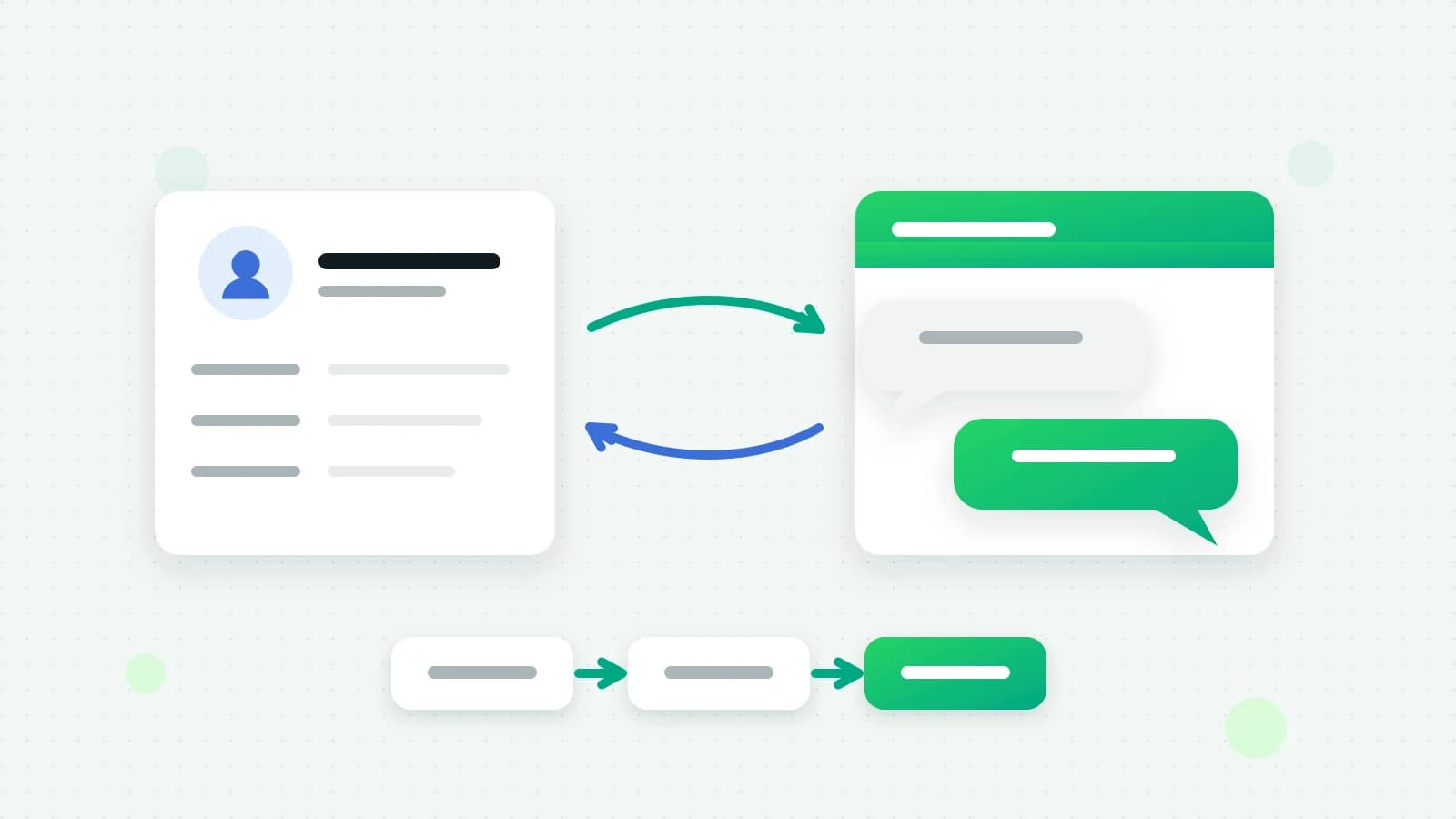
The inbox and the pipeline stay in step: a routed lead’s chat is assigned to its owner, and a lead with no owner takes the agent its chat was assigned to. You can also choose whether agents see every lead or only their own.
How do you make sure every lead has a next step?
A lead without a next step is a lead going cold.
- Give every open lead a follow-up task with a due time and a priority: a call, a meeting, a follow-up or a to-do.
- Reminders go to the person the task is assigned to, as a push notification when it comes due, not to the whole team.
- Start each day on the Tasks page: Overdue first, then Today.
- For a batch, use a calling list. Pick leads from a view, choose who works it, and Fliok creates one call task per lead, dealt out round-robin, with calls due between 10 am and 6 pm. Log each call’s outcome, such as connected, no answer or call back later.
What should you automate?
Fliok’s automations are when–then rules: a trigger, optional conditions the lead must match, and up to 20 actions. These pay off quickly:
| When | Then |
|---|---|
| A new lead arrives from IndiaMART | Create a call task for the owner, due in 15 minutes |
| The lead sends a message containing “price” | Add the tag pricing and notify the owner |
| A follow-up becomes overdue | Notify the admins |
| A lead goes quiet for 7 days | Send an approved re-engagement template |
| A lead moves to Negotiation | Send a Razorpay payment link for the deal value |
| Every Monday at 10:00 | Create a review task for each open lead that matches your conditions |
Before switching one on, use Test on a lead: it shows what the automation would do to a real lead without writing or sending anything. Every run is logged afterwards.
Automated WhatsApp messages follow the same rules as any other: free-form text only inside the customer’s 24-hour window, approved templates outside it, and opt-outs honoured.
How do you close the sale on WhatsApp?
- Record the deal value on the lead, so the pipeline shows money and not just counts.
- Send a payment link from the lead, on your own Razorpay account. It goes out on WhatsApp when the customer’s 24-hour window is open and is recorded on the lead either way. Paid, expired or cancelled status comes back to the lead, and a payment can move it to Won.
- Log payments that came in some other way, so each lead’s paid total stays right.
What should you review every week?
The CRM dashboard answers the questions a weekly sales review asks:
- New leads, deals won, leads lost and win rate, compared with the previous period.
- First response: the median time from a new chat opening to its first answer.
- The open pipeline by stage with deal value, overdue follow-ups and open leads with no owner.
- Leads by source, with how many of each were won, and why leads were lost.
- The leaderboard and a report per teammate, on Pro and above: leads assigned, messages, calls, tasks done and value won.
Fix the biggest leak first. It is usually leads with no owner, or follow-ups that went overdue.
Where does AI help?
On Fliok’s Basic plan and above the AI sales agent answers chats, and the CRM uses what it learns: a 0–100 score (hot, warm or cold) with the reasons behind it, a short handoff brief when a lead changes stage or owner, facts such as a budget copied onto the lead, and a follow-up task when a customer says “call me tomorrow”. Each can be switched off in the CRM settings. Briefs are paid per use from the prepaid AI wallet; see how AI replies are billed.
Everything else in this guide works without AI, on Basic and above, apart from the leaderboard and the per-teammate reports, which are on Pro.
What should you avoid?
- Messaging outside the rules. Once the 24-hour window has closed, only approved templates can be sent. See how template approval works.
- Blasting the whole pipeline. A template sent to selected leads goes out as a broadcast: opted-out contacts are skipped and, for marketing templates, so is anyone who has reached Meta’s marketing message limit or already had a marketing template from you in the last 48 hours. Blocks and reports lower your number’s quality rating whatever you send.
- Stages nobody uses. If a stage is always empty, merge it into its neighbour.
- Leads without a next step. The “Follow-up overdue” view shows them; clear it daily.
How do you get started this week?
- 1Connect your number and open Leads. Your WhatsApp contacts are already there as leads.
- 2Adjust the stages and lost reasons to match how you actually sell.
- 3Add routing rules, or assign your existing leads in bulk.
- 4Paste your capture link into your website form, and connect IndiaMART or JustDial if you use them.
- 5Give every open lead a follow-up task.
- 6Switch on two automations: an instant task for new leads, and an alert for overdue follow-ups.
- 7Review the dashboard every Monday.
The CRM is included on Fliok’s Basic, Pro and Enterprise plans. Contacts and seats are limited by plan, and sending a template to many leads at once goes out as a broadcast, with every message counted toward your plan’s monthly message allowance; see pricing. The full feature list is on the WhatsApp CRM page.
Written by the Fliok team
The team that builds the product. Plain explanations of Meta's rules and of what Fliok does with them.
Try it on your own number
The Free plan connects one WhatsApp number, with no time limit. Questions first? A person replies within one business day.