On this page
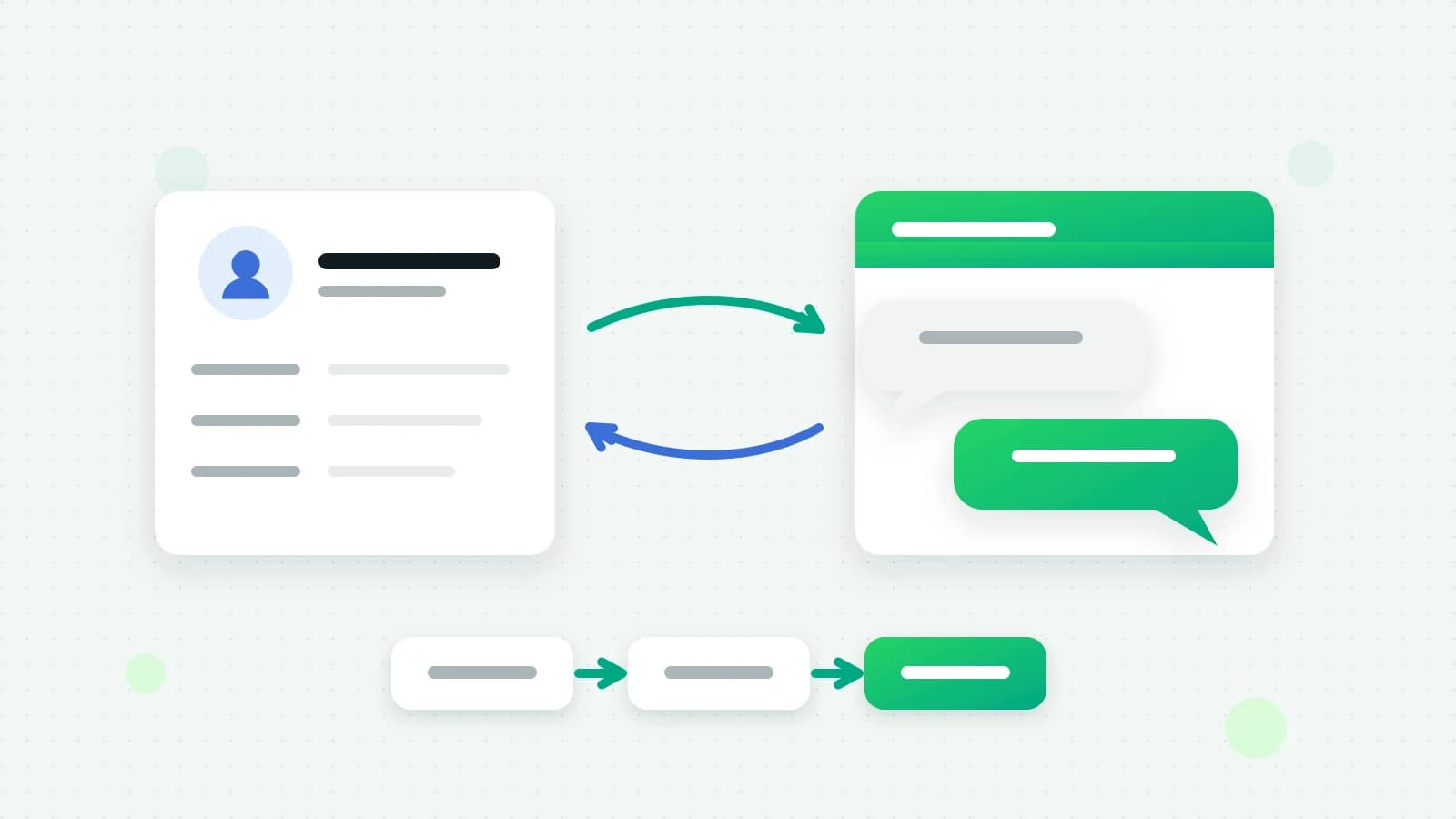
Sending Facebook Lead Ads to WhatsApp means two things: every answer to your instant form lands in your CRM as a lead without anyone downloading a spreadsheet, and the people who agreed to hear from you on WhatsApp get a message from your business while they still remember the ad. This guide explains what Facebook Lead Ads are, the ways to connect them to a CRM, the consent rule that decides who you may message, and how to set it up in Fliok.
What is Facebook Lead Ads?
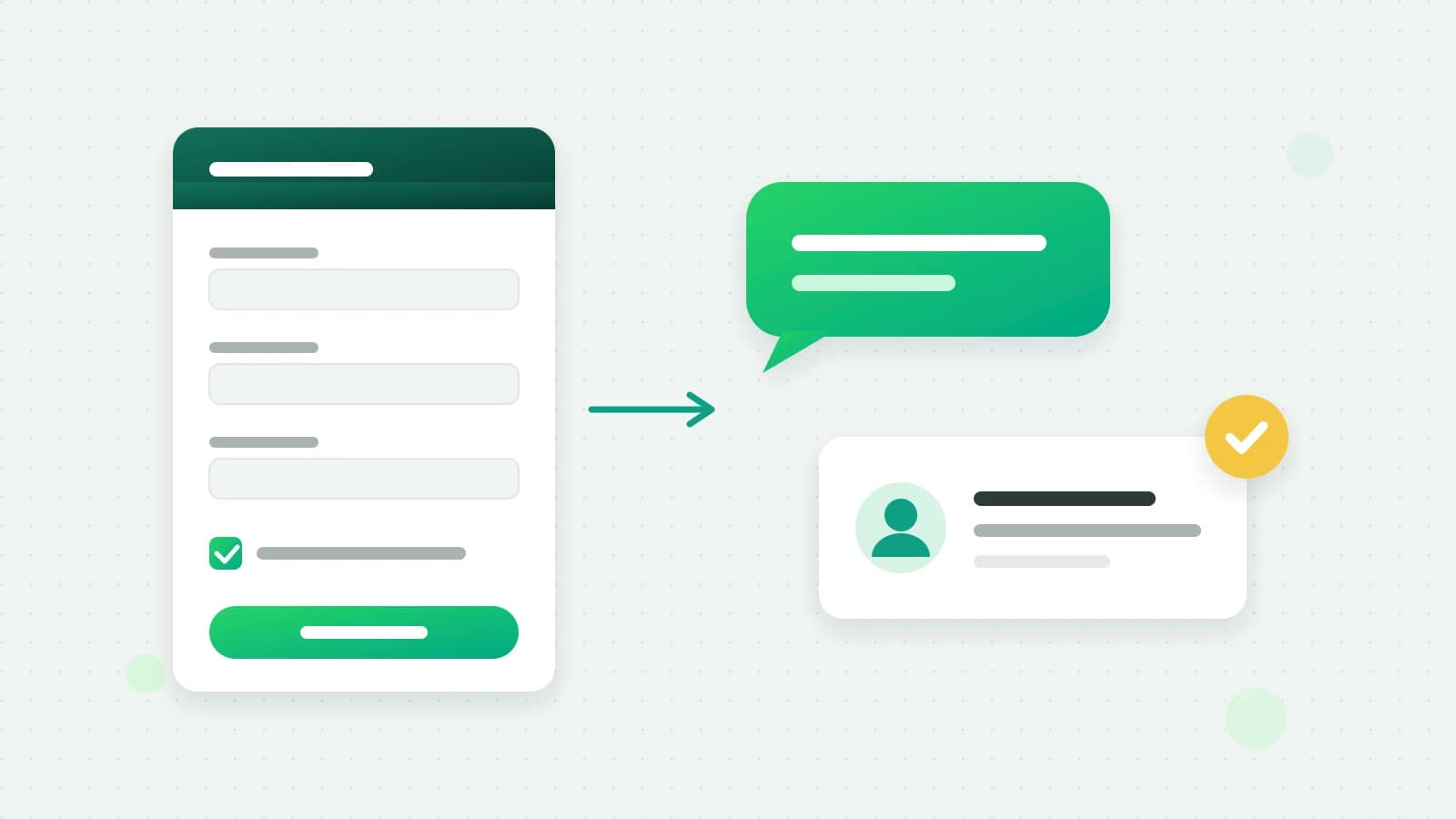
Lead Ads are Meta’s ads with an instant form. Someone taps the ad on Facebook or Instagram, a form opens with their details already filled in from their profile, and they submit it without leaving the app. You choose the questions: name, phone, email, city, and your own questions such as “Which course are you interested in?” or “May we contact you on WhatsApp?”.
The answers stay with Meta until something fetches them. A CRM reads them through Meta’s API, and Meta’s guide says the leads_retrieval permission is required to read leads. It also describes real-time updates for new leads, arriving with a delay of up to a few minutes (Meta: retrieving leads).
Three ways to move Facebook Lead Ads into a CRM
- 1Download the leads. You can export a form’s leads from Meta as a file and import them by hand. It costs nothing and it is always late: by the time someone opens the spreadsheet, the person who filled the form has moved on.
- 2An automation tool in between. Tools such as Zapier, Make or Pabbly Connect offer a Facebook Lead Ads trigger that passes each lead to another app. It works, at the price of one more subscription and one more place where a mapping can break.
- 3A direct Facebook Lead Ads CRM integration. The CRM subscribes to your Page’s leads itself, files each one with the form and the ad it came from, and can follow up at once.
Facebook Lead Ads CRM integration: what to check
Whichever tool you use, these decide whether the leads are usable:
- Field mapping per form. Different forms ask different questions. Each question should land in the right field, and answers that have no field should still be kept.
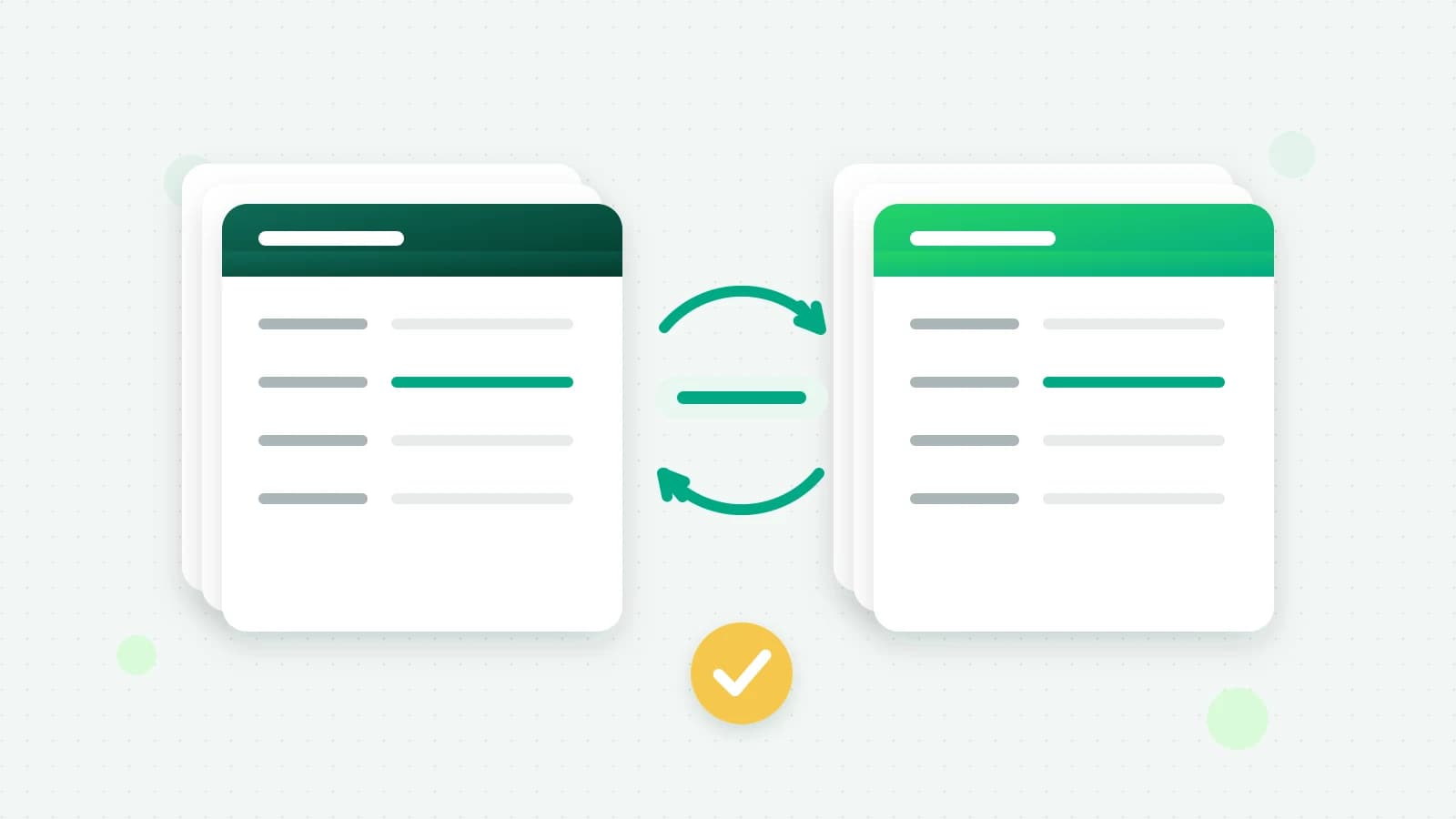
- No duplicates. A person who fills two forms, or a lead Meta sends twice, should update one record, not create two.
- The source. Each lead should say which form, ad and campaign it came from, so you can tell which ads bring customers.
- Who picks it up. New leads need a stage and an owner, or they sit unread.
- Past leads. A new integration should be able to bring in recent leads that arrived before you connected it.
- Consent before WhatsApp. A phone number on a form is not permission to message someone on WhatsApp. More on that next.
The consent rule for WhatsApp follow-ups
Meta requires opt-in before a business messages people first: the person has to know they are agreeing to hear from your business on WhatsApp (Meta: get opt-in for WhatsApp). On a lead form, the clean way to get it is a question of its own, such as “Can we send you details on WhatsApp?” with yes and no answers.
Only a yes should trigger a WhatsApp message. Because a lead form is not a chat, there is no open 24-hour window, so the first message has to be an approved template, and Meta charges for it at its rate for the template’s category (Meta: pricing).
How to send Facebook Lead Ads to WhatsApp in Fliok
Facebook Lead Ads is part of Automation & CRM, on Basic and above. It uses the Facebook Page you chose on the Ads page.
- 1Connect your Meta ads account on the Ads page and choose the Page your lead ads run from.
- 2Open Settings → Integrations → Facebook Lead Ads (an admin does this) and check that the Page shows Receiving leads.
- 3Map each form. For every form, pick which question fills the name, phone, email, city, or one of your own contact fields. Every answer is also kept on the lead’s timeline.
- 4Choose the stage and the owner for new leads from that form, or leave them to start in your first stage and follow your lead routing rules. The owner is notified either way.
- 5Import past leads if you want them: Fliok brings in the form’s leads from the last 90 days. Imported leads are never sent a WhatsApp message.
- 6Switch on the instant WhatsApp follow-up for a form if you want one. It is off until you do. Choose an approved template, and the question on your form that asks whether you may contact the person on WhatsApp.
- 7Test it with Meta’s lead ads testing tool or a real submission, and watch the lead appear with its source.
Note: Lead Ads needs Meta’s permission to read leads (leads_retrieval) for Fliok. Fliok submitted it for Meta’s App Review on 19 October 2026, and until that review is complete, Lead Ads is switched on workspace by workspace. To have it switched on for yours, write to hello@fliok.com.
What each lead shows
Each lead shows the form, the ad and the campaign it came from, and its source says Facebook Lead Ads or Instagram Lead Ads, since the same instant forms run on both. Your team sees it in the CRM like any other lead, with the full set of answers on its timeline, and can reply from the WhatsApp inbox once the person writes back. From there it moves through your pipeline like every other lead; the WhatsApp CRM guide covers stages, owners and follow-up tasks.
Honest limits
- A lead needs a phone number. A form answered without one is not added.
- No doubles. A number already in your CRM is updated, not added twice, and the same form answer is never added twice, even when Meta sends it again.
- The follow-up goes only on a yes. The message is sent only when the person answered yes to your consent question and gave a valid number. It counts toward your plan’s monthly messages, nothing goes to someone who opted out, and messages to new people pause for a while after Meta restricts one of your numbers. When a follow-up was not sent, the lead’s timeline says why.
- Restricted lead access. If your Page restricts who can see its leads, add Fliok as a CRM in Meta Business Suite under Settings, Leads Access. Until then, Meta does not share the answers with Fliok.
- Reconnecting. If the Lead Ads card asks you to reconnect, your Meta ads account was connected without permission to read leads; reconnect it on the Ads page.
The setup is also in the help answer. For leads that start as a chat rather than a form, see Click-to-WhatsApp ads in Fliok and how to run them; for leads from portals, see IndiaMART and Justdial leads on WhatsApp. Everything lands in the same CRM.
Frequently asked questions
What is Facebook Lead Ads?
Meta’s ads with an instant form. People tap the ad on Facebook or Instagram, a form opens with their details filled in from their profile, and they submit it without leaving the app. The answers stay with Meta until a CRM or a download fetches them.
Can Facebook Lead Ads send leads straight to WhatsApp?
Not by themselves. A CRM has to fetch each lead from Meta and send an approved WhatsApp template from your business number. In Fliok that follow-up goes only to people who answered yes to your form’s WhatsApp consent question and gave a valid number.
Do I need Zapier to connect Facebook Lead Ads to my CRM?
Not with Fliok, which subscribes to your Page’s leads directly once you connect your Meta ads account. It is part of Automation & CRM, on the Basic plan and above.
Will my old Facebook leads come into Fliok?
Import past leads brings in a form’s leads from the last 90 days. Imported leads are added to the CRM but are never sent a WhatsApp message, because the follow-up is only for new answers.
Why did a lead not get the WhatsApp follow-up?
Usually because the person did not answer yes to the consent question, gave no valid number, or had opted out, or because messages to new people were paused after Meta restricted one of your numbers. The lead’s timeline in Fliok says which.
Is Facebook Lead Ads available on every Fliok workspace?
While Meta’s App Review of Fliok’s permission to read leads is under way, Lead Ads is switched on workspace by workspace. Write to hello@fliok.com to have it switched on for yours.
Written by the Fliok team
The team that builds the product. Plain explanations of Meta's rules and of what Fliok does with them.
Try it on your own number
The Free plan connects one WhatsApp number, with no time limit. Questions first? A person replies within one business day.