On this page
- What is a Click-to-WhatsApp (CTWA) ad?
- What do Click-to-WhatsApp ads cost?
- How to create one in Meta Ads Manager
- How to create one from Fliok
- How to see which ad each lead came from
- What the Ads page reports
- Tell Meta which ads actually sold
- Reply fast, or the ad is wasted
- Mistakes that waste ad money
- How to judge an ad after a week
- A checklist before launch
- Frequently asked questions
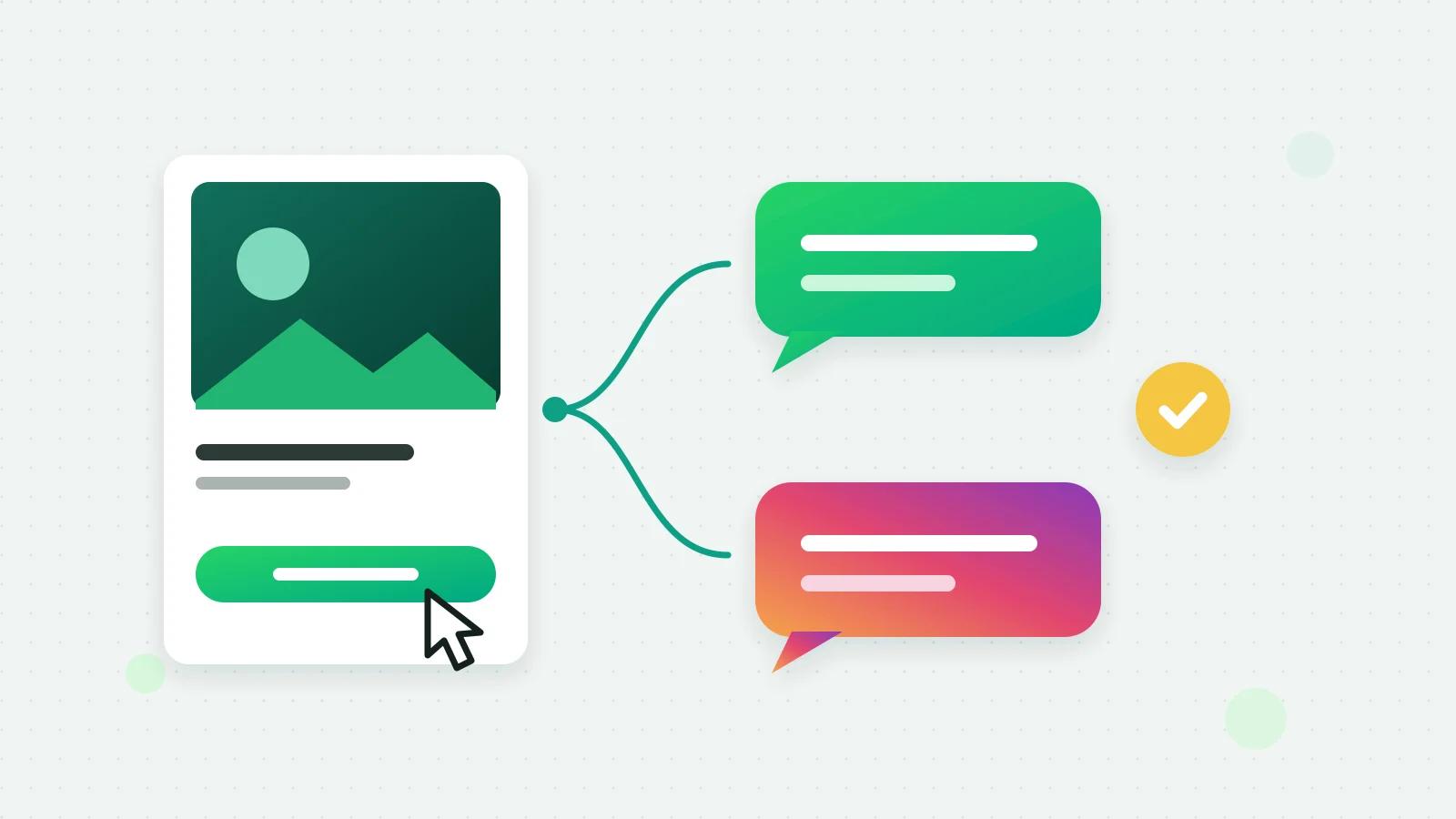
A Click-to-WhatsApp ad is a Facebook or Instagram ad whose button opens a WhatsApp chat with your business instead of a website. You create it in Meta Ads Manager, or from a WhatsApp platform connected to your ad account, and point it at your WhatsApp number. When someone taps it and writes, Meta passes along which ad they came from, so the lead arrives already labelled.
What is a Click-to-WhatsApp (CTWA) ad?
CTWA is short for Click-to-WhatsApp. The ad looks like any other on Facebook or Instagram, but its button says something like “Send WhatsApp message”. Tapping it opens WhatsApp with a message already typed, for example “Hi! I’d like to know more”, and the person only has to press send.
For a business that sells through conversations (property, education, travel, clinics, custom orders), it removes the landing page and the form: the lead is a chat from the first second.
What do Click-to-WhatsApp ads cost?
Two separate things:
- The ad spend. You set a budget, and Meta charges your own ad account. On Fliok it never passes through us.
- The messages. When someone messages you from the ad and you reply within 24 hours, Meta opens a free entry point window: while it is open, every message you send that person is free, templates included (Meta’s free entry point windows (opens in a new tab)). Meta says it may stay open for up to 7 days; Fliok counts on the first 72 hours. Free-form replies still stop when the 24-hour service window closes, so after that it is approved templates. The details are in the free window for ad leads.
How to create one in Meta Ads Manager
Meta’s guide walks through the current steps (Meta: create ads that click to WhatsApp (opens in a new tab)). In outline: link your WhatsApp number to your Facebook Page, create a campaign whose ads send people to WhatsApp, choose the audience, budget and creative, and write the greeting and the message the customer starts with. Meta reviews the ad before it runs.
How to create one from Fliok
Fliok’s Ads page creates Click-to-WhatsApp ads from inside the product, on Basic and above. If you do not see Ads in your sidebar, write to us and we will switch it on for your workspace.
- 1Connect your Facebook ad account and choose the ad account and Page, on the Ads page itself.
- 2Create the ad: who should see it, a daily budget, an image, the Greeting in WhatsApp and the Message the customer sends.
- 3It is saved paused. Nothing is spent until an admin publishes it and confirms the budget.
- 4Meta reviews it, usually within 24 hours, and then it runs.
Ads made in Fliok are engagement campaigns that send people to WhatsApp and optimise for conversations. An ad can also be a video or a carousel (sizes and limits), and one ad can open WhatsApp or Instagram Direct (click-to-message ads).
How to see which ad each lead came from
This part works for every ad pointing at your connected number, however it was created, and on every plan. When a customer’s first message carries Meta’s ad referral, Fliok stores it on the contact:
- The contact card shows Came from an ad: the ad’s headline and copy, the ad and ad set IDs, the click ID and when they first wrote.
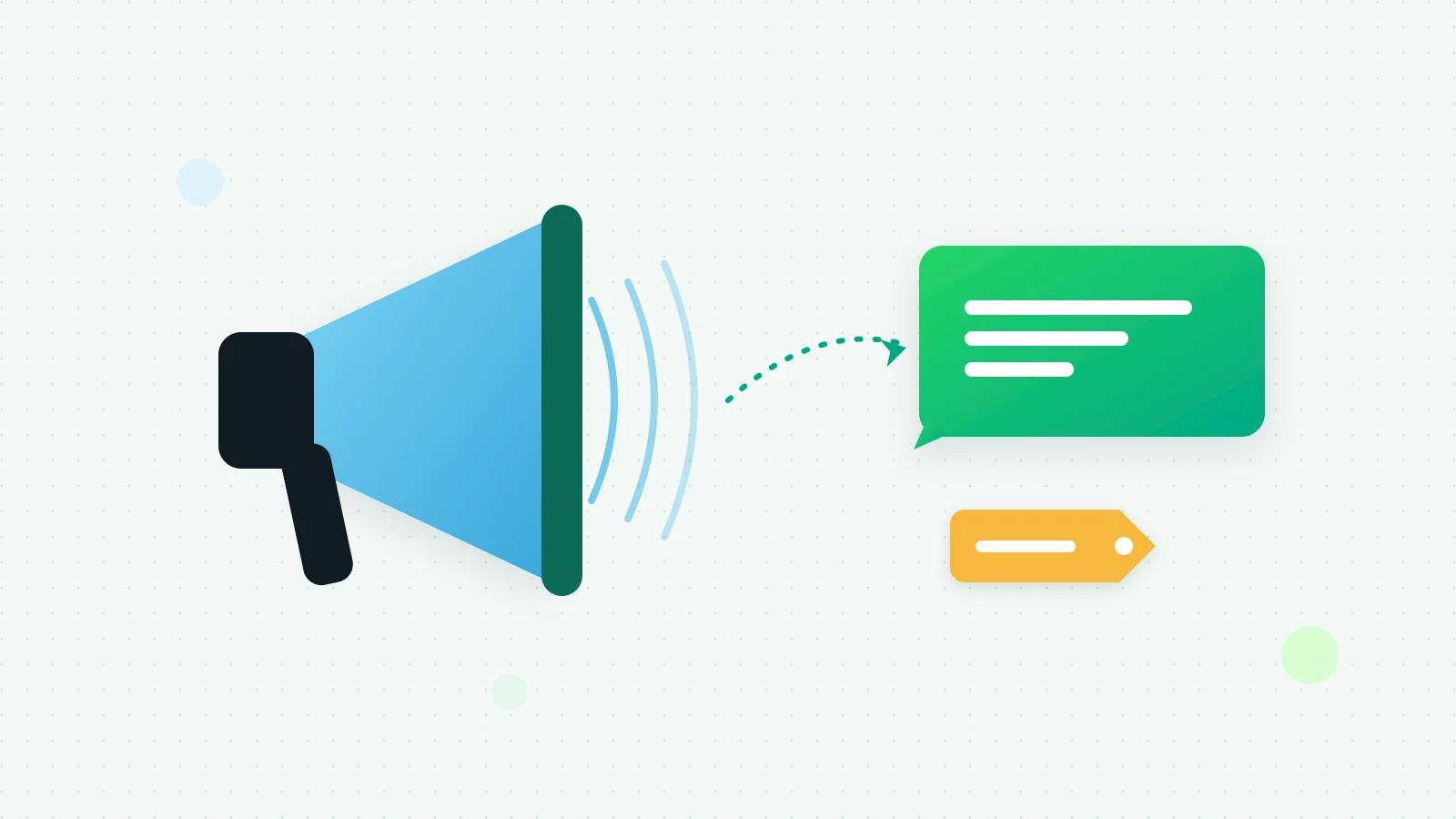
- The inbox marks the chat with a megaphone and tells you what opens the free window: “From your ad — reply by … and Meta opens a free window”.
- The lead’s source is set to Click-to-WhatsApp ad in the CRM, so reports and automations can use it.
The first ad a person came from is kept. If they come back later through a different ad, the card notes that too.
What the Ads page reports
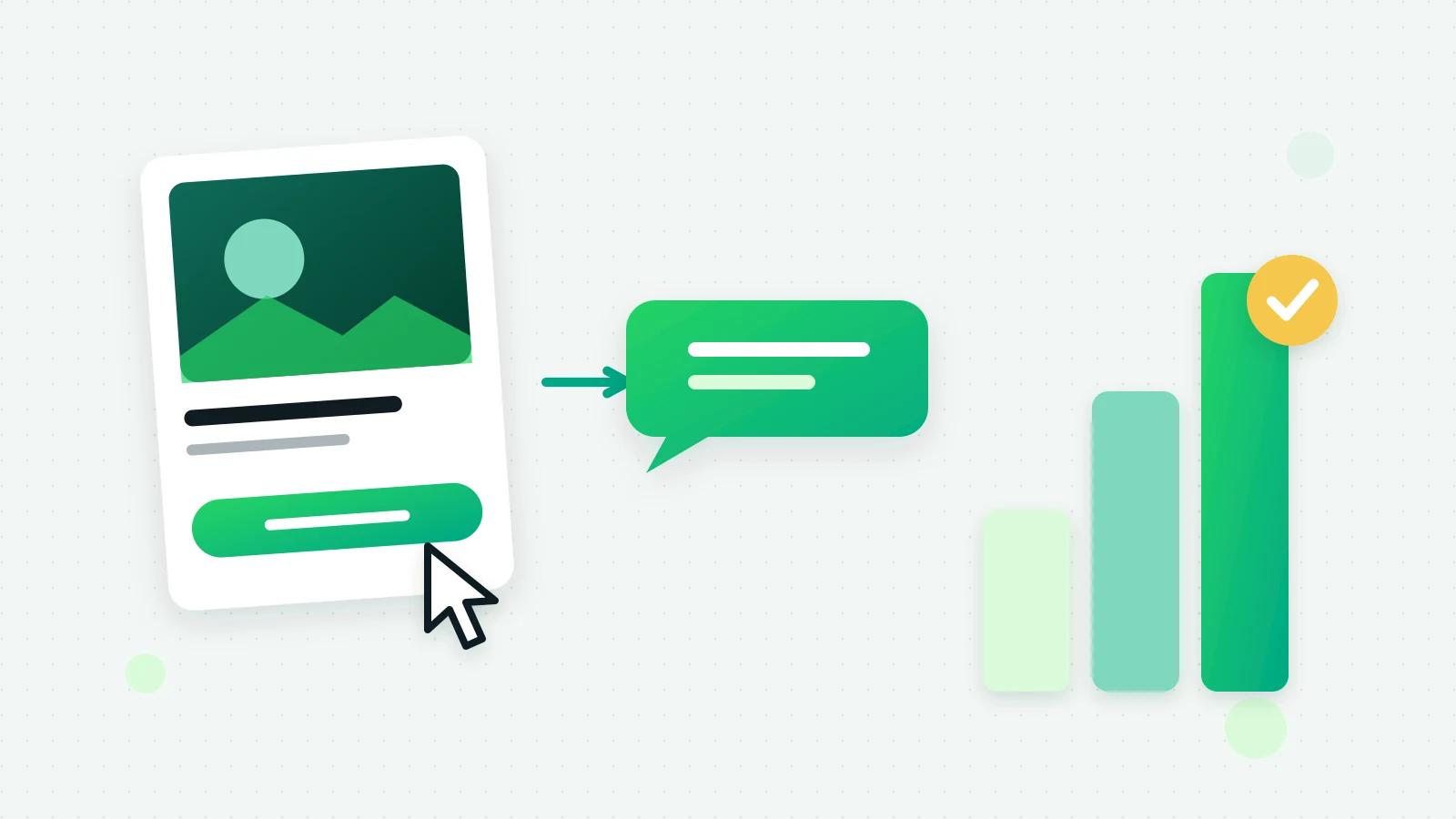
For ads made in Fliok, the Ads page shows Spend, Conversations (chats started from the ads), Cost / conversation and Leads in Fliok, with impressions and clicks for each ad. It refreshes every 30 minutes, and conversations are Meta’s own count.
Tell Meta which ads actually sold
Meta optimises ads toward what it is told works. Fliok can report results back through Meta’s Conversions API for business messaging (Meta: Conversions API for business messaging (opens in a new tab)). In Settings → Integrations → Send results back to Meta, an admin ticks Use my WhatsApp connection, or pastes a dataset ID and access token from Meta; the Conversions API guide has the details.
Then, once per conversation, Fliok reports a Lead when Fliok AI has gathered what the customer needs, an InitiateCheckout when it has quoted, and a Purchase when the sale is made. A payment recorded in Fliok is reported as a Purchase with its amount. The section shows how many events were reported, are waiting or were rejected. It is on Basic and above.
Reply fast, or the ad is wasted
- Answer within minutes. The free window only opens if you reply within 24 hours, and the lead is warmest in the first few minutes. Fliok AI can answer at any hour from your business facts.
- Get a re-engagement template approved before launch, so hours 24 to 72 are not wasted.
- Make the first message easy to answer. A prefilled message and a greeting that asks one clear question.
Mistakes that waste ad money
- A greeting that asks nothing. “Thanks for your interest!” leaves the customer wondering what to type. Ask the one question you need answered.
- Nobody watching at night. Ads run around the clock; enquiries that wait until morning go cold, and the reply has to come within 24 hours for the free window to open at all.
- Judging ads by clicks. A cheap conversation that never buys is not a good ad. Compare ads by the leads they brought and the sales those leads made.
- One ad for every product. A prefilled message that names the product tells your team, and the AI, what the customer wants before they say a word.
- No plan for hours 24 to 72. Without an approved re-engagement template, the free window closes with nothing sent.
How to judge an ad after a week
Start with cost per conversation from the Ads page or Ads Manager, then follow the conversations into your CRM: how many became leads that moved forward, how many were quoted, and how many paid. Because every lead carries the ad it came from, the sales dashboard can show results by source. If you have connected the Conversions API, Meta sees the same results and can optimise your ads toward them. The short version is in the help answer.
A checklist before launch
| Check | Why |
|---|---|
| The number is connected and its display name approved | Ads point at that number |
| A re-engagement template is approved | For hours 24 to 72 of the free window |
| Your business facts are written for the AI, or the team is ready | Someone has to answer at once |
| The greeting asks one question | It starts the conversation |
| The budget is one you can afford to test | Meta charges your ad account |
Frequently asked questions
What does CTWA mean?
Click-to-WhatsApp: a Facebook or Instagram ad whose button opens a WhatsApp chat with your business, with a message already typed for the customer to send.
Are messages from Click-to-WhatsApp ads free?
If you reply within 24 hours, Meta opens a free window: it charges nothing for the messages you send that person while it is open, templates included. Meta says it may stay open for up to 7 days, and Fliok counts on the first 72 hours. Free-form replies still need an open 24-hour window, so after that it is approved templates.
How do I know which ad a WhatsApp lead came from?
Meta sends the ad referral with the customer’s first message. Fliok stores it on the contact (headline, ad and ad set IDs, click ID), marks the chat in the inbox, and sets the lead’s source to Click-to-WhatsApp ad, on every plan. See Click-to-WhatsApp ads in Fliok.
Who pays for the ad?
You do, to Meta, from your own ad account and at the budget you set. Fliok never handles the ad spend.
Can Fliok tell Meta which chats turned into sales?
Yes, on Basic and above. Connect Meta’s Conversions API in Settings, and Fliok reports leads, quotes and purchases from ad chats once per conversation, including payments recorded in Fliok with their amount.
Written by the Fliok team
The team that builds the product. Plain explanations of Meta's rules and of what Fliok does with them.
Try it on your own number
The Free plan connects one WhatsApp number, with no time limit. Questions first? A person replies within one business day.