On this page
Click-to-message ads are ads whose button opens a chat with your business instead of a website. On Meta’s apps that chat can be in WhatsApp, in Instagram Direct, or in whichever of the two each person is more likely to answer from. This guide explains the kinds of click-to-message ads on Facebook and Instagram, how the one ad for both WhatsApp and Instagram works, what it needs, and how to create it in Ads Manager or in Fliok.
What are click-to-message ads?
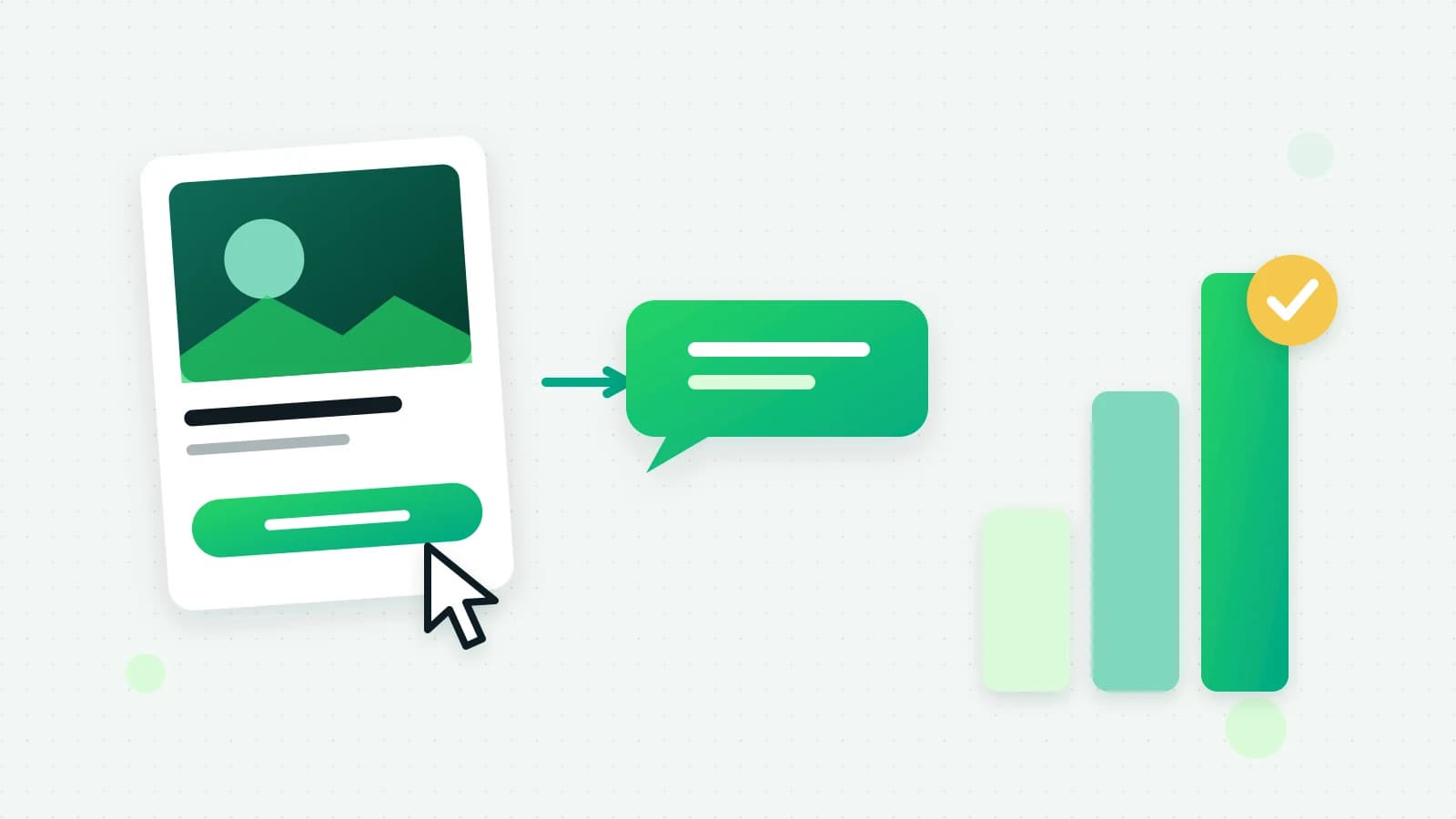
A click-to-message ad looks like any other Facebook or Instagram ad: a picture, a video or a carousel, with your text. The difference is the button. Instead of “Shop now” leading to a website, it says something like “Send message”, and tapping it opens a conversation with your business, often with a greeting and a first message already written for the customer.
They suit businesses that sell through conversation: a salon taking bookings, a coaching centre answering fee questions, a shop that confirms sizes before an order. The person asks their question in the app they already use, and you answer in your inbox. LinkedIn, Google and TikTok use similar names for their own message ads; this guide is about Meta’s.
Click-to-WhatsApp, Instagram Direct, or both
Swipe the table sideways to see every column.
| Ad | Where the chat opens | Good for |
|---|---|---|
| Click-to-WhatsApp | WhatsApp, on your business number | Customers who prefer WhatsApp, and follow-up with templates later |
| Click to Instagram Direct | Your Instagram account’s DMs | Audiences who live on Instagram |
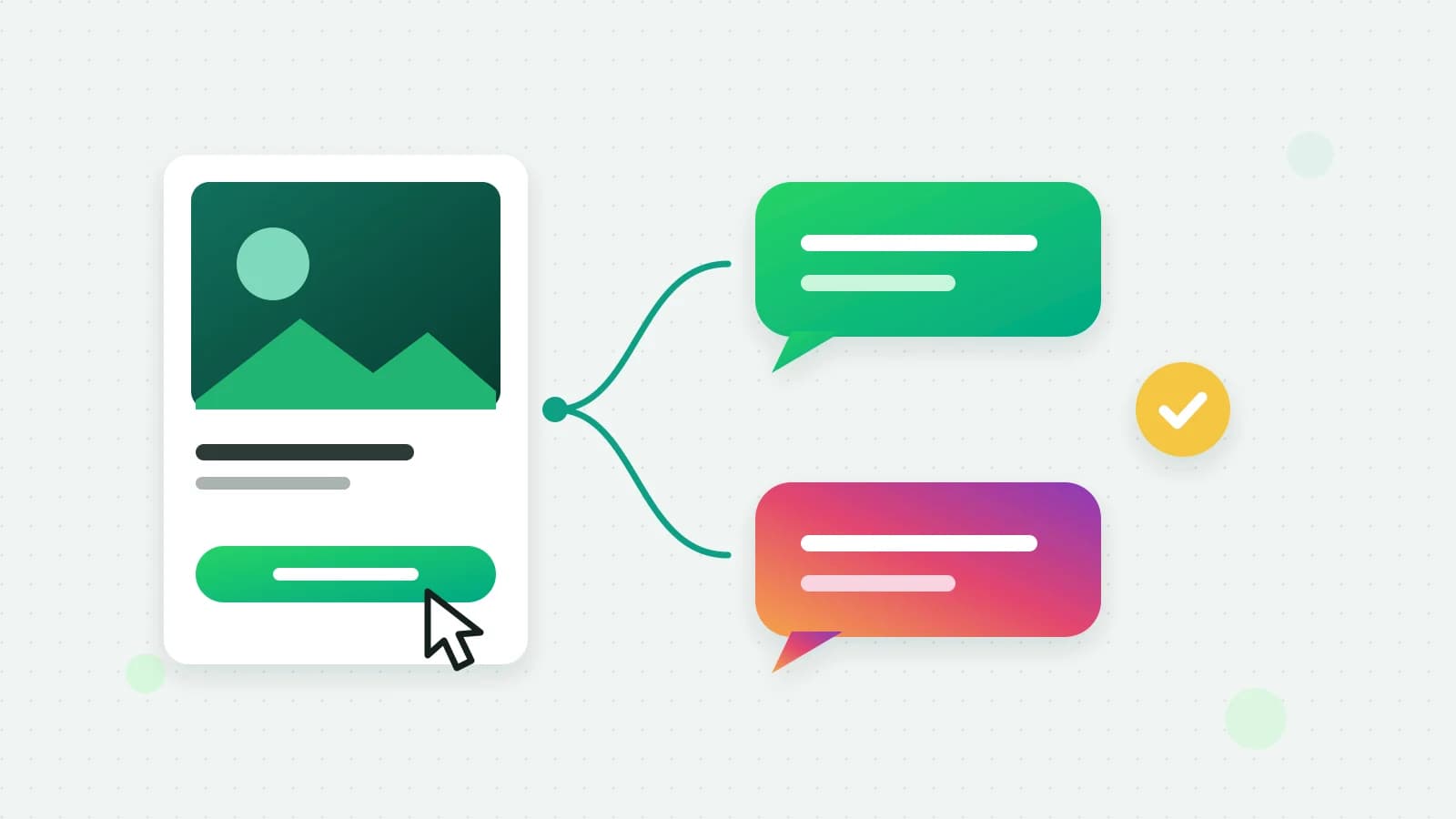
| One ad for both | WhatsApp or Instagram Direct, chosen by Meta for each person | Reaching both without splitting the budget |
Meta calls the third kind ads that click to multidestination. Its guide says that when someone taps the ad, it opens a conversation in the messaging app that person is most likely to respond from, among Messenger, Instagram and WhatsApp (Meta: ads that click to multidestination). You do not choose the app for each person; Meta does.
Instagram and WhatsApp ads: what one ad for both needs
Meta lists two links that have to be in place before an ad can open both apps: a WhatsApp business number connected to your Facebook Page, and an Instagram business account connected to the same Page (Meta: ads that click to multidestination). In practice:
- One Facebook Page that both are linked to. The ad runs as that Page and your Instagram account.
- A WhatsApp Business number on that Page. If the number on the Page belongs to another tool, the WhatsApp chats go there, not to your inbox.
- An Instagram professional account linked to the Page, with access to messages allowed in the Instagram app.
- An ad account with a payment method, since Meta bills the spend to your own account.
Meta lists Engagement, Sales and Traffic as the objectives these ads support (Meta: ads that click to multidestination). Most businesses that want conversations start with Engagement, optimising for conversations.
How to create ads that click to WhatsApp in Ads Manager
Meta’s help centre walks through the current steps for ads that click to WhatsApp (Meta Business Help: create ads that click to WhatsApp). In outline: choose an objective, set the conversion location to messaging apps, tick WhatsApp (and Instagram for an ad that can open either), choose the Page and number, then the audience, budget and creative, and write the greeting. Meta reviews the ad before it runs.
How to run click-to-message ads in Fliok
Fliok makes all three kinds from its own pages: Click-to-WhatsApp ads on the Ads page, Instagram Direct ads in the Instagram section, and the one ad for both on WhatsApp + Instagram ads. For the last one:
- 1Add the add-ons. The WhatsApp + Instagram ads add-on is on Basic and up: ₹499/month in India, excluding 18% GST, or $9/month outside India. It needs the Instagram add-on too (₹499/month in India, excluding 18% GST, or $9/month outside India), because the ad runs as your Instagram account. Tick them while choosing your plan, or later in Plan & billing, under Add-ons.
- 2Connect what it needs: your Facebook ad account on the Ads page, your Instagram account, and a WhatsApp number of this workspace linked to the same Facebook Page as your Instagram account. The page says which of these is missing.
- 3Create the ad: who should see it, one daily budget, an image, a video or a carousel, and the greeting people see when the chat opens.
- 4It is saved paused. Nothing is spent until an admin publishes it and confirms the budget.
- 5Meta reviews it, usually within 24 hours, and then it starts delivering.
Ads made in Fliok are engagement campaigns optimised for conversations. Chats that open in WhatsApp land in your WhatsApp inbox, and chats that open in Instagram Direct land in your Instagram inbox, where the same team and, if you use it, the same AI assistant answer them.
Note: Ads in Fliok are opened workspace by workspace while Meta reviews Fliok’s access to its ads tools. If you do not see Ads in your menu, write to hello@fliok.com and we will switch it on for your workspace.
What the results show
For the ad as a whole, the page shows spend, chats started and cost per chat. Chats that open in WhatsApp also carry Meta’s ad referral, so the contact card shows which ad they came from. To tell Meta which of those chats became sales, use the Conversions API; see the Meta Conversions API guide.
Honest limits
- No Messenger. Meta’s multidestination ads can include Messenger, but Fliok has no Messenger inbox, so it offers the WhatsApp and Instagram pair only.
- Meta picks the app. You cannot force a person into WhatsApp; if you need every chat on WhatsApp, run a Click-to-WhatsApp ad instead.
- No catalog ads. Meta runs catalog ads only to websites, not to chats. To show your products, make a carousel and add them from your catalog.
- Spend goes to Meta. Ad spend is paid from your own ad account; Fliok never handles it. Meta’s message charges for WhatsApp are separate from the ad spend.
- Your other ads stay as they are. Click-to-WhatsApp and Instagram ads keep their own pages.
More on the two single-app kinds: Click-to-WhatsApp ads in Fliok, the step-by-step guide and Instagram ads and insights. For formats and sizes, read WhatsApp carousel and video ads. The add-on is described in the help answer, and ad leads that reply fast are covered in the free window for ad leads.
Frequently asked questions
What are click-to-message ads?
Ads whose button opens a chat with your business instead of a website. On Facebook and Instagram, the chat can open in WhatsApp, in Instagram Direct, or in whichever of the two Meta expects each person to answer from.
Can one ad send people to both WhatsApp and Instagram?
Yes. Meta’s ads that click to multidestination open a conversation in the messaging app each person is most likely to respond from. Your WhatsApp number and Instagram account must both be connected to the same Facebook Page.
Which objective should I use for Click-to-WhatsApp ads?
Meta supports Engagement, Sales and Traffic for ads that open a chat. Fliok creates Engagement campaigns optimised for conversations, which suits businesses that want enquiries in their inbox.
What does the WhatsApp + Instagram ads add-on cost?
₹499/month in India, excluding 18% GST, or $9/month outside India, on Basic and up. It needs the Instagram add-on too. Ad spend is separate and is paid to Meta from your own ad account.
Will my ad spend start as soon as I create the ad?
No. Every ad made in Fliok is saved paused, and nothing is spent until an admin publishes it and confirms the budget. Meta then reviews the ad, usually within 24 hours, before it starts delivering.
Written by the Fliok team
The team that builds the product. Plain explanations of Meta's rules and of what Fliok does with them.
Try it on your own number
The Free plan connects one WhatsApp number, with no time limit. Questions first? A person replies within one business day.