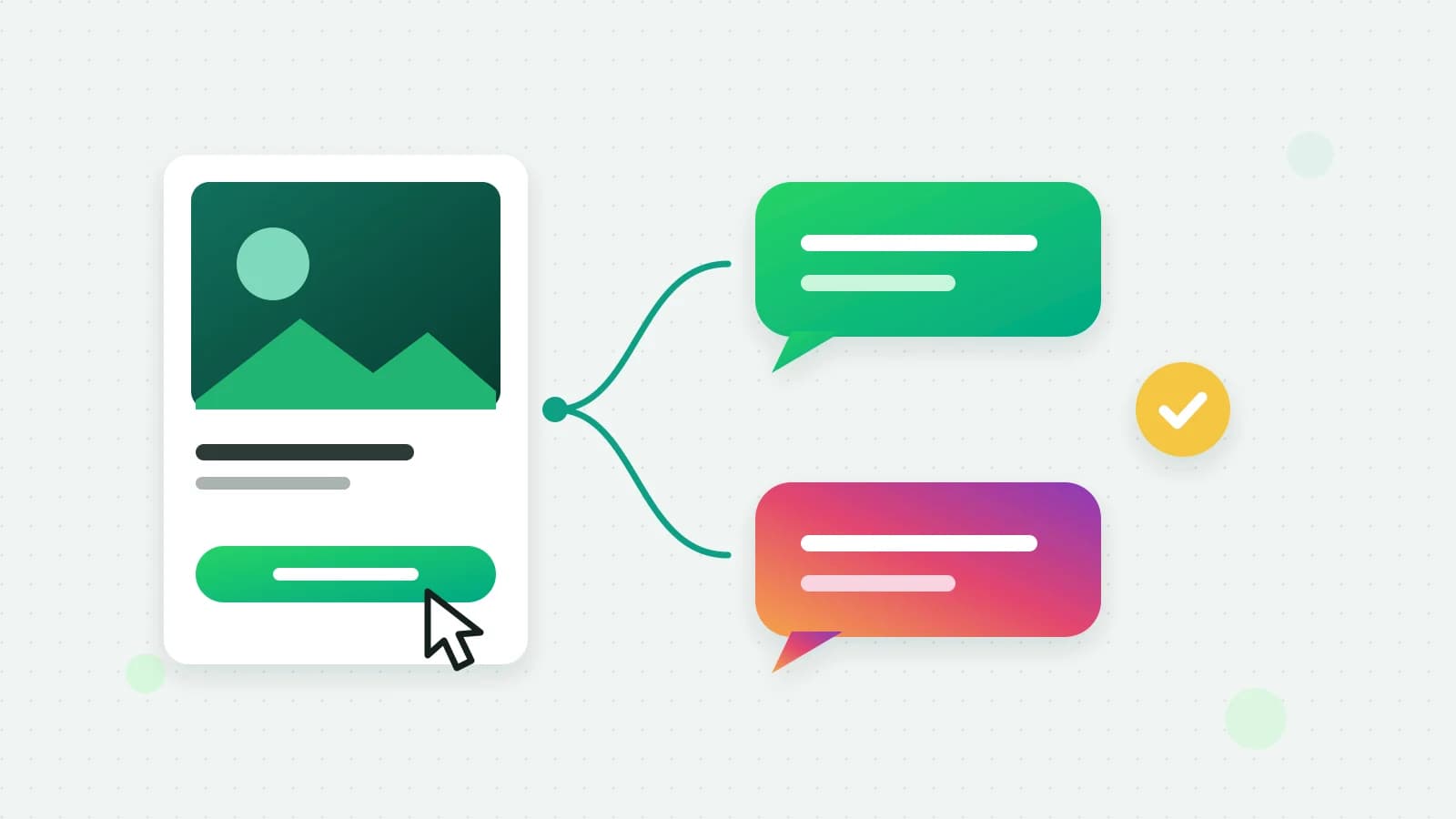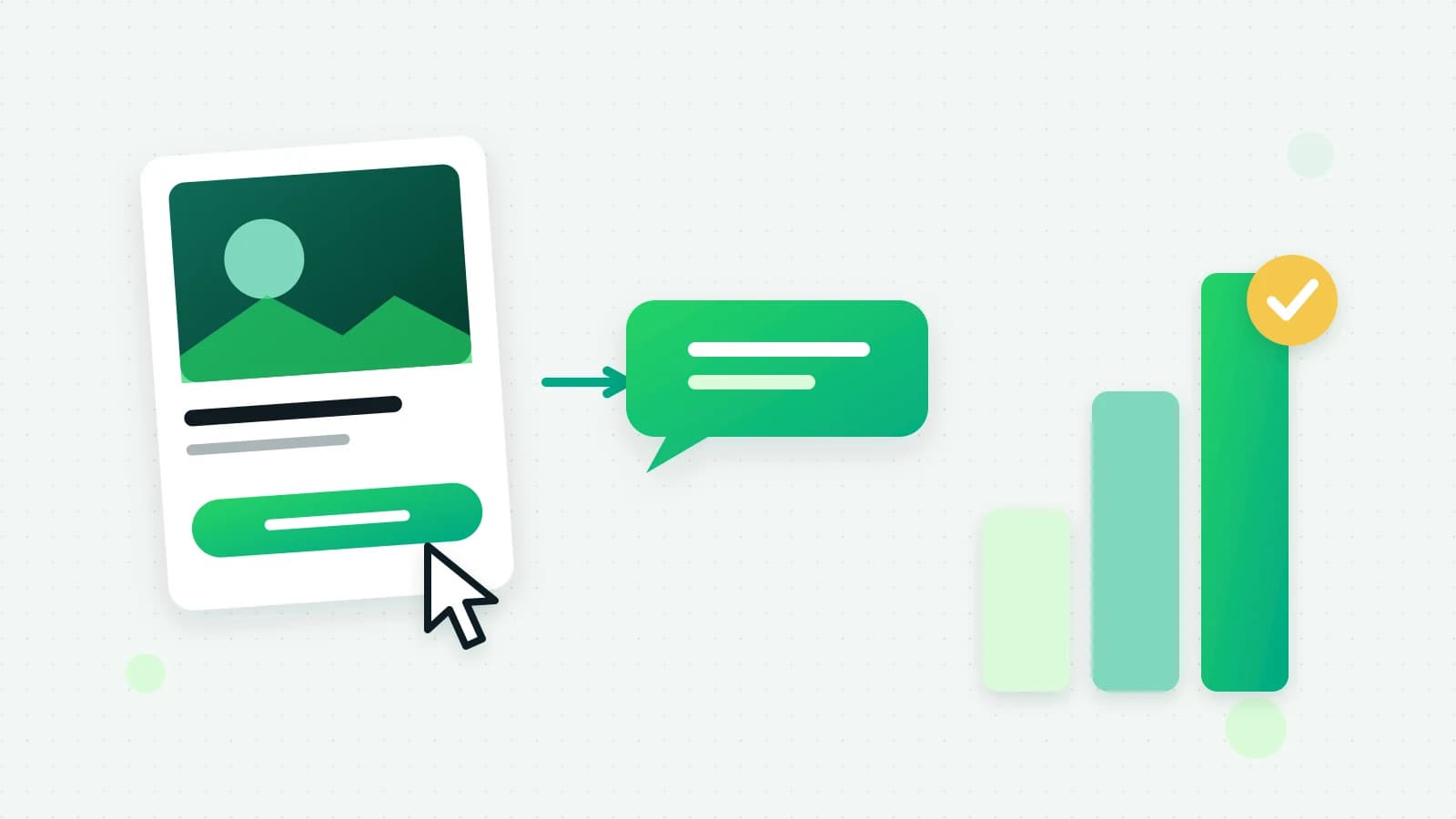
When someone taps a Click-to-WhatsApp ad and messages you, Meta gives you a longer and cheaper window to talk to them than an ordinary chat. The rule has a catch that trips people up: a free window does not mean days of free-form chat.
Two windows, not one
The customer service window (24 hours). It opens every time a customer messages you. Inside it you can send free-form messages (any text, media or interactive message). Outside it, you can only send an approved template. As of 1 October 2026, Meta charges for those free-form replies per message, at the utility rate; until then they were free (Meta’s non-template message charges).
The free entry point window. It opens when a customer messages you from a Click-to-WhatsApp ad on Facebook or Instagram and you reply within 24 hours. While it is open, Meta charges nothing for the messages you send that person, templates included (Meta’s free entry point windows). Meta’s pricing page says the window “may remain open for up to 7 days”; until 30 September 2026 it said 72 hours. Meta does not say how long any one window will stay open, so Fliok counts on the first 72 hours.
The catch
Free-form messages still follow the 24-hour service window. So for a lead who writes once and then goes quiet:
- Hours 0 to 24: reply however you like. It is free.
- After 24 hours, while the free window is open: you can only send approved templates, but Meta does not charge for them. Fliok counts on this until hour 72.
- Once the free window has closed: normal pricing. A template is billed at its category rate, and a free-form reply (when the customer has written again) at the utility rate.
If the customer writes back at any point, a new 24-hour service window opens from their message.
How Fliok handles it
- When an inbound message carries Meta’s ad referral data, Fliok stores the ad attribution on the contact and the conversation, and records the time it counts the free window until: 72 hours from the ad message. A later ad click can extend it; nothing shortens it.
- On the Basic plan and above, the AI agent’s follow-ups are planned around both windows: free-form nudges while the 24-hour window is open, and an approved re-engagement template between hours 24 and 72, if you have one approved. The AI still decides whether a follow-up is worth sending at all.
- Messages Meta marks as non-billable are not counted in the estimated spend on your analytics page.
Practical advice
- 1Reply fast. The free window only opens if you reply within 24 hours. The AI agent, or push notifications on your team’s phones, make that easy to hit.
- 2Get a re-engagement template approved before the ads go live, so hours 24 to 72 are not wasted. See how template approval works.
- 3Point the ad at your connected number. Build it in Meta Ads Manager, or create it from Fliok’s Ads page (Basic and above): an ad made there is saved paused until you publish it, and the page shows its spend, conversations started, cost per conversation and the leads it brought in. Ad spend is billed by Meta to your own ad account either way. The full setup, and how to see which ad each lead came from, is in how to run Click-to-WhatsApp ads.
- 4Free is not a licence to flood people. Blocks and reports lower your number’s quality rating, whatever the messages cost.
Note: Meta publishes and changes these pricing rules. If anything here disagrees with Meta’s current documentation, Meta is right.
Written by the Fliok team
The team that builds the product. Plain explanations of Meta's rules and of what Fliok does with them.
Try it on your own number
The Free plan connects one WhatsApp number, with no time limit. Questions first? A person replies within one business day.