On this page
- How the Meta Conversions API for WhatsApp works
- Conversions API for CRM: which outcomes to send
- The dataset Meta keeps for your WhatsApp account
- How to switch it on in Fliok
- The older way: a dataset and token from Events Manager
- What Fliok sends, and when
- What is sent about your customer
- Check that it works
- What it does not do
- Frequently asked questions
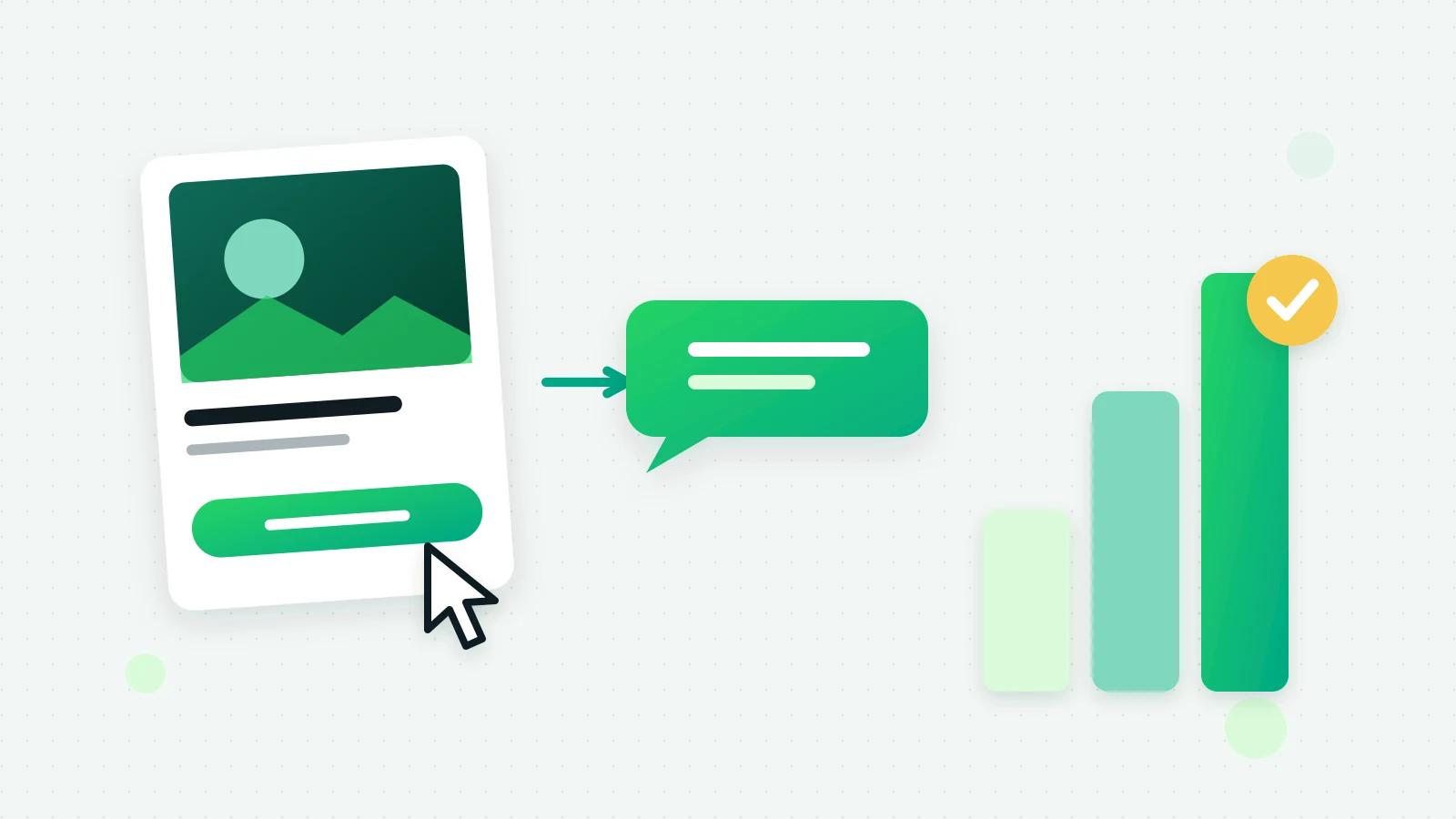
The Meta Conversions API for WhatsApp lets you tell Meta what happened after someone tapped your Click-to-WhatsApp ad: whether the chat became a lead, a quotation or a sale. Without it, Meta sees only that a conversation started, and judges your ads by taps. With it, the outcomes your CRM records go back to your ad account, so you can see which ads bring customers and not just conversations. In Fliok it is now one switch, “Use my WhatsApp connection”: no pixel to pick and no token to paste. This guide explains how it works, what to send, how to switch it on, and what is still waiting on Meta.
How the Meta Conversions API for WhatsApp works
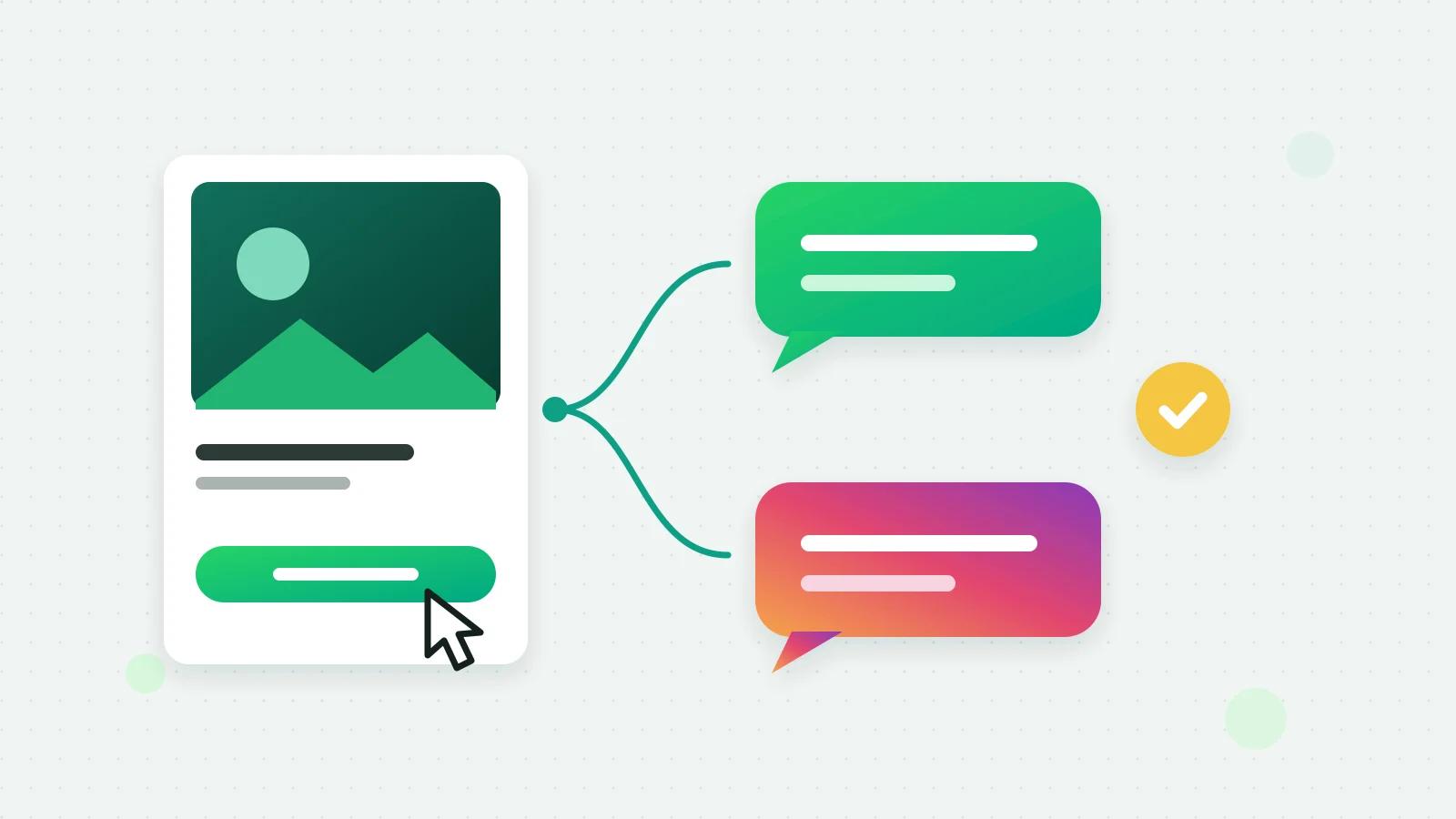
- 1A person taps your ad and a WhatsApp chat opens with your business.
- 2Meta attaches a click ID to their first message. Meta calls it a personal identifier, unique per click (Meta: Conversions API for business messaging (opens in a new tab)).
- 3Your CRM keeps the click ID with the conversation.
- 4When something happens in the chat, such as a lead, a quotation or a sale, your system sends Meta an event with that click ID.
- 5Meta matches it to the ad, and the outcome shows against the ad in your dataset.
Meta’s guide says the events should represent what happens in the messaging thread itself, and that a conversion on your website belongs to the Conversions API for the web (Meta: Conversions API for business messaging (opens in a new tab)).
Conversions API for CRM: which outcomes to send
Meta’s list of events for business messaging includes Purchase, LeadSubmitted and InitiateCheckout, among others (Meta: Conversions API for business messaging (opens in a new tab)). For a business that sells over WhatsApp, three map neatly onto a sales pipeline:
| What happened in the chat | Event |
|---|---|
| The person gave their requirements | LeadSubmitted |
| You sent a quotation | InitiateCheckout |
| They paid or the deal was won | Purchase, with the amount if you know it |
Two rules keep the data useful:
- Send each outcome once. Meta says it does not deduplicate business messaging events for you and encourages advertisers to do it before sending. A lead that moves back and forth between stages should not count twice.
- Send it soon. Meta takes an event up to 7 days after it happened; if any event in a request is older, Meta refuses the whole request (Meta: using the Conversions API (opens in a new tab)).
Meta says the Conversions API gives access to purchase optimisation for ads that click to WhatsApp and to Messenger (Meta: Conversions API for business messaging (opens in a new tab)). What Meta’s delivery does with your events is Meta’s decision, not something you or your software controls.
The dataset Meta keeps for your WhatsApp account
Events go to a dataset in Meta Events Manager. A website pixel cannot receive conversions from chats; what you need is the dataset that belongs to your WhatsApp Business Account. Meta’s guide describes asking its Dataset API for that account’s dataset, and says that if a dataset already exists for the account, the call returns that existing ID (Meta: Conversions API for business messaging (opens in a new tab)). Instagram Direct has the same idea: a dataset on your Instagram account.
That is what makes one switch possible. Fliok already holds your WhatsApp connection, so it can find the right dataset, or create it the first time, and send with that connection, instead of asking you to copy IDs and tokens out of Events Manager.
How to switch it on in Fliok
It is part of Automation & CRM, on the Basic plan and above. An admin sets it up:
- 1Open Settings → Integrations → Send results back to Meta.
- 2Tick “Use my WhatsApp connection”. Fliok uses the dataset Meta keeps for your WhatsApp Business Account, with your WhatsApp connection. Nothing to paste. Your number has to be connected first.
- 3Check the details it shows: the WhatsApp dataset’s ID and, beside Instagram Direct ads, the Instagram dataset. With Instagram connected, that one is set up when the first result from an Instagram ad is ready, so outcomes from Instagram Direct ads are reported the same way.
- 4Send a test event. In Events Manager, open the dataset, go to Test events and copy the code; paste it in Fliok and press Send a test event to watch it arrive. Meta says events sent with a test code are not dropped: they flow into Events Manager and are used for targeting and measurement (Meta: using the Conversions API (opens in a new tab)). So send one or two, not a stream.
- 5Watch it work. The section shows how many results were sent, are waiting, failed or were skipped, and Meta’s own words if it refuses one.
Note: The switch relies on two Meta permissions for Fliok, whatsapp_business_manage_events and instagram_manage_events, which are in Meta’s App Review. Until Meta approves them, the switch cannot set up the dataset and the section shows Meta’s refusal. The older method below keeps working in the meantime.
The older way: a dataset and token from Events Manager
Workspaces that set this up before keep working exactly as they did, and the method stays available for anyone who wants a dataset of their own:
- 1In Events Manager, pick the dataset connected to your WhatsApp account (not the pixel named after your website) and generate an access token under Settings → Conversions API.
- 2In Fliok, in the same section, save the dataset ID and the token. Fliok sends a test event when you save and tells you if the dataset cannot take conversions from chats. The token is stored encrypted and never shown again.
- 3Moving to the switch later is one tick; the section says when you are sending with a pasted dataset and token.
What Fliok sends, and when
Swipe the table sideways to see every column.
| Event | In Fliok | Sent when |
|---|---|---|
| LeadSubmitted | Lead captured | The assistant finds the customer has told you what they need |
| InitiateCheckout | Quote sent | A price is quoted in the chat |
| Purchase | Paid | A payment is recorded on the lead (an invoice paid online counts), the lead moves to a Won stage, or the assistant sees the sale close |
The first two come from the status Fliok AI gives a conversation as it answers, so they need the AI agent. A sale is reported either way, and a recorded payment carries its amount. Each outcome is sent once for a conversation, however often its status moves.
What is sent about your customer
Only chats that started from an ad are reported; any other chat has no ad to credit. For a WhatsApp chat, Fliok sends the ad’s click ID (Meta’s ctwa_clid), your WhatsApp account’s ID and the customer’s number as a hash. For an Instagram Direct chat, it sends your Instagram account’s ID and the ID Instagram gave that person on your account. An amount is sent only when one is known, and no name and no message text are sent. A result older than 7 days, or without the click or Instagram ID Meta needs, is skipped and counted as skipped.
Check that it works
- Run one ad chat end to end with a test event code set, and watch its events arrive under Test events. Recording a payment on that lead sends a Purchase.
- Then clear the test code, and look at the dataset’s overview in Events Manager over the following days.
- Compare with your CRM. The number of Purchase events should match the sales from ad chats, not all your sales.
What it does not do
- It does not report chats that did not start from an ad.
- It does not send website, app or offline events; Meta has a Conversions API for each of those too.
- It does not change your ads, budgets or bids. Fliok reports what happened, and Meta decides what its ad delivery does with it.
Setup and limits are on the Meta Conversions API page and in the help answer. For the ads themselves, see Click-to-WhatsApp ads in Fliok, click-to-message ads for WhatsApp and Instagram and carousel and video ads; for why replying fast matters, the free window for ad leads.
Frequently asked questions
What is the Conversions API for WhatsApp?
A way to tell Meta what happened after someone tapped your Click-to-WhatsApp ad. Meta tags the chat with a click ID; when the chat becomes a lead, a quotation or a sale, your system sends that outcome to your Meta dataset with the click ID, so the ad is credited with more than the tap.
Do I need a pixel or an access token for WhatsApp conversions?
Not with the Use my WhatsApp connection switch: Fliok uses the dataset Meta keeps for your WhatsApp Business Account and sends with your WhatsApp connection. A website pixel cannot receive conversions from chats. The older method, a dataset ID and token pasted from Events Manager, still works.
Which events should I send from WhatsApp chats?
The outcomes your sales process records. Fliok sends three: LeadSubmitted when the customer has given their requirements, InitiateCheckout when they are quoted, and Purchase when they pay or the lead is won, each once per conversation.
Does it work for Instagram Direct ads too?
Yes, once Instagram is connected: results from chats that started from an Instagram Direct ad go to the dataset on your Instagram account, which is set up when the first such result is ready. It relies on a Meta permission for Fliok that is still in Meta’s review.
Is my customer’s phone number shared with Meta?
For WhatsApp chats, only as a hash, alongside the ad’s click ID and your WhatsApp account’s ID. Instagram chats send the Instagram ID instead. No name and no message text are sent, and an amount only when one is known.
Why does Meta show fewer purchases than my CRM?
Only sales from chats that started with an ad are reported, since other chats have no ad to credit. A result recorded more than 7 days after it happened, or without the click ID Meta needs, is skipped, because Meta refuses events like that.
Written by the Fliok team
The team that builds the product. Plain explanations of Meta's rules and of what Fliok does with them.
Try it on your own number
The Free plan connects one WhatsApp number, with no time limit. Questions first? A person replies within one business day.