On this page
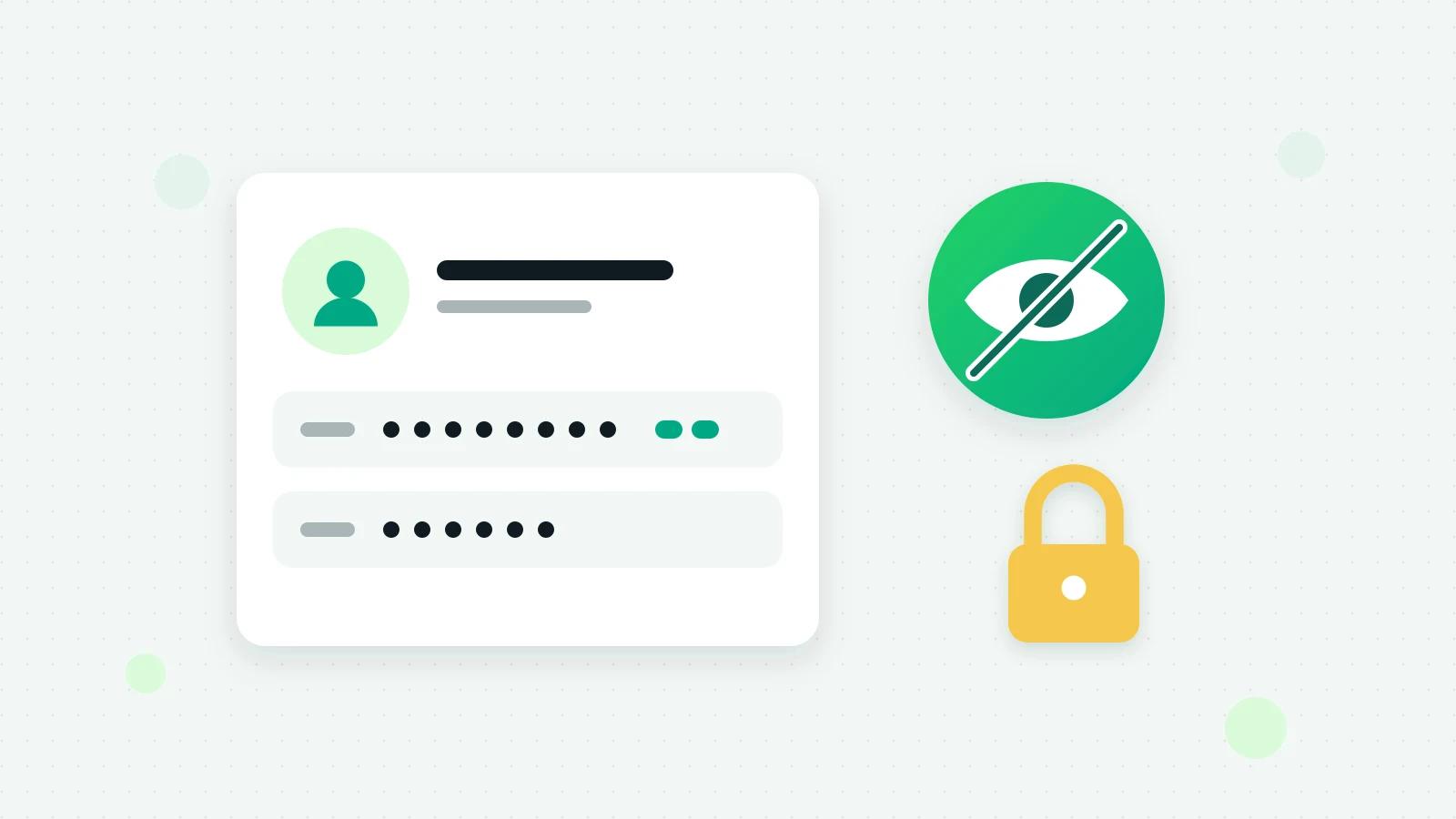
To hide customer numbers from staff on WhatsApp, the team has to work from a shared inbox on the WhatsApp Business API, not from the phone, and the inbox has to show each customer’s number hidden to the people who should not see it. They can still reply, send templates, book and bill; they just cannot see, copy or export the numbers. This guide explains why the phone cannot do this, what to switch on in Fliok, what it hides, and the few things no software can hide.
Why businesses want customer numbers hidden
A customer list is one of the most valuable things a small business owns. When every salesperson, telecaller or front-desk person can see and copy every number, three things happen:
- A person who leaves takes the list, and your customers start getting calls from a competitor.
- Staff call or message customers from their own phones, and the conversation leaves the business’s record.
- Numbers spread into personal contacts, spreadsheets and other apps, where nobody controls them.
Most staff never misuse a list. But the business should not depend on that.
Why the WhatsApp Business app cannot do it
On the WhatsApp Business app, the team uses the phone, or a computer linked to it, and sees everything the app shows, numbers included. There are no separate logins, so there is also no record of who looked at what. If several people answer your WhatsApp, the first step is a shared inbox where each person signs in as themselves; see WhatsApp Business with multiple users.
Habits that help, with or without software
- 1Keep the business number off personal phones. One phone, kept at work, or none at all with a shared inbox.
- 2Give each person their own login, never a shared password, and remove it the day they leave.
- 3Keep the customer list in one place, not in spreadsheets on people’s laptops.
- 4Limit downloads. Most leaks are an export, not a memory.
- 5Put it in writing. Your employment terms can say customer data belongs to the business; ask your lawyer what yours should say.
How to hide customer numbers from staff in Fliok
Fliok’s team inbox gives each person a login and a role: owner, admin, agent or viewer. On top of a role, Restrictions take one thing away from one person. They work on any plan with more than one seat: Basic includes 6 seats and Pro 15.
- 1Open Settings → Team.
- 2Choose Restrictions on the person’s row.
- 3Switch on Hide customers’ numbers, and any other restriction you want.
- 4Save. It applies from the person’s next click, they see a note saying what is switched off, and the change is written in the activity log.
What the person sees
A customer’s phone number and email address are shown hidden everywhere that person looks in Fliok: the inbox, Leads, Contacts, bookings, bills, search, alerts and exports. A number looks like +91 ••••• •••10: the country code and the last two digits, enough to tell two customers apart and not enough to dial. An email address keeps its first letter and its ending, such as p••••@••••.com.
They can still:
- reply to customers and send templates;
- start a chat with a saved contact;
- assign, tag and add notes;
- make bookings and bills, and record payments.
What is off for them: calling a customer, opening the number in WhatsApp, copying a number, downloading a bill’s PDF, and copying the customer’s link to a bill. They send the bill from Fliok instead, and the server writes the link. A search finds a customer by the whole number only, so a number cannot be guessed digit by digit.
The other restrictions, for a tighter setup
| Restriction | What it takes away |
|---|---|
| Only their own chats and leads | An agent or viewer sees the leads they own and the chats assigned to them, and is alerted about those customers only |
| No exports or downloads | No CSV or report downloads, and no new API keys, webhooks, connected apps, automations or bots, because each of those can copy your customer list out |
| No sending to many | No broadcasts and no automatic follow-up campaigns; replying to one customer at a time still works |
| No deleting | Nothing can be deleted by them |
| No money | Invoices, quotations, payments, the customer ledger, Costs, ad spend and Billing are closed, and a lead’s deal value is hidden |
For a telecaller, a common setup is Hide customers’ numbers, Only their own chats and leads and No exports or downloads.
Who can set them: the owner can restrict anyone except another owner, and an admin can restrict agents and viewers. Nobody can change their own, and the owner is never restricted. A restricted person cannot invite team members or create an API key, because either would be a way round the restriction.
What no inbox can hide
Fliok says plainly what it cannot do:
- A number a customer types inside a message stays as written, and so does a contact card they share. That is the conversation itself.
- Another app or website. If the person can open the WhatsApp Business app on a phone that shares the number, Meta’s own tools, or a connected CRM or store they can sign in to, Fliok cannot hide what those show.
- The owner, who is never restricted, and API keys, which act for the whole workspace. Keys made before a restriction keep working; the Restrictions dialog says how many live keys the person made.
So take the business number off shared phones, and give the restricted person no login to the other tools.
More in limiting what a team member sees or does and sharing one WhatsApp number with a team, and on the team inbox page. The leads they work are in Fliok’s WhatsApp CRM; for keeping the app alongside the inbox, see coexistence.
Frequently asked questions
Can I hide customer phone numbers from my staff on WhatsApp?
Not in the WhatsApp Business app, where everyone using the phone or a linked computer sees what the app shows. In a shared inbox such as Fliok’s, switch on Hide customers’ numbers for a team member: numbers and email addresses are shown hidden, and they can still reply, book and bill.
Can staff still message a customer if the number is hidden?
Yes. They reply in the chat, send templates, start a chat with a saved contact, book and bill as before. What is off is calling, copying the number, opening it in WhatsApp, downloading a bill’s PDF and copying the customer’s link to a bill.
How do I stop staff from taking my customer list?
Give each person their own login, keep the number off personal phones, and in Fliok switch on Hide customers’ numbers, Only their own chats and leads and No exports or downloads. Remove a person’s login the day they leave. No software can hide a number a customer types into a message.
Which plan do I need to restrict a team member?
Any plan with more than one seat. Basic includes 6 seats and Pro 15; the Free Forever plan has 1 seat, the owner’s, and the owner is never restricted.
Will the team member know their access is restricted?
Yes. From their next click they see a note saying what is switched off, and every change to someone’s restrictions is written in the activity log, along with any refused attempt.
Written by the Fliok team
The team that builds the product. Plain explanations of Meta's rules and of what Fliok does with them.
Try it on your own number
The Free plan connects one WhatsApp number, with no time limit. Questions first? A person replies within one business day.