On this page
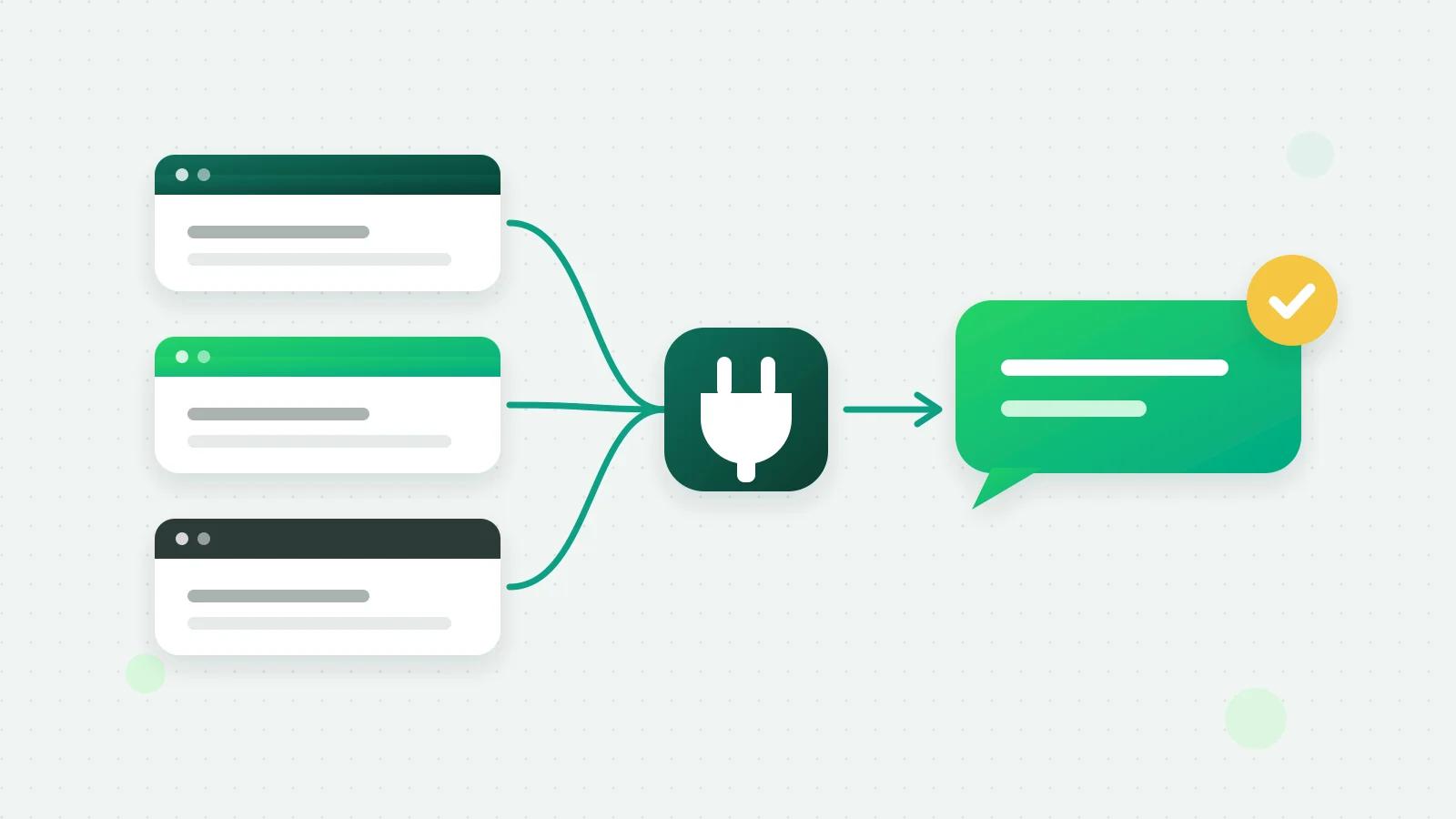
To send WhatsApp order notifications from Shopify or WooCommerce, connect the store to a WhatsApp Business API platform and choose an approved template for each order event: order placed, payment received, shipped and cancelled. Abandoned-cart reminders work the same way from Shopify’s checkout events, with a template that carries each customer’s own link back to their cart.
Which store messages can go on WhatsApp?
Swipe the table sideways to see every column.
| Store event | What the customer gets | Template category |
|---|---|---|
| Order placed | A confirmation with the order number and total | Utility |
| Payment received | A note that the payment came through | Utility |
| Order shipped | A dispatch update | Utility |
| Order cancelled | Confirmation of the cancellation | Utility |
| Cash-on-delivery order | A request to confirm the order before it ships | Utility |
| Abandoned checkout | A reminder with a link back to the cart | Marketing |
Order updates are utility messages because they are about something the customer already did. A reminder about an unfinished checkout is marketing: Meta’s template guidelines list cart reminders under retargeting (Meta’s template categories (opens in a new tab)). Marketing costs more per message, and Meta limits how many marketing messages one person receives, so it pays to keep cart reminders to one, well timed.
Every one of these is a business-initiated message, so each needs a template Meta has approved, and the customer should have agreed to hear from you on WhatsApp.
How it works in Fliok
Connect the store
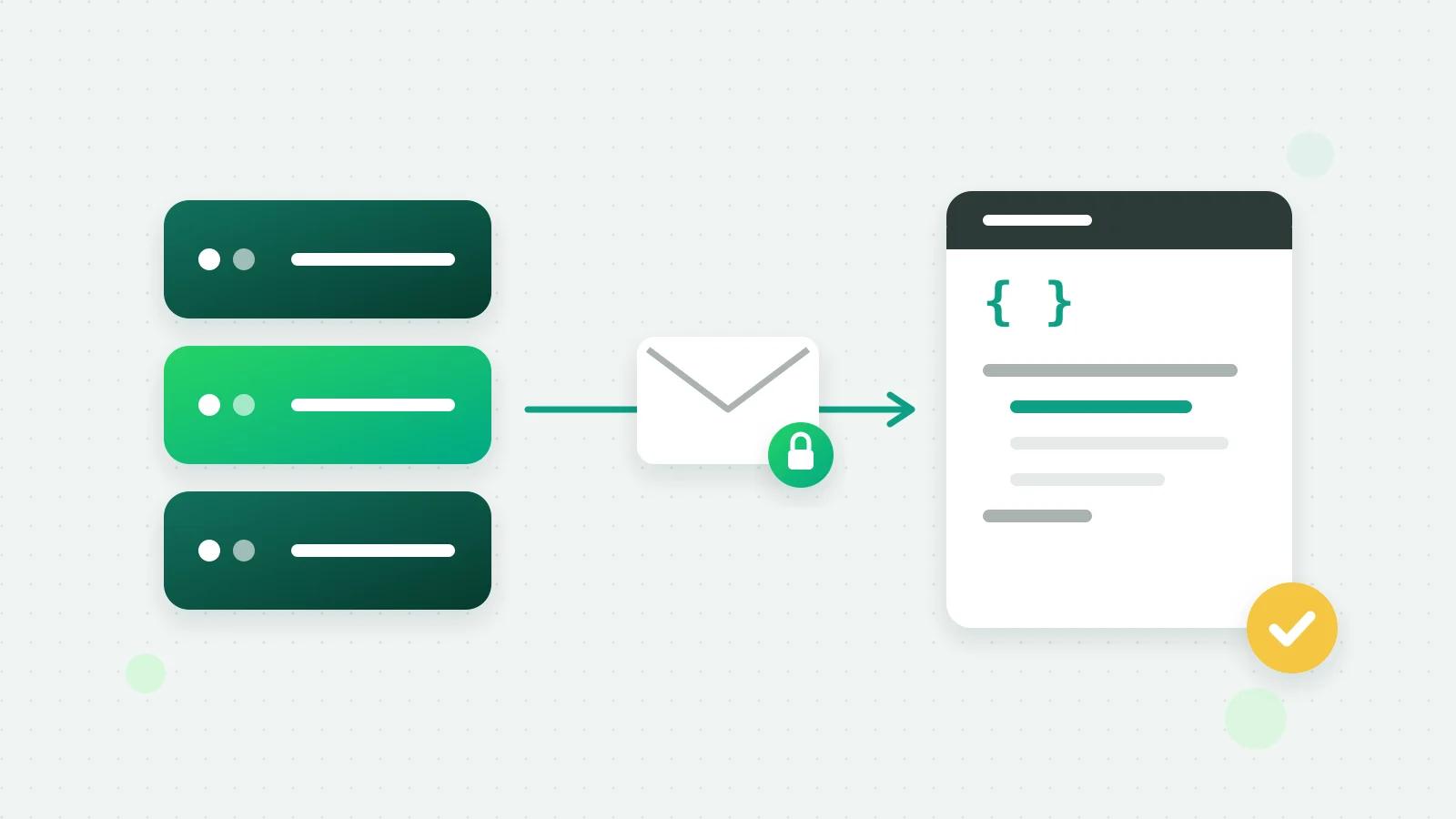
An admin opens Settings → Integrations and chooses Shopify or WooCommerce. Store messages are on the Basic plan and above.
- Shopify: Fliok asks only to read orders, and registers the order and checkout webhooks it needs itself.
- WooCommerce: Connect in one click approves Fliok in your store and creates the order webhooks for you, or Paste keys instead if you would rather add the webhooks yourself. If you use WordPress, the optional Fliok plugin can send the same order events and adds a checkout box, “Send me order updates on WhatsApp”.
Choose a template for each event
For each of Order placed, Payment received, Order shipped and Order cancelled, choose an approved template, or Don’t send anything. The variables are fixed, so write your templates to match:
- {{1}} the customer’s name
- {{2}} the order number
- {{3}} the order total
A template for order placed might read: “Hi {{1}}, thank you for your order {{2}} of {{3}}. We will message you here when it ships.” Templates go through Meta’s review first; see how template approval works.
Confirm cash-on-delivery orders
Switch on Confirm cash-on-delivery orders and COD orders get your confirmation template instead of the usual order-placed message. Fliok reads the customer’s reply for the next 72 hours: “yes”, “confirm”, “ok” or “haan” confirms; “no”, “cancel” or “nahi” cancels. The answer is saved on the contact, and a “no” alerts your team to hold the parcel before it ships.
Recover abandoned baskets (Shopify)
Under Recover abandoned baskets, choose how long to wait after a checkout is left: 30 minutes, 1 hour (the default), 2 hours or 4 hours.
- Each time the customer updates the checkout, the timer starts again, so nobody is reminded while still shopping.
- A cart older than 24 hours is dropped without a message.
- If the same phone number places an order, the cart counts as recovered and no reminder goes.
- The template’s variables are {{1}} the name, {{2}} the number of items and {{3}} the total, and it needs a website button whose link ends in {{1}}: that is where Fliok puts the customer’s own link back to the cart.
WooCommerce has no “checkout abandoned” event without a separate cart-tracking plugin, so cart reminders are for Shopify stores only for now.
What happens to the replies
Customers can answer any of these messages, and their reply lands in your shared inbox, where a reply from your team or Fliok AI is a normal conversation. Opt-outs are checked before every send, and marketing cart reminders follow the same 48-hour and marketing-cap guards as a broadcast.
Sample templates you can adapt
Each sample uses the variables in Fliok’s order. Change the wording to sound like your store, and submit each one for Meta’s review.
- Order placed (utility): “Hi {{1}}, we have received your order {{2}} for {{3}}. We are packing it now and will send the tracking details here once it ships.”
- Payment received (utility): “Hi {{1}}, your payment of {{3}} for order {{2}} has been received. Thank you for shopping with us.”
- Order shipped (utility): “Good news, {{1}}! Your order {{2}} is on its way. Reply to this message if you have any questions about delivery.”
- Order cancelled (utility): “Hi {{1}}, your order {{2}} for {{3}} has been cancelled. If you did not ask for this, reply here and we will look into it.”
- Cash-on-delivery check (utility): “Hi {{1}}, please confirm your cash-on-delivery order {{2}} for {{3}}. Reply YES to confirm or NO to cancel.”
- Abandoned basket (marketing): “Hi {{1}}, you left {{2}} items worth {{3}} in your basket. They are still saved for you,” with a website button whose link ends in {{1}}.
Two rules from Meta trip people up. A variable cannot be the very first or last thing in the body, which is why each sample has words around them. And a utility template has to stay purely about the order: a discount code in a shipping update turns it into marketing (Meta’s template categories (opens in a new tab)).
A checklist before you switch it on
| Check | Why |
|---|---|
| Templates approved for each event you use | Nothing is sent for an event without one |
| Order updates filed as utility, cart reminders as marketing | Meta reviews the category and can change it |
| Variables in the right order: name, order number, total | The values are filled in that order |
| The cart template has a website button ending in {{1}} | It carries the customer’s cart link |
| Checkout asks customers if they want WhatsApp updates | Opt-in is Meta’s rule |
| You placed a test order | It is the quickest way to see the real message |
What does it cost?
Each message counts toward your plan’s monthly message allowance, and Meta charges per delivered template by category, billed to your own WhatsApp Business account: utility is the cheaper rate, marketing the higher one. See what WhatsApp marketing messages cost in India and pricing. The setup guides are on the Shopify and WooCommerce pages, and marketing or utility? explains the two categories in short.
Frequently asked questions
Can Shopify send order confirmations on WhatsApp automatically?
Yes, through a WhatsApp Business API platform. In Fliok, connect the store in Settings, Integrations, Shopify, and choose an approved template for Order placed. Each new order then gets it, with the name, order number and total filled in.
Do I need a WordPress plugin for WooCommerce WhatsApp notifications?
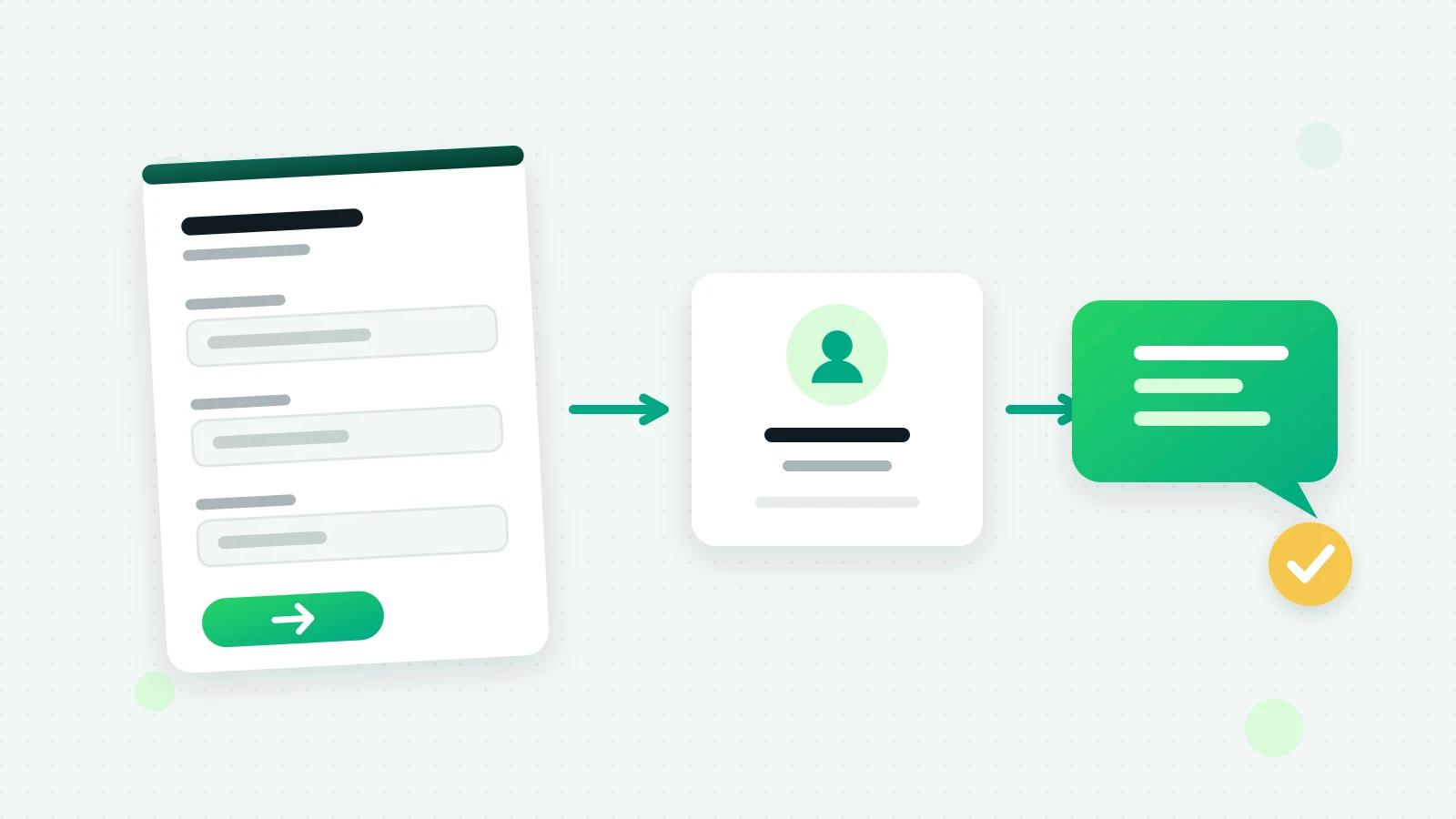
No. Fliok connects through WooCommerce’s own webhooks. The optional Fliok WordPress plugin adds a WhatsApp chat button, turns your site’s forms into leads, and can ask for WhatsApp consent at checkout.
Are abandoned cart messages on WhatsApp allowed?
Yes, as an approved marketing template sent to customers who agreed to hear from you on WhatsApp. Meta files cart reminders under marketing, so they are priced as marketing and count toward Meta’s per-person marketing limits.
How do I confirm cash-on-delivery orders on WhatsApp?
In Fliok, switch on Confirm cash-on-delivery orders and choose a confirmation template. Customers reply yes or no (haan or nahi work too) within 72 hours, the answer is saved on the contact, and a no alerts your team to hold the parcel.
What if a customer replies to an order message?
The reply arrives in your shared inbox like any other chat, and it opens a 24-hour window in which your team or the AI agent can answer freely.
Written by the Fliok team
The team that builds the product. Plain explanations of Meta's rules and of what Fliok does with them.
Try it on your own number
The Free plan connects one WhatsApp number, with no time limit. Questions first? A person replies within one business day.