On this page
- What is a WhatsApp chatbot?
- What can a chatbot do for a small business?
- What Meta allows inside a WhatsApp chat
- How to build a chatbot in Fliok
- How does the bot hand over to a person?
- What answers first: rules, bot, auto reply or AI?
- Five tips for a bot customers do not hate
- What does a chatbot cost?
- Frequently asked questions
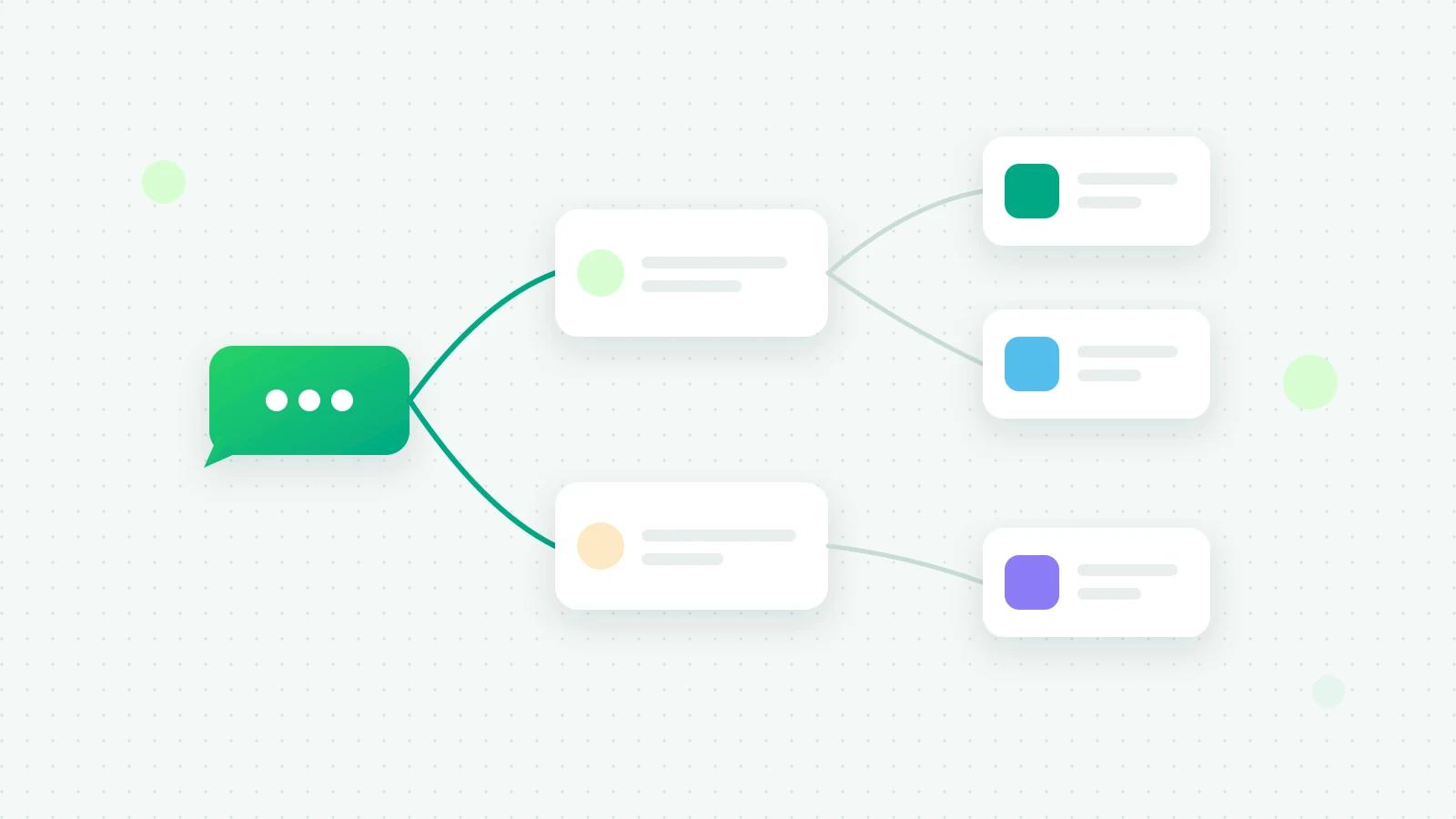
You make a WhatsApp chatbot without coding by drawing it as a flow in a chatbot builder that runs on the WhatsApp Business API: a trigger (a keyword, a button tap or a new conversation), then steps that send messages, buttons and lists, wait for answers, save them and hand the chat to your team. In Fliok you start from a ready-made bot, change the words, test it in a pretend chat and publish it.
What is a WhatsApp chatbot?
A chatbot is a set of answers you design in advance. The customer taps a button or types a keyword, and the bot follows the path you drew. It never says anything you did not write, which is its strength and its limit.
An AI agent is different: it writes each answer itself from your business facts. Many businesses use both, a bot for the predictable questions and AI for the rest.
Swipe the table sideways to see every column.
| Chatbot | AI agent | |
|---|---|---|
| How it answers | Follows the steps you drew | Writes each reply from your facts |
| Best at | Menus, collecting details, routing | Open questions in the customer’s own words |
| Setting up | Draw the flow | Write your business facts and rules |
| Can it go off-script? | No | It can misjudge, so it needs guardrails |
See how a WhatsApp AI agent works for the second kind.
What can a chatbot do for a small business?
- Answer the same five questions (timings, location, price list, delivery areas) at any hour.
- Show a menu of what you offer and send each choice to the right place.
- Collect a lead’s details (name, requirement, city, budget) before anyone on the team picks it up.
- Take a booking request for a table, an appointment or a site visit.
- Answer “where is my order?” with a link, or pass it to a person.
- Hand over cleanly when the customer needs a human.
What Meta allows inside a WhatsApp chat
Bots use WhatsApp’s interactive messages, and Meta sets their limits:
- Reply buttons: up to three, each title at most 20 characters (Meta: reply buttons (opens in a new tab)).
- Lists: up to 10 rows in all, each row title at most 24 characters (Meta: list messages (opens in a new tab)).
- The 24-hour window: a bot replies to a customer who wrote to you, so it works inside the customer service window. To message someone first, you need an approved template.
Fliok checks your bot against these limits before it lets you publish, so a menu with a fourth button is caught in the builder, not by a customer.
How to build a chatbot in Fliok
- 1Open Chatbots in the sidebar, under Automation. Start from Blank or one of 16 ready-made bots, which you can filter by industry: Welcome menu, Capture a lead, Order status & returns, Menu & table booking, Clinic appointment, Property enquiry & site visit, Course enquiry, Salon booking and more.
- 2Choose what starts it: Keywords, a Button tap or a New conversation (a customer’s first message, or their first after 24 hours of quiet).
- 3Add the steps (see the table below) and connect them.
- 4Press Test. A pretend chat opens where you play the customer. Nothing is sent to WhatsApp.
- 5Publish & go live. Only admins can publish. Later edits stay a draft until you publish again, and older versions can be restored.
| Step | What it does |
|---|---|
| Message | Sends text |
| Buttons | A question with up to 3 reply buttons |
| List | A menu of up to 10 options |
| Template | Sends an approved template |
| Form | Sends a WhatsApp Flow, a form inside the chat |
| Wait for reply | Waits for the customer’s answer |
| Condition | Takes a different path depending on the answer |
| Save to contact | Stores an answer on the contact |
| Hand to team | Passes the chat to a person |
| HTTP request | Calls your own system (an advanced step) |
How keywords match
Keywords match whole words, in any letter case, and a plural counts for keywords of four letters or more. A short keyword such as “hi” or “menu” only starts the bot when the message is short, so “hi, my order hasn’t arrived” does not open your sales menu. Tick Also start when a short keyword is part of a longer message if you want it to.
How does the bot hand over to a person?
The Hand to team step can assign the chat to a teammate, pauses the AI on that chat, and tells your team that a bot handed a customer over. Bots also step back on their own:
- for 45 minutes after someone on your team replies, so a bot never talks over a person;
- after 20 bot messages to one customer in an hour, which stops loops.
What answers first: rules, bot, auto reply or AI?
Each incoming message is checked in this order: opt-out words such as STOP, then your automation rules, then chatbots, then the welcome and away auto replies, and the AI agent last. A bot started by a keyword or a button wins over one set to start on any new conversation. If two live bots share a keyword, the older one answers. By default a bot does not start again for the same customer for 12 hours.
Five tips for a bot customers do not hate
- 1Keep the first menu to three choices. Every extra option is something to read on a small screen.
- 2Always offer a person. Put “Talk to us” in every menu, and make it a Hand to team step.
- 3Write like your best salesperson, not like a form.
- 4Use the customer’s words as keywords: “price”, “rate”, “kitna” and “cost”, not your internal product codes.
- 5Test on your own phone before you publish, then read the first real conversations.
What does a chatbot cost?
Chatbots are on the Basic plan and above (₹1,999 a month in India, or $29 outside India); see pricing. Bot messages count toward your plan’s monthly message allowance. Meta charges for replies inside the 24-hour window too, since 1 October 2026, at the utility rate once a number has used its first 1,000 free service messages of the month (Meta’s non-template message charges (opens in a new tab)). The full feature list is on the chatbots page.
Frequently asked questions
WhatsApp chatbot kaise banaye bina coding ke?
Use a chatbot builder on the WhatsApp Business API. In Fliok, open Chatbots, pick a ready-made bot such as Welcome menu or Capture a lead, choose its keywords, change the words, press Test to try it, and publish. No code is needed.
Can a WhatsApp chatbot message customers first?
No. A chatbot answers people who wrote to you. To start a conversation you need an approved template, sent as a broadcast or by an automation, and the customer must have agreed to hear from you.
Can I use a chatbot and still keep the WhatsApp Business App?
Yes. With coexistence the number stays on the app on your phone while chatbots answer through the API. When you reply from the phone, the bot steps back on that chat.
What is the difference between a chatbot and a WhatsApp Flow?
A chatbot is a conversation made of messages and buttons. A WhatsApp Flow is a form that opens inside the chat, with fields such as a date or a dropdown. A Fliok bot can send one with its Form step. See WhatsApp Flows explained.
Do I need a chatbot if I have auto replies?
An auto reply sends one fixed message, for example outside working hours. A chatbot holds a short conversation: it asks, waits, branches and saves the answers. Many businesses start with auto replies and add a bot once the same questions keep coming.
Written by the Fliok team
The team that builds the product. Plain explanations of Meta's rules and of what Fliok does with them.
Try it on your own number
The Free plan connects one WhatsApp number, with no time limit. Questions first? A person replies within one business day.