On this page
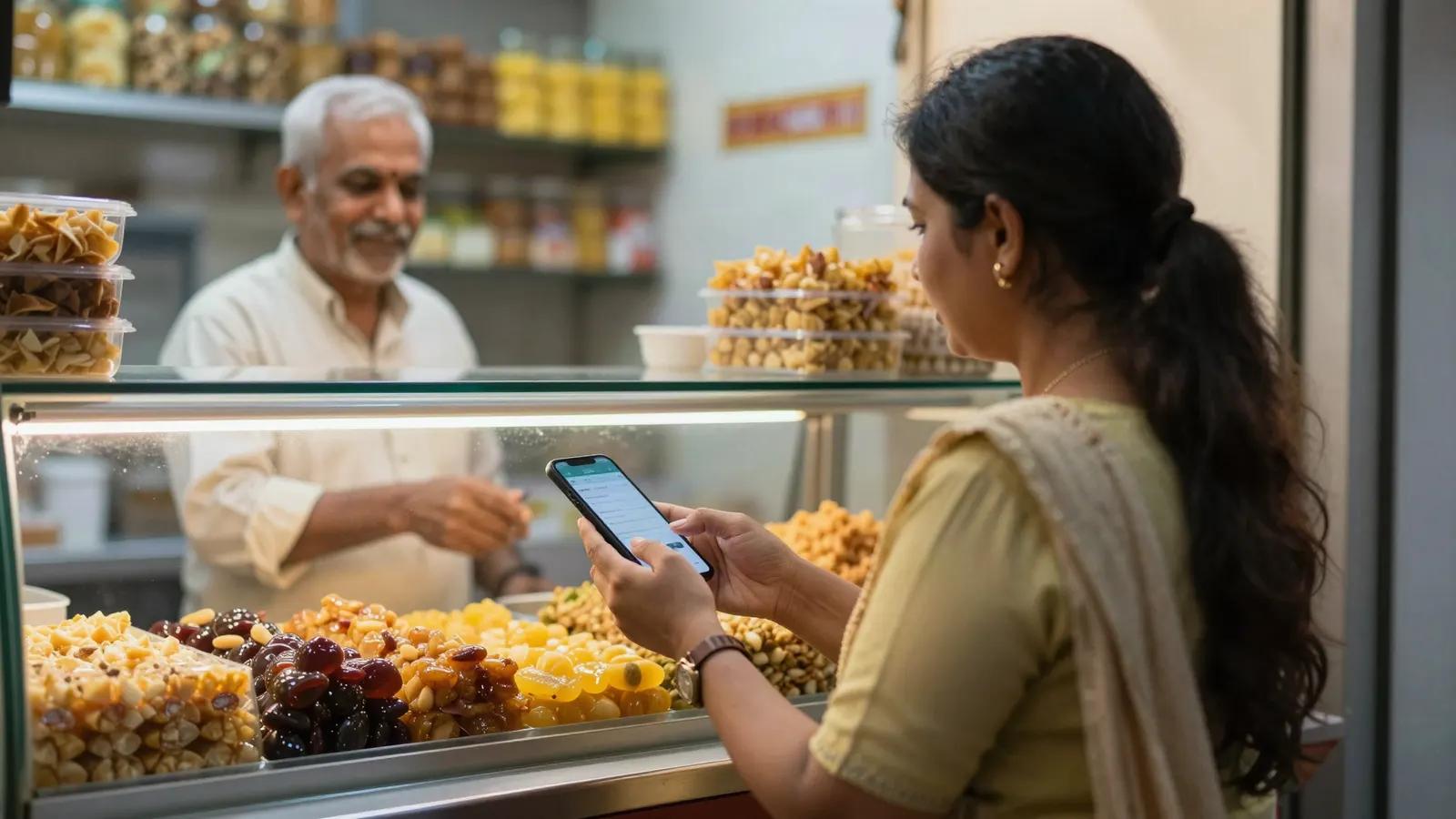
Plenty of WhatsApp sales in India end with “send me your UPI ID” or a link to a payment page. WhatsApp Pay lets the customer pay inside the chat instead: they see the order, tap Review and pay, and pay without leaving WhatsApp. Here is how it works in Fliok, what you need and where its limits are.
How it works
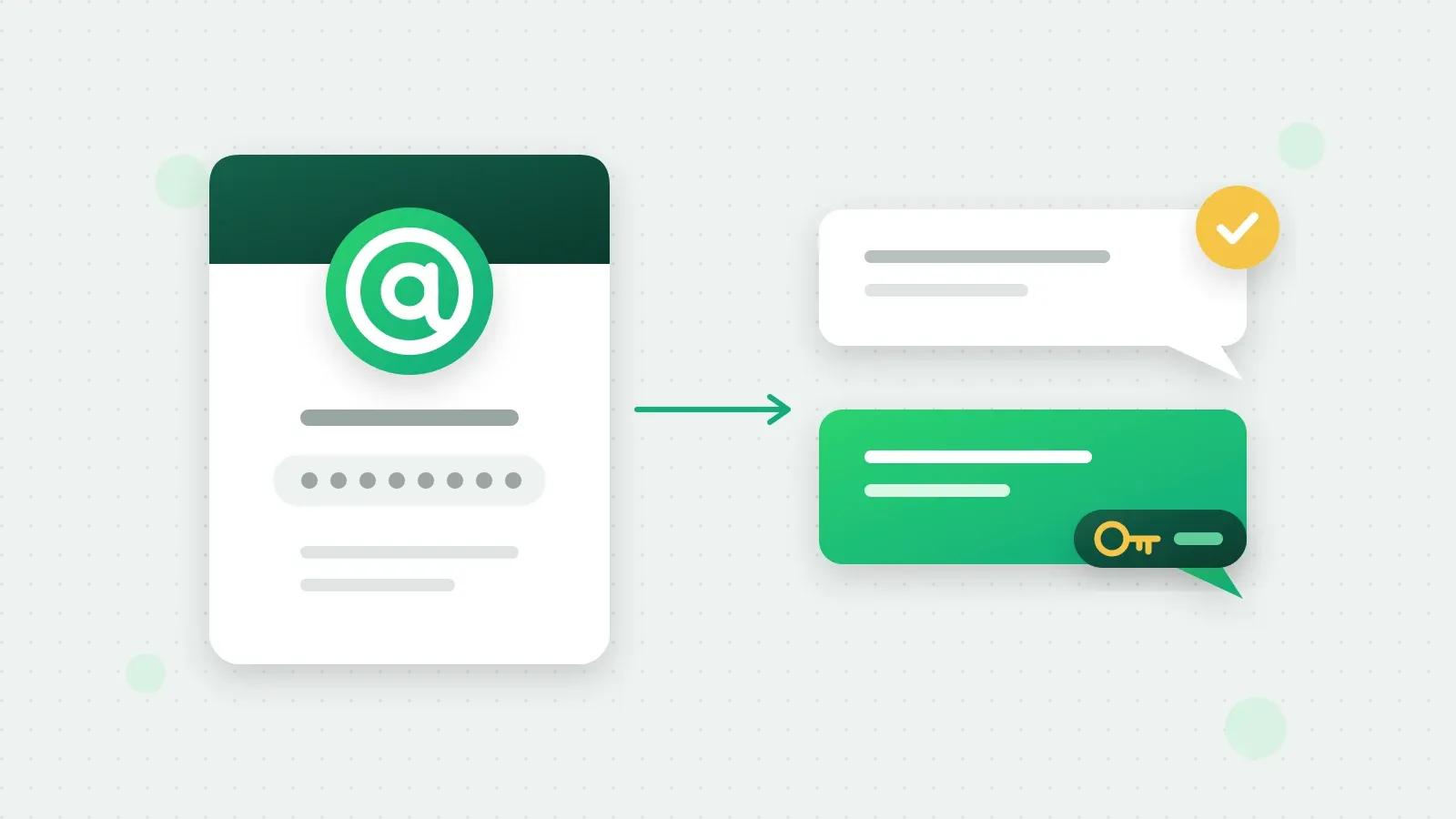
- 1Your team sends a payment request from the chat: a WhatsApp order message with the items, quantities, prices and the total.
- 2The customer taps Review and pay and pays by UPI, card, netbanking or wallet, inside WhatsApp.
- 3Meta tells Fliok the payment went through, and the request in your inbox turns Paid.
The money goes to your own payment gateway account, Razorpay or PayU. It never passes through Fliok, and Fliok never sees your gateway keys.
What you need
- A business in India. Requests are in Indian rupees only.
- A Razorpay or PayU account.
- Fliok on the Basic plan or above. WhatsApp Pay sits with the CRM and automations; see pricing.
- Setup with our team. If you do not see WhatsApp Pay in Settings, Integrations, ask us and we will set it up with you.
- A WhatsApp number connected to Fliok.
Step 1: create a payment configuration in WhatsApp Manager
In Meta’s WhatsApp Manager, open Payment configurations, choose India and Get started, pick Razorpay or PayU and connect your gateway account. Give the configuration a name you will recognise: Fliok asks for it in the next step.
Step 2: add it to Fliok
An admin or the owner opens Settings, Integrations, WhatsApp Pay, and either presses Find my configurations to pick from the ones Meta has, or types the configuration name. Fliok checks the name with Meta before saving.
If you will request payment for items that are not in your product catalog, add the business name and Indian address (with its 6-digit PIN code) that customers see on orders.
Step 3: request payment in a chat
In the inbox, tap Request payment, or open the lead and its payments. Then:
- add up to 10 items, picked from your catalog or typed in, each with a quantity and a price;
- add tax, shipping or a discount if you need them;
- write the message the customer sees (up to 1,024 characters), and a footer if you like;
- choose how long the customer can pay: 1 hour, 24 hours (the default), 3 days, 7 days or no expiry.
Fliok creates the order reference for you and shows a preview before anything is sent.
Note: A payment request is a reply, so it can only be sent inside the customer’s 24-hour window. There is no template for it: if the window has closed, send a template first, and request payment once the customer replies. Requests to people who opted out are refused.
What happens next
The request in the chat shows where the payment stands:
| Status | What it means |
|---|---|
| Awaiting payment | Sent, not paid yet |
| Paid | Meta confirmed the payment, with the amount and how it was paid |
| Payment failed | The last attempt failed; the customer can try again |
| Cancelled | You withdrew it; it can no longer be paid |
| Expired | The time to pay ran out |
From the request you can check payment, which asks Meta directly in case an update is late, cancel an unpaid request, and mark completed once a paid order is done.
When a payment comes in, it is added to the lead’s timeline and paid total, and your team gets a notification. If you have switched on A payment marks the lead Won, the lead moves to Won. While the customer’s 24-hour window is still open, they also get a short message that the payment was received.
WhatsApp Pay or a payment link?
Fliok also sends Razorpay payment links. The difference is where the customer pays:
Swipe the table sideways to see every column.
| WhatsApp Pay | Razorpay payment link | |
|---|---|---|
| Where the customer pays | Inside WhatsApp | Razorpay’s page, in the browser |
| Gateways | Razorpay or PayU | Razorpay |
| Set up in | WhatsApp Manager, then Fliok | Fliok’s CRM settings, with your Razorpay keys |
| Status back in Fliok | Yes | Yes |
| Plans | Basic and above | Basic and above |
When you want a numbered bill behind the payment, there is a third way: an invoice goes to the customer as a PDF, with a UPI QR for the exact balance, your bank details and, once your Razorpay account is connected, a Pay online button. The receipt follows when it is paid. Invoices are on Basic and above too.
Limits worth knowing
- India and rupees only.
- Up to 10 items in one request, and at least ₹1 in total.
- A request has to stay open for at least 5 minutes.
- Instagram chats cannot receive payment requests; WhatsApp only.
- Your gateway charges its own fees on each payment, under your agreement with it.
More: WhatsApp Pay in Fliok, the help answer and invoices and receipts on WhatsApp.
Written by the Fliok team
The team that builds the product. Plain explanations of Meta's rules and of what Fliok does with them.
Try it on your own number
The Free plan connects one WhatsApp number, with no time limit. Questions first? A person replies within one business day.