On this page
WhatsApp usernames let a person chat without showing their phone number, and for a business on the WhatsApp Business API that changes one old assumption: a customer’s message may arrive without their number. Meta identifies every customer with a business-scoped user ID instead, and you can reply to that ID. Here is what WhatsApp usernames change for businesses, what to do before they reach your customers, and how Fliok handles a customer who writes in without a number.
What WhatsApp usernames are
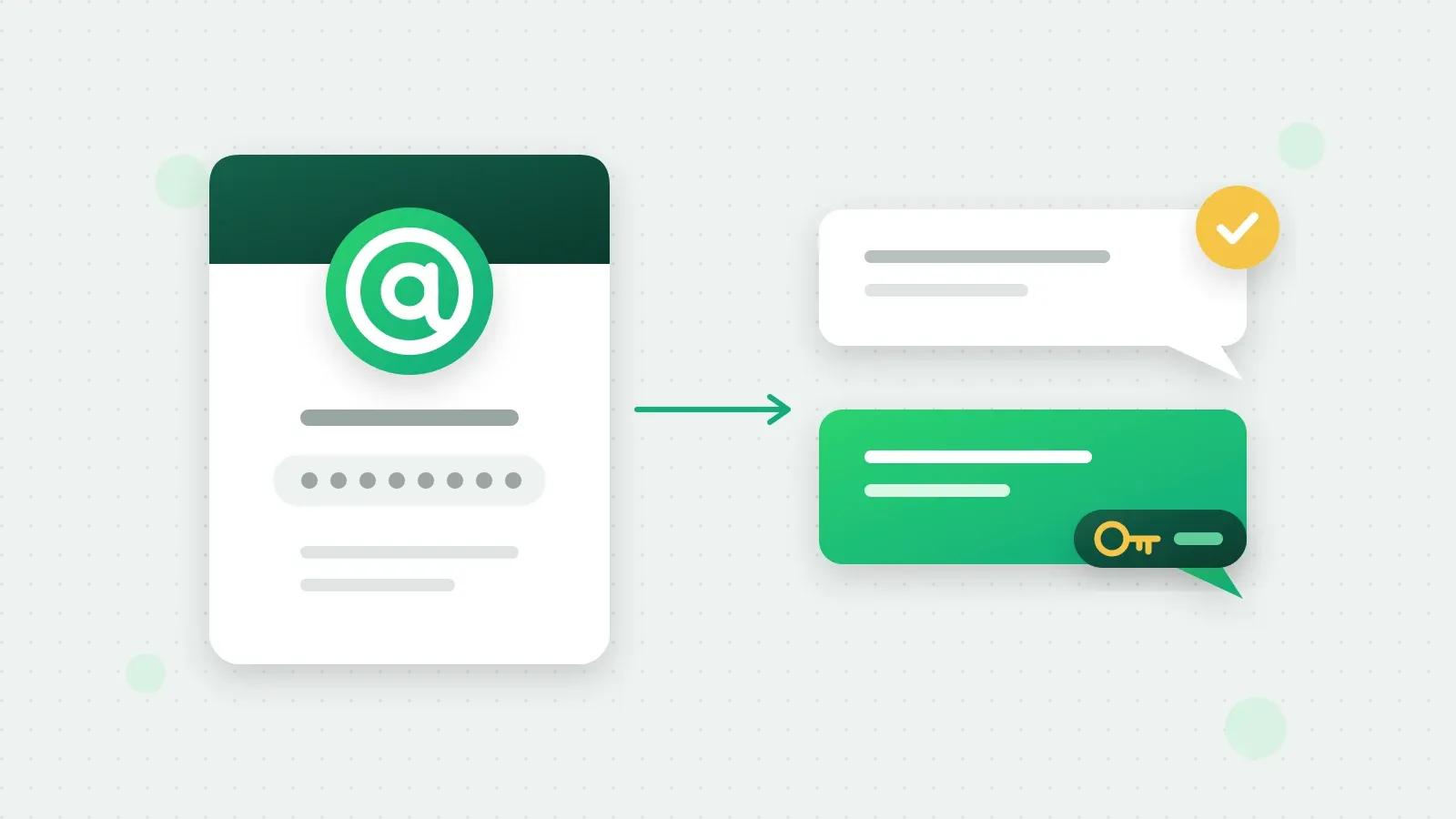
A username is an optional name a WhatsApp user can set, shown in the app in place of their phone number. A person has one username at a time and can change it; changing it does not change their number.
Businesses can take a username too, but it does not hide the business number. Meta’s usernames documentation says a business username “will not cause your business phone number to be hidden”.
When do usernames arrive in India? Meta says it is rolling usernames out gradually in 2026, and businesses have been able to claim a username since 29 June 2026. Meta’s page gives no date for India or any other country. So prepare now rather than wait for an announcement (Meta’s page).
What changes for businesses on the WhatsApp API
Three things change, and Meta lists each on its business-scoped user ID page.
Every customer gets a user ID. Since April 2026 Meta has sent a business-scoped user ID with every message, whether or not the person has a username. It starts with the person’s country code and a full stop; an Indian customer’s starts with IN. The ID belongs to your business portfolio, so another business gets a different ID for the same person. It changes if the person changes their number.
The number can be missing. When someone with a username writes to you, Meta includes their number only if one of your numbers messaged or called them, or they messaged or called you, in the last 30 days, or if they are in the contact book Meta keeps for your business. Otherwise you get their username and user ID, and no number.
You can reply to the ID. Since July 2026 Meta accepts a message addressed to the user ID instead of a number. Every kind of message works except authentication templates with one-tap, zero-tap or copy-code buttons, which need a phone number; WhatsApp refuses those with error 131062.
What a message from a customer carries:
Swipe the table sideways to see every column.
| No username | Username, recent contact | Username, no recent contact | |
|---|---|---|---|
| Phone number | Yes | Yes | No |
| User ID | Yes | Yes | Yes |
| Username | No | Yes | Yes |
Meta says supporting user IDs is required of every business on the platform, Click-to-WhatsApp advertisers included (Meta’s page). A system that files every chat under a phone number either drops these messages or files them under nothing.
How Fliok handles a customer without a number
Fliok stores and threads a customer who writes in without a number like any other customer. The rest of the product works around the missing number:
- In the inbox the chat shows the customer’s @username, or “WhatsApp user” when there is none. You can search contacts by username, with or without the @.
- Replies reach them. Inbox replies, broadcasts, automations, chatbots, the AI agent and the bills and booking messages of the business modules go to the customer’s chat by their user ID.
- Login codes are held back. WhatsApp delivers authentication templates only to a phone number, so Fliok refuses them before sending and tells you why: “WhatsApp only delivers verification-code messages to a phone number, and this customer hasn't shared theirs. Ask for their number in the chat, then send it again.”
- Ask for their number. While the customer’s 24-hour window is open, the chat has an Ask for their number button. It sends WhatsApp’s share-contact message, and when the customer taps it Fliok receives their number.
- When the number turns up, from that button or a later message, the contact gets it and keeps its chat and history. If the number already belongs to another contact, Fliok links the two chats rather than merging them, and the old chat points to the new one.
- Phone-only things are switched off for them, with the reason shown: a call link, copying the number, and pushing the contact to HubSpot or Zoho CRM, which waits until the number is known.
- The API returns each contact’s
userIdandusername, andPOST /api/v1/sendtakesrecipientin place oftofor such a customer. See sending messages.
Two things Fliok does not do. It does not claim or change your business username; do that in WhatsApp Manager, Meta Business Suite or the WhatsApp Business app. And it has no template to ask for a number once the 24-hour window has closed, only the in-chat button.
Your business username
Claiming a username is optional and does not hide your number, but it gives customers a name to search for. Meta’s format rules are:
- 3 to 35 characters, with at least one English letter;
- only English letters, digits, full stops and underscores;
- no full stop at the start or end, and never two in a row;
- not starting with “www.” and not ending in a domain such as .com or .org;
- upper and lower case count as the same, but my.shop and my_shop are different usernames.
Meta may have reserved a username for you; you can claim it or choose another. If the name is already used by your Facebook Page or Instagram account, Meta asks you to link your WhatsApp number to that Page or account first. Meta can also refuse an account until its messaging limit is higher (error 147002 on Meta’s page).
In a customer’s chat list, WhatsApp shows the first of these that exists: the name the customer saved you under, your verified business name, your username, then your number.
What to do now
- 1Claim your username in WhatsApp Manager before someone with a similar name does.
- 2Stop treating the phone number as the customer’s ID in your own systems. Store the user ID next to the number, as Fliok does.
- 3Get the number while you can. If you will need it later, for a delivery, an invoice or a call, ask for it in the chat while the customer is talking to you.
- 4Keep login codes for customers whose number you have. A user ID cannot receive them.
- 5Know about Meta’s contact book. Meta keeps the numbers of people your business has talked to so they keep appearing in your webhooks. You can switch it off in Meta Business Suite under Business settings, but that deletes what it holds.
For how Fliok keeps a number healthy, see keeping your number healthy. To move your existing number without losing the WhatsApp Business app, see coexistence.
Frequently asked questions
When will WhatsApp usernames launch in India?
Meta says usernames are rolling out gradually during 2026 and gives no date for any single country. Businesses have been able to claim a username since 29 June 2026, and Meta has sent the user IDs that replace a missing number since April 2026, so businesses should be ready before usernames reach their customers.
Can a business see a customer’s phone number if they use a WhatsApp username?
Only sometimes. Meta includes the number if your number and theirs have messaged or called each other in the last 30 days, or if they are in the contact book Meta keeps for your business. Otherwise you get the username and a user ID, and can still reply to the ID.
What is a BSUID on WhatsApp?
A business-scoped user ID: the identifier Meta sends for every WhatsApp customer, starting with their country code, for example IN. for India. It is unique to your business portfolio and changes if the customer changes their number. You can send messages to it instead of a phone number.
Can I send WhatsApp templates to a customer who has a username?
Yes, every message type can go to the user ID except authentication templates with one-tap, zero-tap or copy-code buttons, which need a phone number. In Fliok, broadcasts, automations and replies reach such a customer by their ID, and a login code is refused with the reason.
Does a WhatsApp business username hide my business phone number?
No. Meta says a business username does not hide the business number; your number stays on your business profile. In a customer’s chat list, WhatsApp shows the name they saved you under first, then your verified business name, then your username.
Written by the Fliok team
The team that builds the product. Plain explanations of Meta's rules and of what Fliok does with them.
Try it on your own number
The Free plan connects one WhatsApp number, with no time limit. Questions first? A person replies within one business day.