On this page
The WhatsApp Marketing Messages API is Meta’s separate way of sending marketing templates, built to deliver them to the people most likely to find them relevant. Many still call it MM Lite, its earlier name, which some of Meta’s own API fields still carry (Meta: onboarding (opens in a new tab)). It uses the same phone number, the same templates and the same billing model as the ordinary Cloud API. And it is no longer optional for long: Meta has announced that Cloud API stops supporting marketing messages on 13 October 2027 (Meta: Marketing Messages API (opens in a new tab)). This guide explains what the Marketing Messages API changes, what it adds, how a business switches it on, and how Fliok uses it.
What the Marketing Messages API is
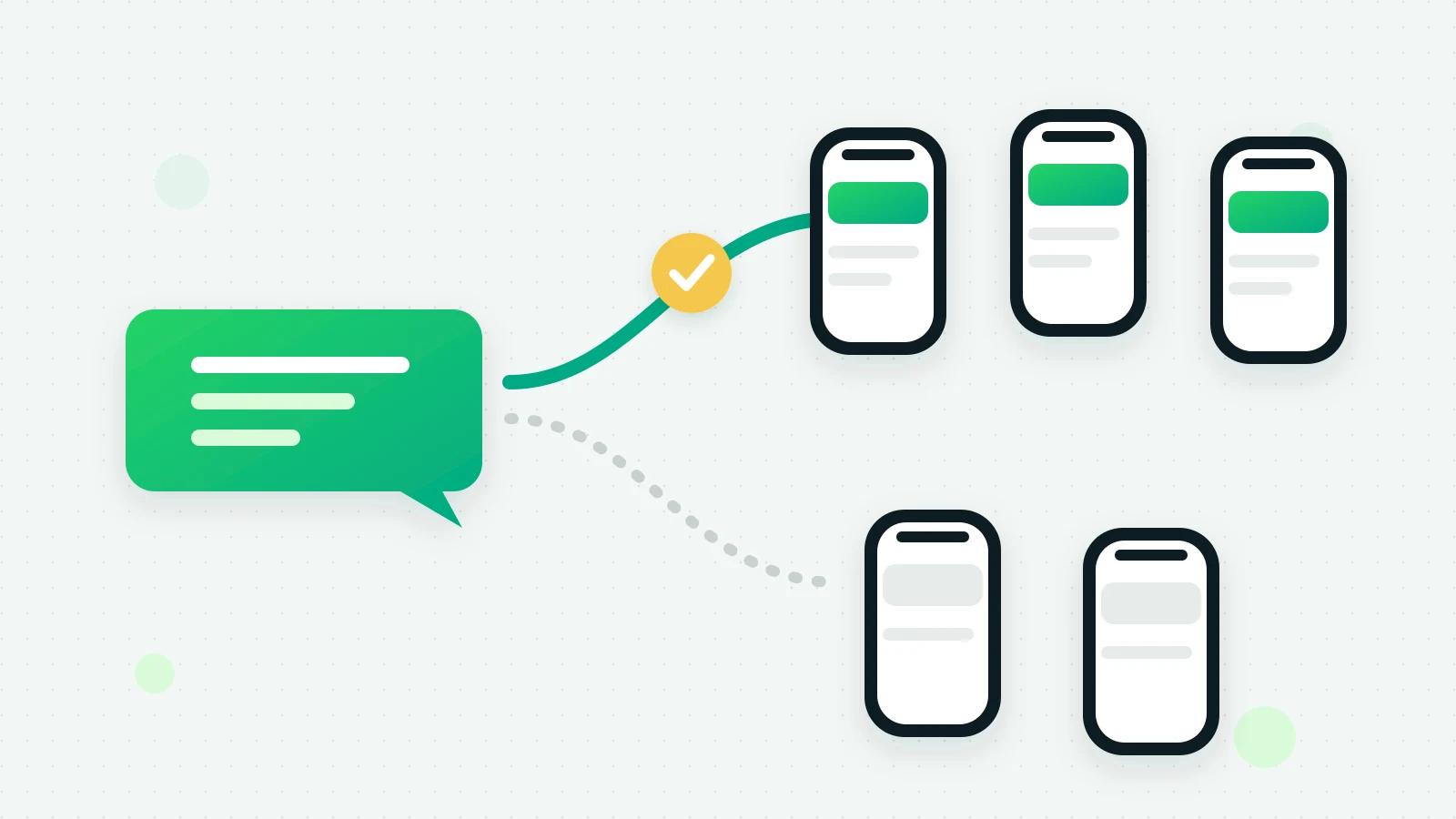
Meta describes it as an API for sending marketing messages on WhatsApp that optimises delivery to reach more of the people most likely to find the messages relevant (Meta: Marketing Messages API (opens in a new tab)). In practice:
- Marketing templates only. Utility, authentication and service messages stay on the Cloud API.
- Same number, same templates. Onboarding needs no new phone-number registration and no re-created templates (Meta: onboarding (opens in a new tab)).
- Same billing model as Cloud API, at Meta’s marketing rate for the customer’s country. See Meta’s rates for every country.
- A different address for the send. Software sends marketing templates to a separate endpoint; everything else about the message is the same.
Why it matters now: the 2027 deadline
Meta’s timeline, from its overview page (Meta: Marketing Messages API (opens in a new tab)):
| Date | What happens |
|---|---|
| 13 October 2026 | Meta announces the end of marketing messages on Cloud API |
| 13 April 2027 | A messaging account created on or after this date cannot send marketing messages through Cloud API |
| 13 October 2027 | Cloud API stops supporting marketing messages; sending one there produces an error |
Service, authentication and utility messages continue on the Cloud API. If your business sends offers, festival greetings or re-engagement messages on WhatsApp, its marketing templates have to go through the Marketing Messages API by October 2027.
What it adds over Cloud API
Meta’s feature table lists what the Marketing Messages API has and Cloud API does not (Meta: features (opens in a new tab)):
- Quality-based delivery. Meta says it factors in whether a message is high engagement, and reports up to 9% more messages delivered than Cloud API in its own test: about 12 million marketing messages in January 2025, for high-engagement messages only. Meta adds that geographic restrictions apply to some optimisation features.
- GIF headers on marketing templates.
- A validity period, from 12 hours to 30 days, after which an undelivered message expires.
- Benchmarks and recommendations: how a template’s reads and clicks compare with similar templates from other businesses, and Meta’s suggestions.
- Conversion metrics, Android app deep links and, in a pilot, automatic creative adjustments.
- Click events: a webhook when someone taps a marketing message, which Meta calls limited availability, for messages of the last 7 days (Meta: click events (opens in a new tab)).
Sent, delivered, read and clicked counts, and cost metrics, are available on both.
The honest reading: the main gain for most businesses is delivery, and Meta’s figure is for messages people engage with. A marketing template that people ignore will not be rescued by a different route. Message only people who agreed, and make it worth reading.
How to switch it on
Meta lets only the business switch it on. Someone with full control of the business portfolio accepts Meta’s terms in WhatsApp Manager (Meta: onboarding (opens in a new tab)):
- 1Open WhatsApp Manager and go to Overview.
- 2In Alerts, click Accept terms to get started for Marketing Messages API for WhatsApp.
- 3Follow the steps to sign the terms.
Meta’s eligibility rules include an account that is active and not restricted from messaging for a violation. Once onboarded, Meta says delivery, read and click events of marketing messages are shared with Meta to optimise campaigns; this can be switched off in the WhatsApp Business account’s settings (Meta: onboarding (opens in a new tab)).
How Fliok uses the Marketing Messages API
Fliok sends every marketing template through the Marketing Messages API first, from broadcasts, automations, the API and the inbox alike, and keeps every other kind of message on the Cloud API.
- A fallback that never sends twice. If Meta refuses a marketing message on that route with a definite answer, for example because the account is not switched on yet, Fliok sends it once the ordinary way. If the answer is unclear, such as a timeout where the message may already have gone, Fliok does not send it again.
- It shows where you stand. If your WhatsApp account is approved for it but not switched on, Settings → WhatsApp → Marketing delivery says so, gives the WhatsApp Manager steps with a button that opens it, and Check again reads the status from Meta once you have accepted the terms. Fliok has no button that switches it on for you, because Meta asks someone with full control of the business to accept the terms (Meta: onboarding (opens in a new tab)).
- Your own guardrails stay. Fliok keeps 48 hours between two marketing messages to one person (Fliok’s own choice), and holds back a marketing template from anyone Meta recently refused one to for that reason; see error 131049.
What to do now
- 1Check where you stand. In Fliok, Settings → WhatsApp shows the Marketing delivery panel when your account is approved but not switched on; in WhatsApp Manager, look under Overview for Meta’s alert.
- 2Accept the terms, if you send marketing messages at all. There is nothing to rebuild: same number, same templates.
- 3Check your templates’ categories. A template Meta has moved from utility to marketing is a marketing message from then on, at the marketing rate (Meta: template categories (opens in a new tab)).
- 4Keep your audience honest. Message only people who agreed, and keep marketing messages worth opening.
What Fliok does not use yet: click events, the validity period, GIF headers, Meta’s benchmarks and recommendations, conversion metrics, Android deep links and the creative adjustments. Fliok’s broadcast results show sent, delivered, read and failed from Meta’s status updates.
More on broadcasts and on marketing and utility messages. For what a marketing message costs, see Meta’s rates for every country; for sending to many without risking the number, how to send bulk WhatsApp messages without getting banned and how messaging limits and the quality rating work.
Frequently asked questions
What is MM Lite on WhatsApp?
The earlier name of Meta’s Marketing Messages API for WhatsApp: a separate way of sending marketing templates that optimises delivery. It uses the same phone number, the same templates and the same billing model as Cloud API, and carries marketing messages only.
Is the Marketing Messages API more expensive than Cloud API?
Meta says it uses the same billing model as Cloud API. Marketing templates are charged at Meta’s marketing rate for the customer’s country, whichever route they take.
Do I have to move to the Marketing Messages API?
For marketing messages, yes, in time. Meta says Cloud API stops supporting marketing messages on 13 October 2027, and that accounts created from 13 April 2027 cannot send them on Cloud API at all. Utility, authentication and service messages stay on Cloud API.
How do I switch on the Marketing Messages API?
Someone with full control of your business portfolio opens WhatsApp Manager, goes to Overview, and in Alerts clicks Accept terms to get started for Marketing Messages API for WhatsApp, then signs the terms. No new number or templates are needed.
Does Fliok support the Marketing Messages API?
Yes. Fliok sends every marketing template through it first and, if Meta refuses one there with a definite answer, sends it once the ordinary way. Settings show whether your account is switched on and how to do it. Click events, GIF headers, the validity period and Meta’s benchmarks are not used yet.
Do utility messages go through the Marketing Messages API?
No. Meta keeps utility, authentication and service messages on the Cloud API. Fliok sends only marketing templates through the Marketing Messages API, and everything else, including replies inside an open chat, the ordinary way.
Written by the Fliok team
The team that builds the product. Plain explanations of Meta's rules and of what Fliok does with them.
Try it on your own number
The Free plan connects one WhatsApp number, with no time limit. Questions first? A person replies within one business day.