On this page
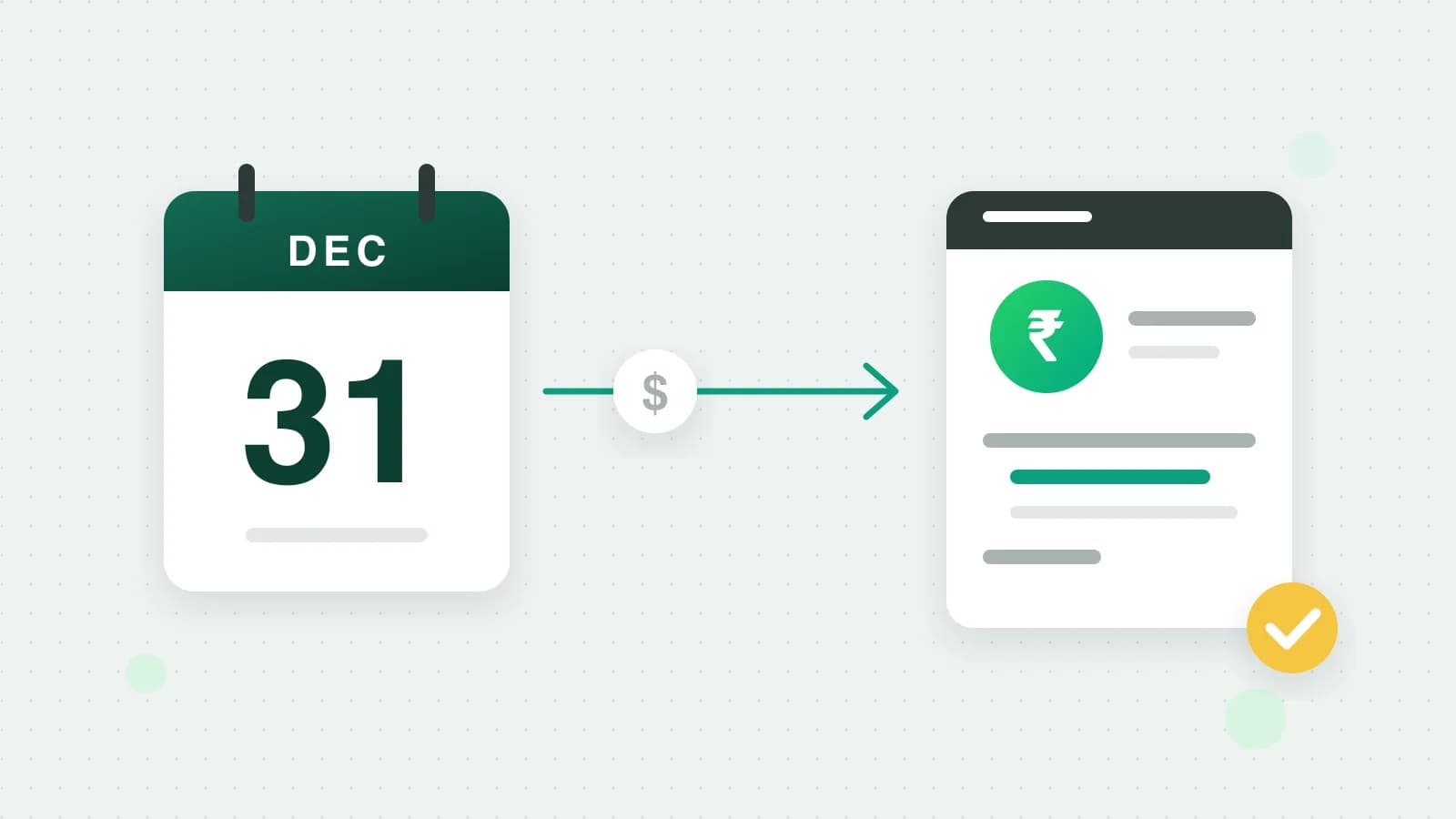
Meta is moving WhatsApp Business API billing for Indian businesses to rupees. If Meta bills your business in India, every WhatsApp Business account in your business portfolio has to be billed in INR by 31 December 2026. From 1 January 2027, Meta stops delivering messages from the accounts that are not. This guide explains who the rule covers, how to check your account, how the move works and what to do before the date.
Warning: If an account is still billed in another currency on 1 January 2027, Meta will not deliver its messages. Your replies, order updates and login codes would stop reaching customers.
What Meta announced
Meta’s WhatsApp pricing page has a section on billing in India (Meta: WhatsApp pricing). It says three things.
- 1Who it covers. Businesses whose Sold-To country in Meta’s Billing Hub is India. With Fliok, Meta bills your own WhatsApp Business account directly, never through us, so the Sold-To country that counts is your business’s.
- 2The deadline. Every messaging account in the business portfolio must be billed in INR by 31 December 2026.
- 3What happens after. From 1 January 2027, in Meta’s words, "Meta will no longer deliver the messages of non-INR Messaging accounts" of those businesses.
The rule follows the country Meta bills you in, not the country of your customers. An account already billed in INR needs nothing.
Meta’s page names a date, not a time of day or a time zone. Fliok’s warnings switch at midnight India time on 1 January 2027, the earlier reading. The safe plan is to finish well before the last week of December.
How to check your account’s currency
You can check in Fliok or on Meta.
In Fliok. Fliok reads the currency Meta bills each connected WhatsApp Business account in. If your business looks Indian and an account is billed in another currency, Number health lists that account with what to do, and owners and admins see a line across the top of the app. An account billed in INR gets no warning.
On Meta. The currency shows on the WhatsApp Business account’s billing page on Meta. In Fliok, an owner or admin can open Meta payments in the menu: its button opens Meta’s Billing & payments for that account. You can also open Billing & payments on Meta yourself and choose the WhatsApp Business account.
The Sold-To country. This is the country Meta has on file for billing your business, kept in Billing Hub. Meta’s pricing page does not say where on the screen it appears. If you are not sure which country Meta has for you, ask Meta’s billing support, or message us and we will look with you.
How the move to INR works
Meta does not change an account’s currency in place. Its currency migration copies the account into a new one, billed in the new currency (Meta: change your billing currency). This is what Meta’s page says happens:
| What | After the move |
|---|---|
| The account | A new WhatsApp Business account, billed in INR |
| Your phone numbers | Move to the new account |
| Your message templates | Copied to the new account, under new template ids |
| The old account | Can no longer send messages |
Three things follow from that.
- 1Your number stays. It moves to the new account, so customers keep writing to the number they know.
- 2Template ids change. Your templates are copied across, each under a new id. If your own code, a CRM or an automation tool sends templates by id, it needs the new ids after the move.
- 3Fliok has to follow the new account. Fliok connects to a WhatsApp Business account, not only to a number, so after the move the connection has to be pointed at the new account. That is why we do the move with you.
The move is Meta’s currency migration, run through Meta’s API. It is not a setting you change in Billing & payments.
Note: Numbers that also use the WhatsApp Business app. If your number runs on coexistence, with the WhatsApp Business app and the API on the same number, Meta’s page says the account is not eligible for its migration tool. The page does not say what such accounts should do instead. If this is you, message us before you change anything.
What to do before 31 December 2026
- 1Check the currency of every WhatsApp Business account your business owns, not only the one connected to Fliok. Meta’s rule covers every messaging account in the portfolio.
- 2Check the Sold-To country. If it is India and any account is not billed in INR, that account has to move.
- 3Start early. The move creates a new account and copies your templates. Leave time to check that messages go out from the new account before the year ends.
- 4List what uses template ids, such as your own code or an automation tool that calls the WhatsApp API, so you can update it straight after the move.
- 5Check the payment method on the new account. Meta refuses template messages from an account without a working payment method, so look in Billing & payments once the move is done. Here is how to add a payment method for WhatsApp charges.
- 6If your number uses coexistence, message us before anything else.
What Fliok does
- It warns you. Number health lists every connected account billed in a currency other than INR, with the date and the one thing to do. Owners and admins see a line across the app until the account moves.
- It tells you if the date has passed. From 1 January 2027, the warning says Meta may not be delivering that account’s messages.
- We move it with you. There is no button for this in Fliok. Message us and we will do the move with you and point Fliok at the new account.
Meta still bills message charges to your WhatsApp Business account directly. The move changes the currency of Meta’s bill, not who sends it, and Fliok’s own plan is billed separately. For what each message costs, see WhatsApp API pricing in India.
More: the short help answer on this deadline, where to add a card for WhatsApp charges and keeping your number healthy.
Frequently asked questions
What is the WhatsApp API INR billing deadline?
Meta requires businesses whose Sold-To country in its Billing Hub is India to have every WhatsApp Business account in their business portfolio billed in INR by 31 December 2026. From 1 January 2027, Meta stops delivering messages from the accounts that are not.
Does the INR deadline apply to my business?
It applies if Meta bills your business in India, meaning the Sold-To country in Meta’s Billing Hub is India. It follows the country Meta bills you in, not where your customers are. An account already billed in INR needs nothing.
Can I change my WhatsApp account’s currency to INR myself?
Not in place. Meta’s currency migration copies the account into a new one billed in INR: your numbers move, your templates are copied under new ids and the old account stops sending. Fliok’s connection then has to follow the new account, so message us and we will do the move with you.
Will my WhatsApp number or templates change after the move?
Your number moves to the new account, so customers keep writing to the same number. Your templates are copied to the new account under new template ids, so anything that stores a template id needs updating.
What if my number also uses the WhatsApp Business app?
Meta’s page says accounts on coexistence, where the WhatsApp Business app and the API share one number, are not eligible for its migration tool. It does not say what to do instead, so message us before you change anything.
At what time on 31 December 2026 is the deadline?
Meta names the date but not a time or a time zone. Fliok’s warnings switch at midnight India time on 1 January 2027, the earlier reading. The safest plan is to finish the move well before the last week of December.
Written by the Fliok team
The team that builds the product. Plain explanations of Meta's rules and of what Fliok does with them.
Try it on your own number
The Free plan connects one WhatsApp number, with no time limit. Questions first? A person replies within one business day.