On this page
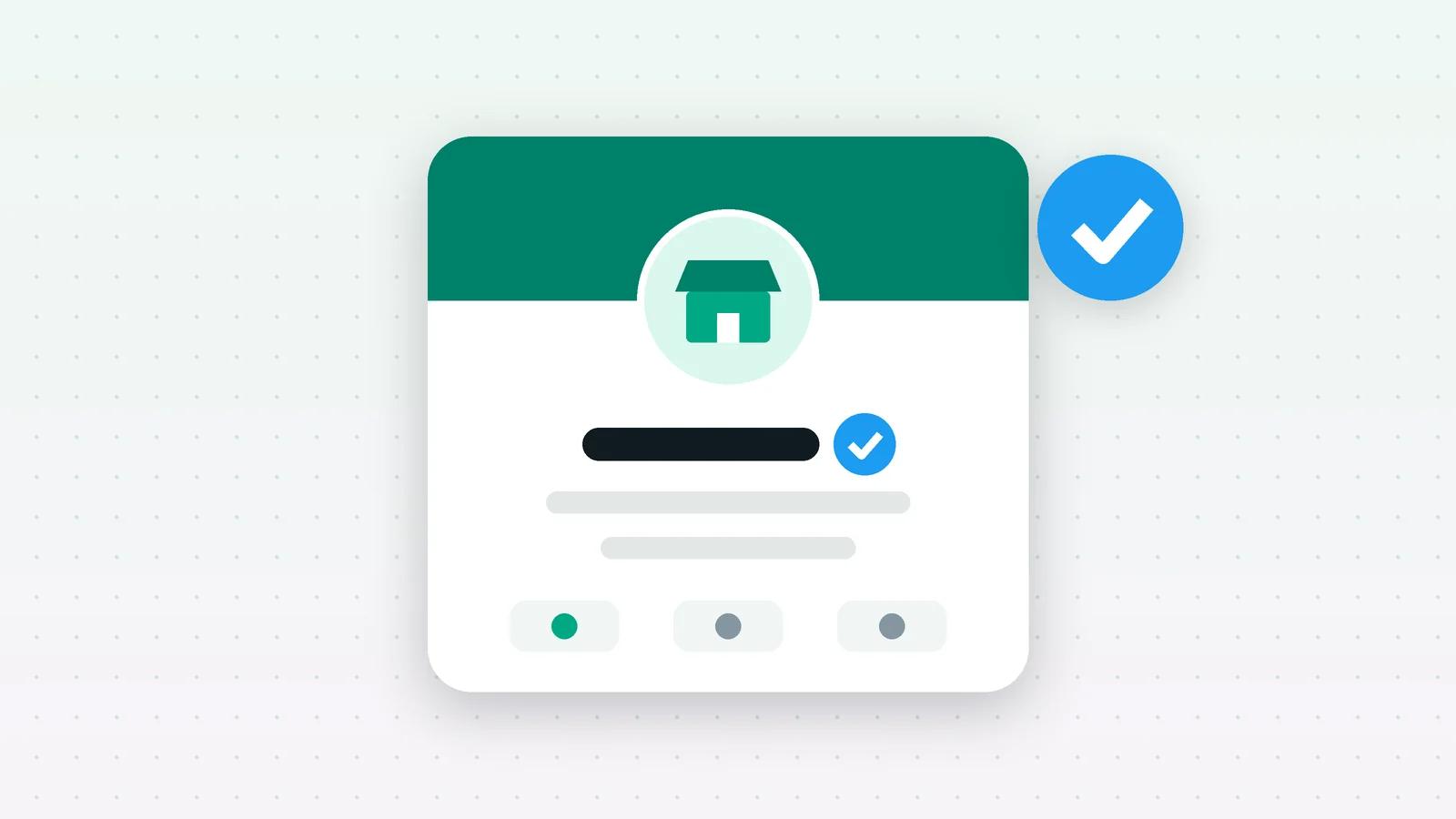
The “green tick” is Meta’s Official Business Account (OBA) status, and only Meta can grant it. Today Meta shows it as a blue checkmark beside the business name. You apply for it in WhatsApp Manager once your business meets Meta’s criteria: a verified business portfolio, an approved display name, two-step verification on the number, at least 30 days on the WhatsApp Business Platform, and compliance with WhatsApp’s policies. No provider can buy it for you or promise it.
What the green tick actually is
Meta describes an Official Business Account as “a business phone number owned by a business that has been verified as an authentic business according to specific criteria”. People in India still call it the green tick, because that is what it used to look like. Meta’s current documentation says OBA numbers have “a blue checkmark beside their name in the contacts view”.
It is a badge on one phone number, not on your whole company. A business with three numbers applies for each one.
Who is eligible?
Meta’s Official Business Account requirements, as published when we checked on 4 October 2026:
| Requirement | What it means in practice |
|---|---|
| WhatsApp Business Messaging Policy | No prohibited products, no messaging people who did not opt in, honour opt-outs |
| 30 days on the platform | The business must have been registered on the WhatsApp Business Platform for at least 30 days |
| Business Verification | The business portfolio that owns the number is verified in Meta Business Manager |
| Two-step verification | Two-step verification is switched on for the business phone number |
| Approved display name | The number’s display name has been approved by Meta |
Meeting these makes you eligible to ask. Meta still reviews each request and decides.
How to apply
- 1Check the basics first. Business verification complete, display name approved, two-step verification on, and the number connected for at least 30 days.
- 2Open WhatsApp Manager in Meta Business Manager, then Phone numbers → Profile → Official business account, and submit the request. (Providers can also submit it through Meta’s Official Business Account Status API.)
- 3Wait for Meta’s review. How long it takes is up to Meta.
Tip: Use the display name your business actually trades under, matching your website and your Business Manager details. A mismatch is a common reason for a display name to be rejected, and an approved name is one of the OBA requirements.
What if Meta says no?
Meta’s documentation says a denial means its team reviewed the account and found it “does not meet the eligibility requirements at this time”, and that you must wait 30 days before submitting another request. Use the time to check every requirement above again.
What the badge does not do
- It is not needed to use the API. Everything else on the WhatsApp Business Platform works without it: templates, broadcasts, chatbots and the AI agent.
- It is not how messaging limits grow. Meta’s messaging limits rise with business verification and good-quality sending, not with the badge. See messaging limits and quality rating explained.
- It cannot be bought. A provider can help you prepare and submit, but Meta makes the decision. Be wary of anyone who promises the tick for a fee.
Where Fliok helps
Fliok cannot apply for the badge or speed up Meta’s review. What it does:
- Display name status for each number, on the Home page and in Settings: approved, in review, declined or not submitted. You can submit a display name for review from Settings, and Fliok notifies you when Meta approves or rejects it.
- Quality and limits for each number in Settings, so you can see your account is in good standing before you apply.
- Coexistence: if your number is on the WhatsApp Business App, you can keep using it while the number runs on the API. See WhatsApp coexistence.
Note: Meta sets and changes these rules. If anything here disagrees with Meta’s current documentation, Meta is right.
Written by the Fliok team
The team that builds the product. Plain explanations of Meta's rules and of what Fliok does with them.
Try it on your own number
The Free plan connects one WhatsApp number, with no time limit. Questions first? A person replies within one business day.